Allocate Agent Certificates
Agent Certificates allow the generation of certificate/voucher batches without the need for full PDF certificates/vouchers to be sent to a series of guests – rather they can be supplied with certificate/voucher number & validation code to be used in front end via checkout. This is ideal for Agents and Partners who may want to create and activate voucher/certificate batches for their customers without the hassle of generating certificates in the front end to do so.
Create Discount
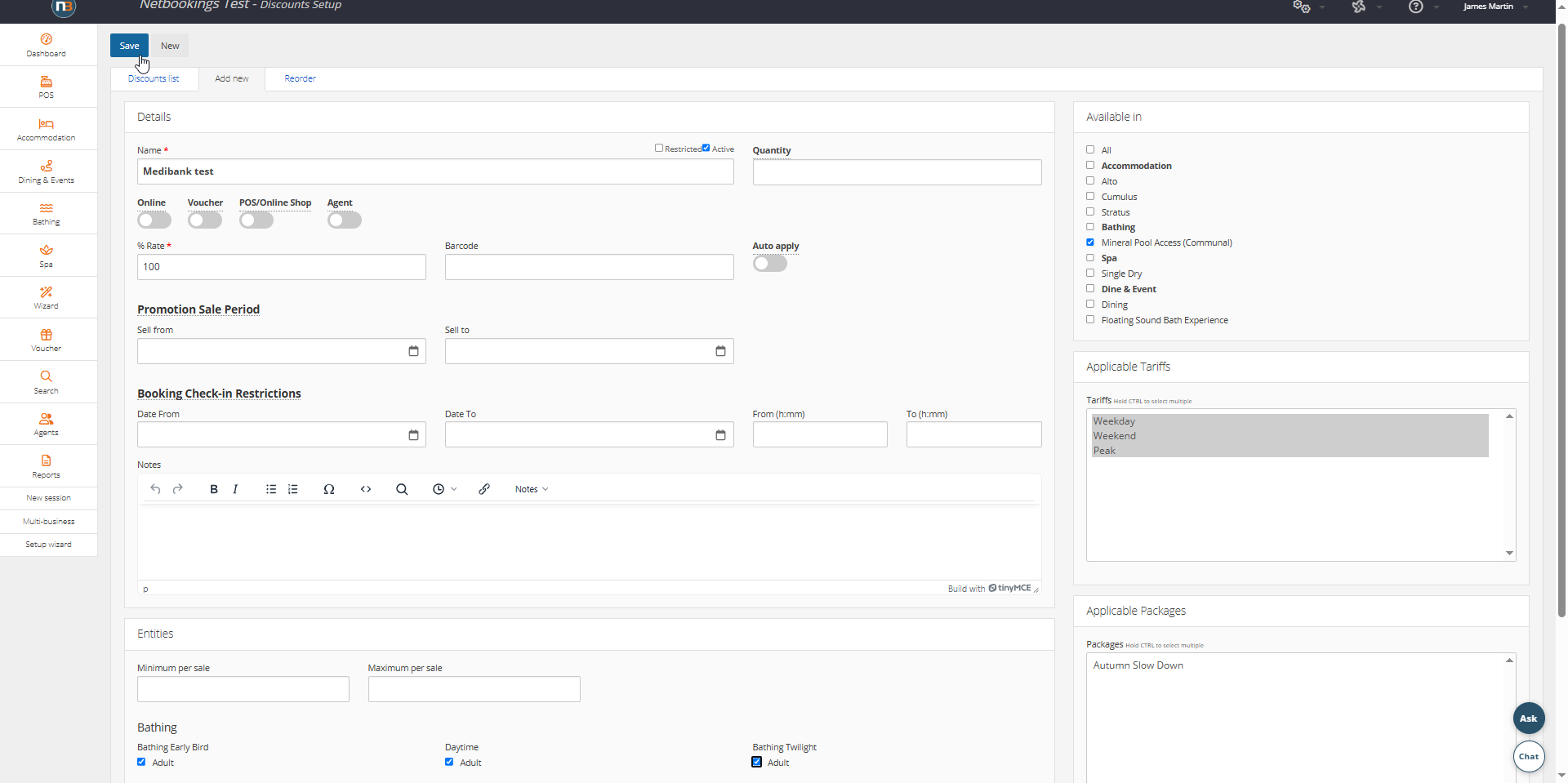
Set 100% Discount rate, Available in, Applicable Tariffs & entities/guest types (min and max entities do not apply)
Set up Service
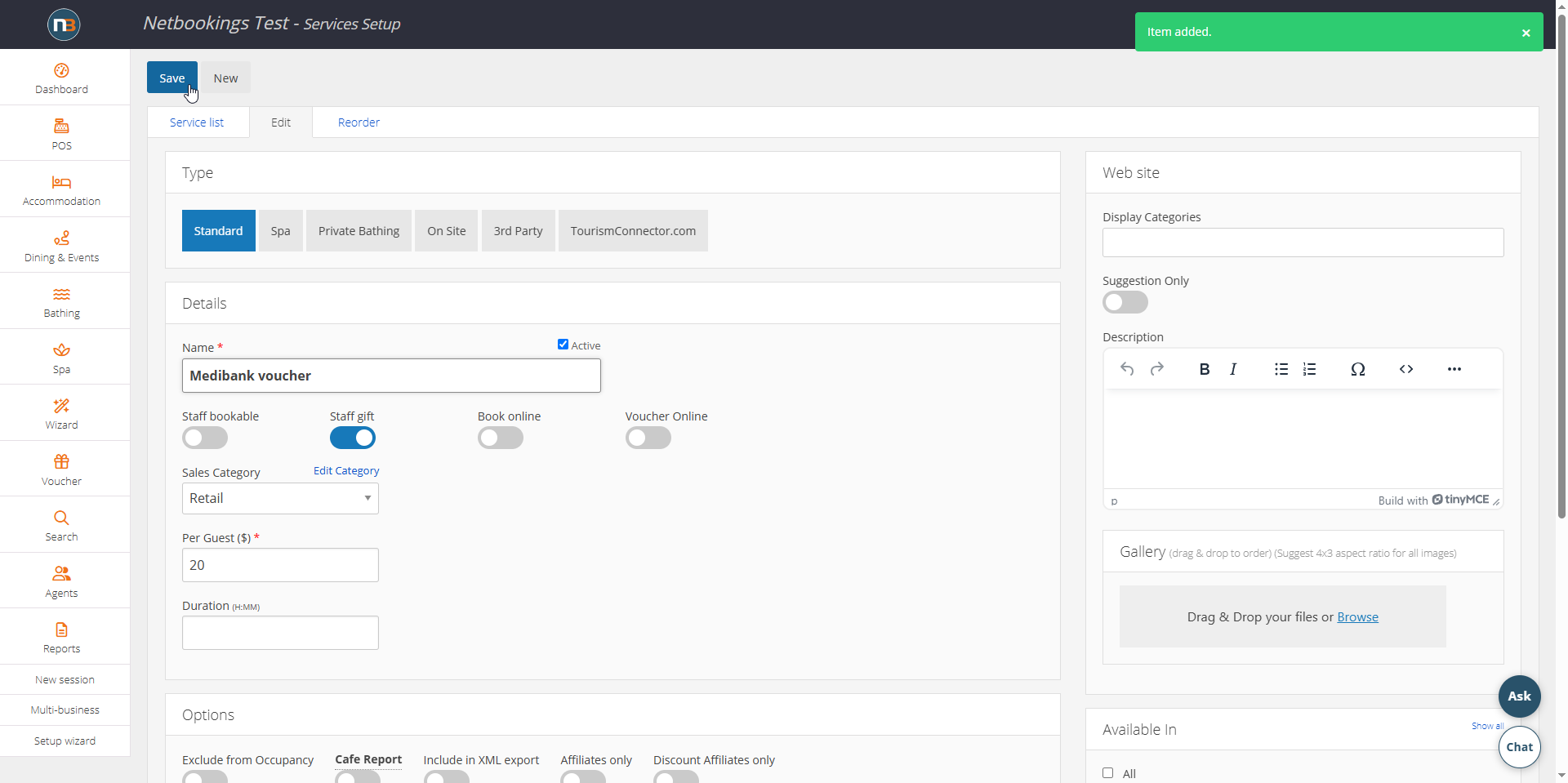
Standard, Staff Gift enabled and a value
Allocate Vouchers
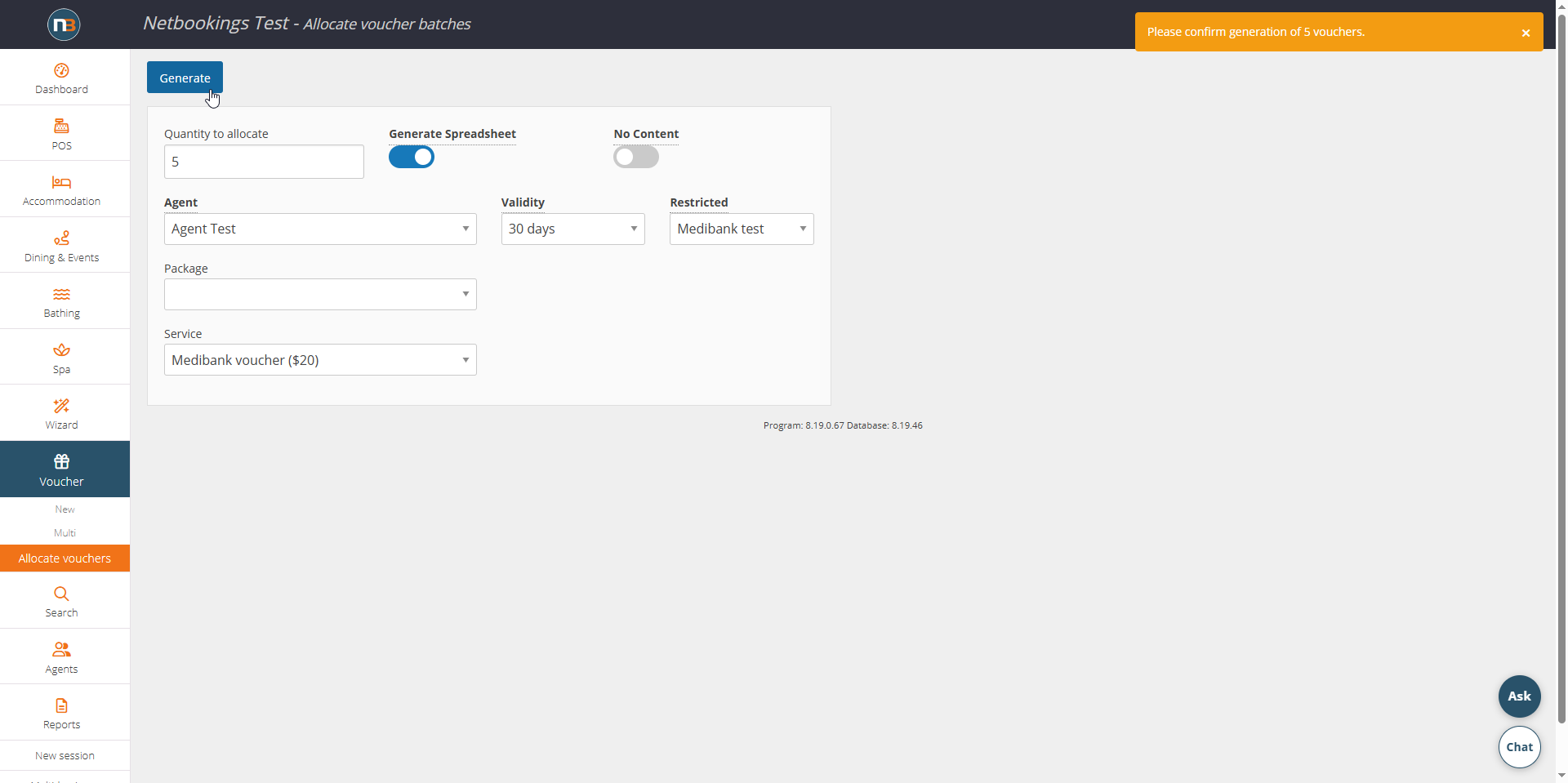
Qty, Set Generate Spreadsheet, Select Agent, Validity, Restricted (discount) and the Service.
Download spreadsheet
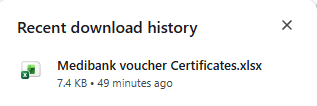
Send Spreadsheet to the Agent
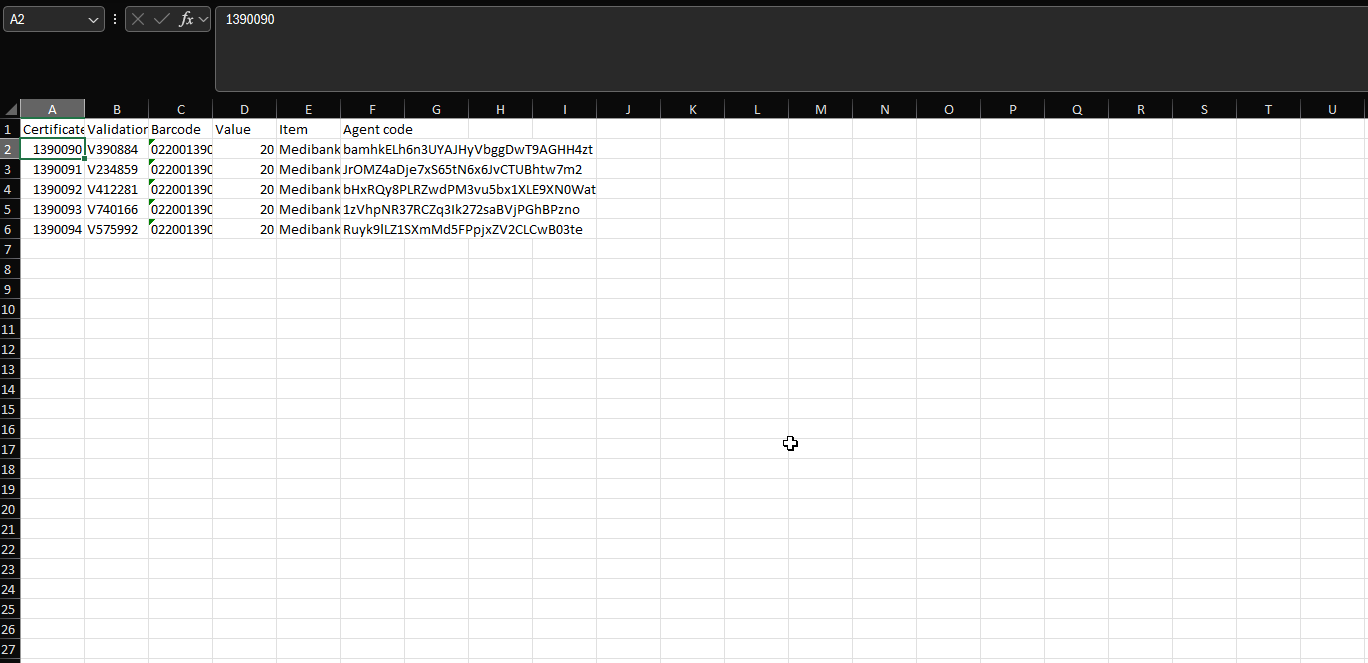
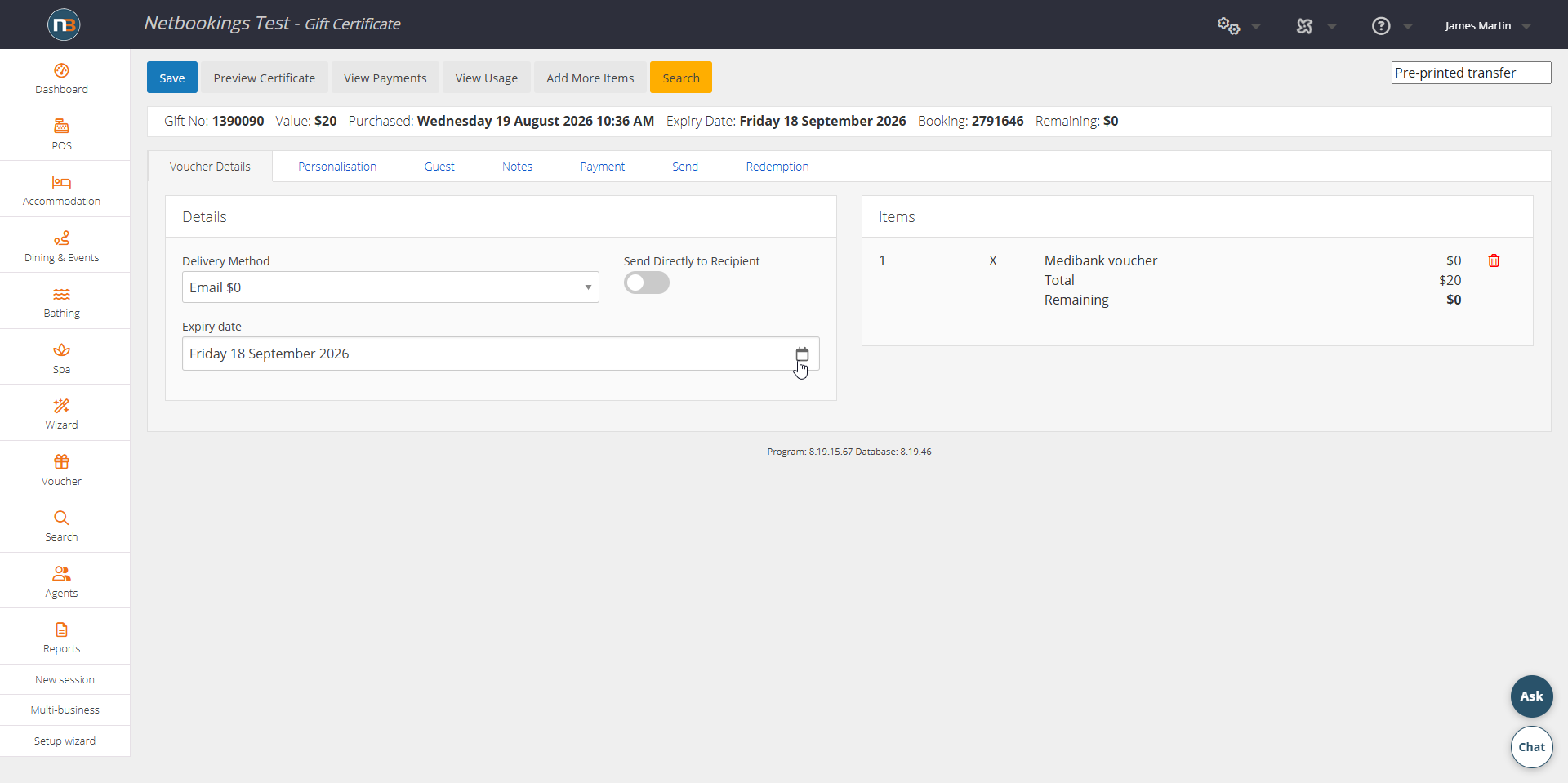
Activate certificate 1390090 in this example.
Agent Activation
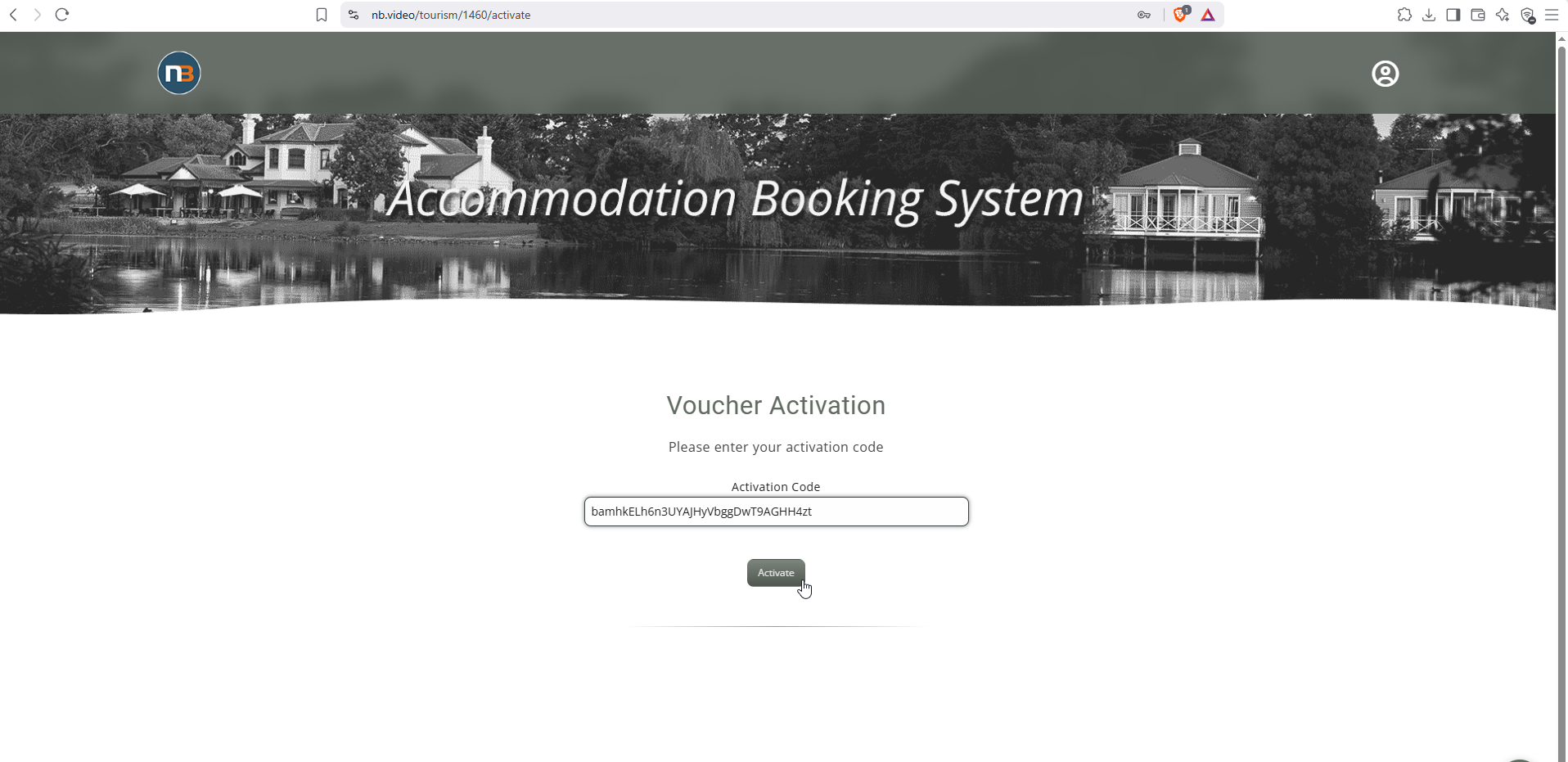
Agent enters the activation code at https://nb.video/test/1460/activate in this example. Where ‘activate’ is in place of ‘findyourexperience’ or ‘gift’ i.e. https://secure.netbookings.com.au/tourism/x/gift becomes https://secure.netbookings.com.au/tourism/x/activate – ‘x’ being your business number.
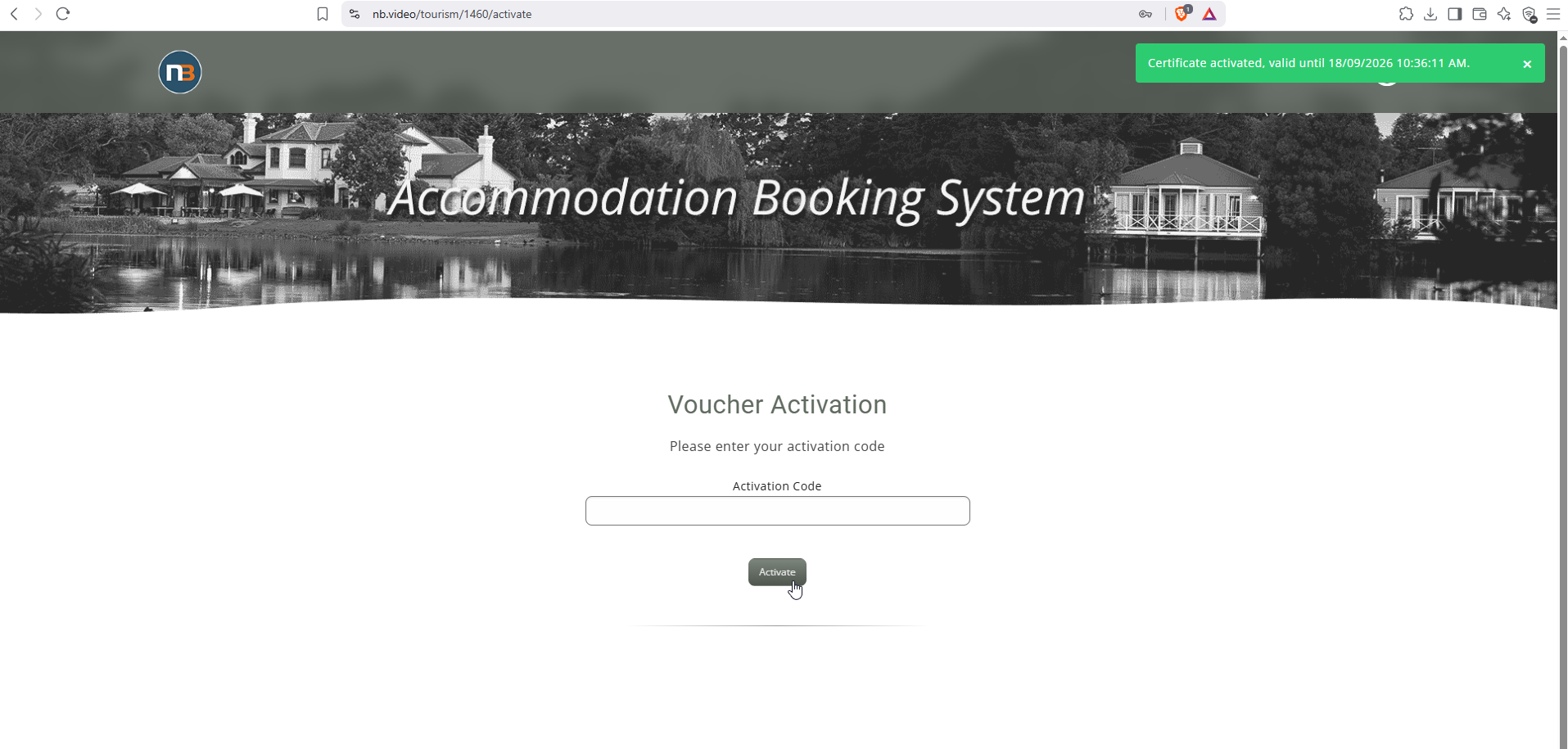
Guest Redeem
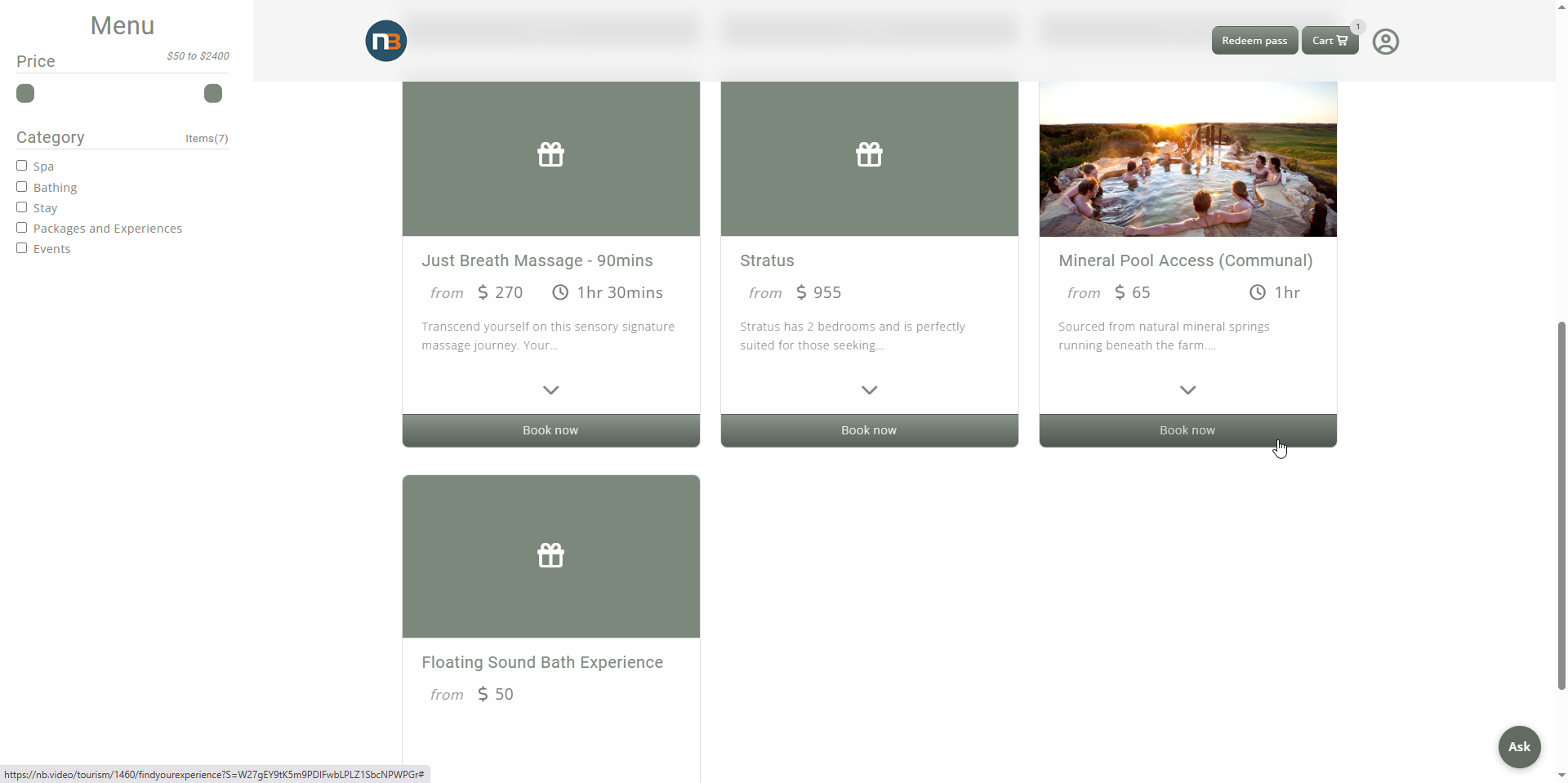
Same as using any other gift certificate, guest makes booking for content included in discount as part of batch allocation setup.
Book Bathing
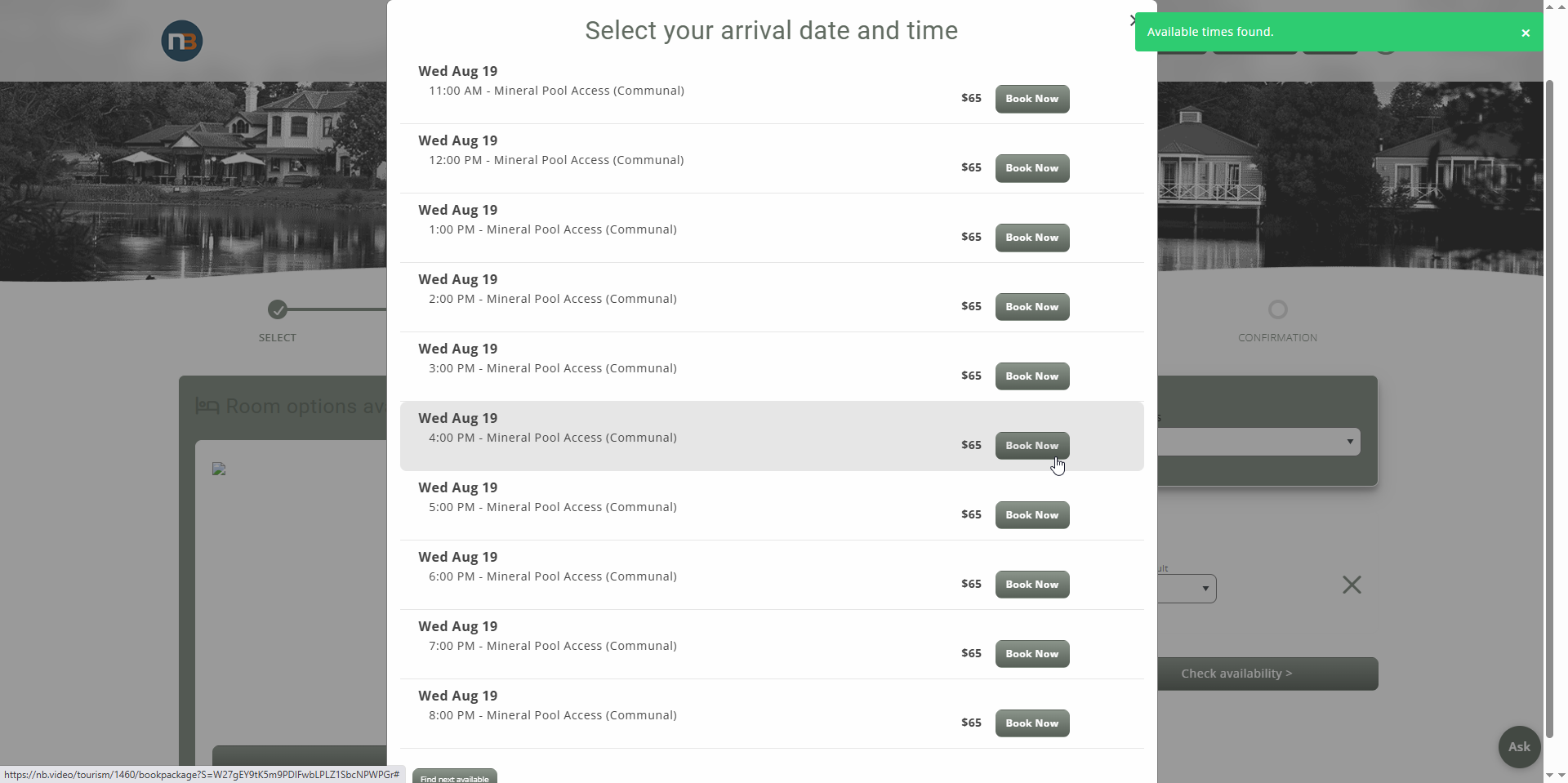
Choose time
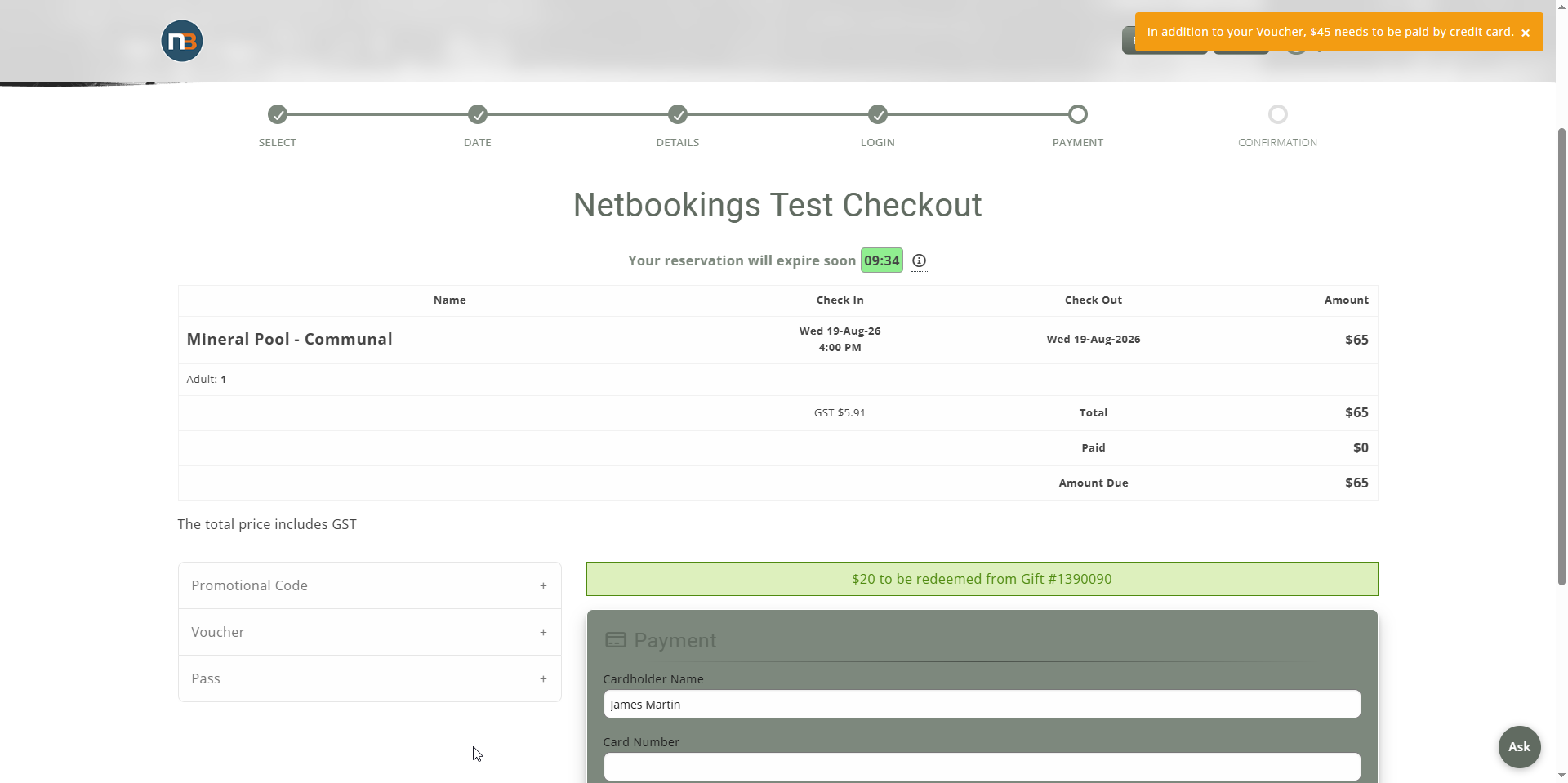
Enter Voucher details at checkout
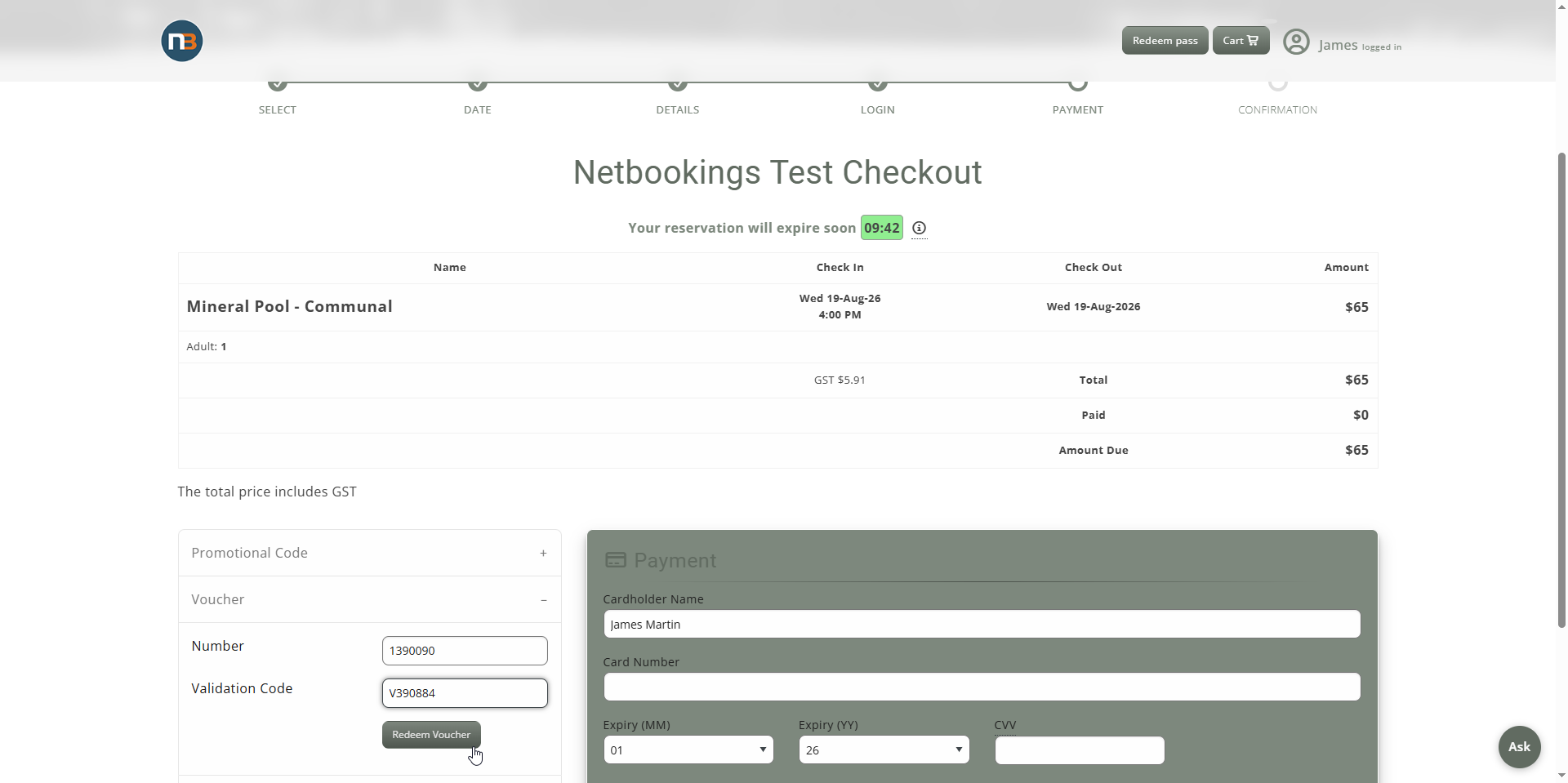
$20 will be used towards the booking, pay remainder with credit card
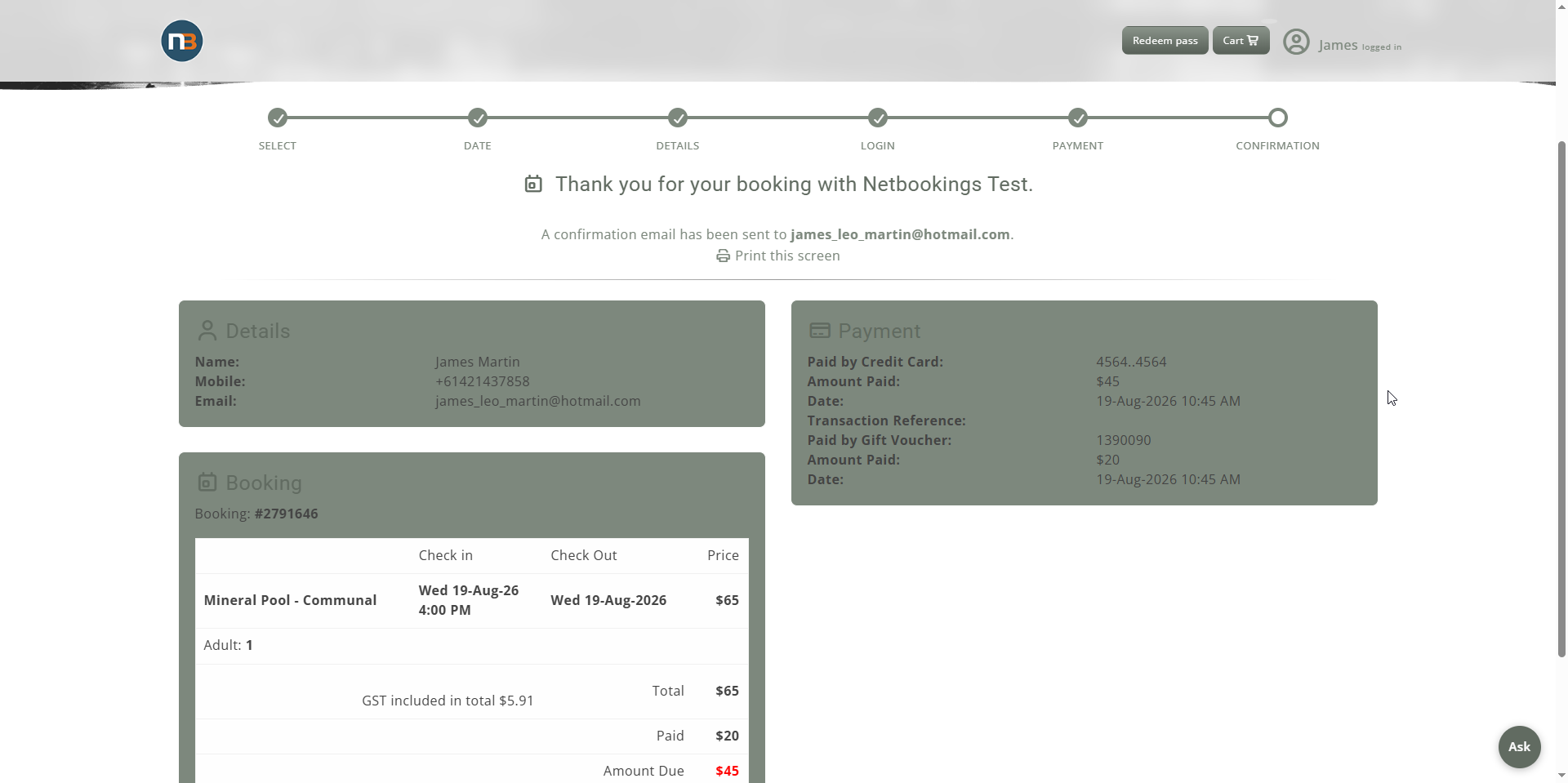
Confirmation
Reports
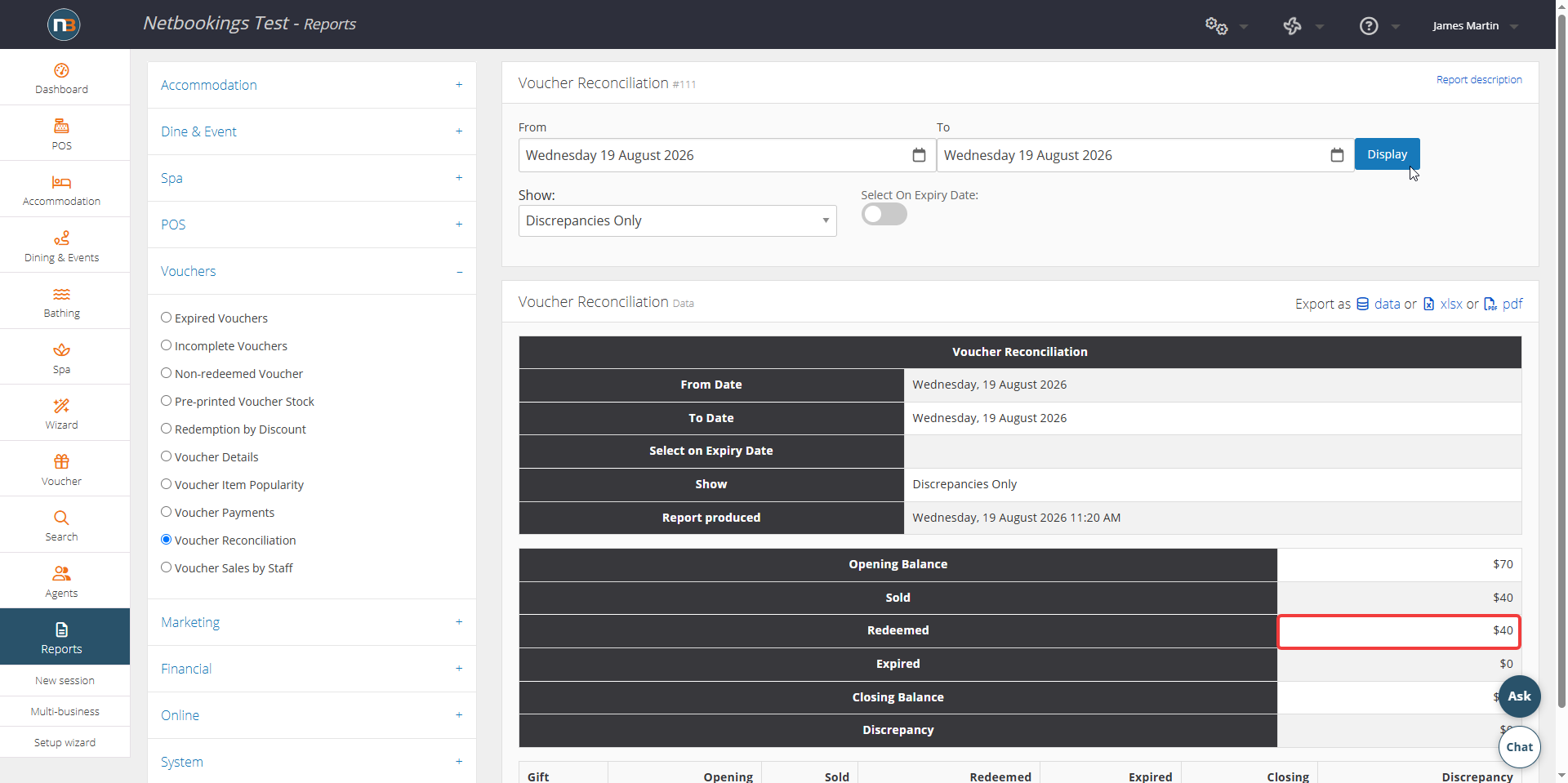
Gift Certificates do not appear in Certificate Reconciliation until activated
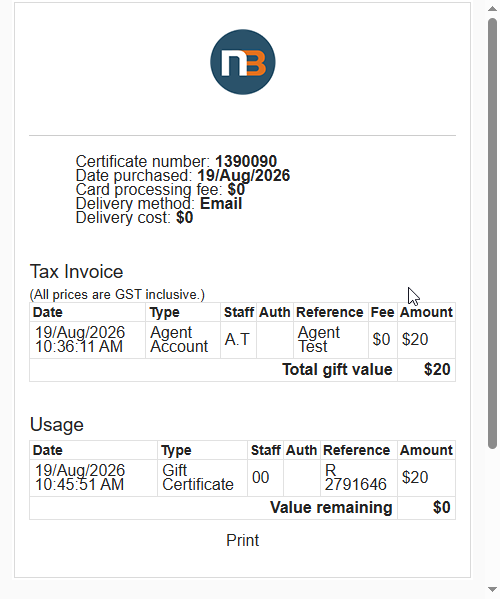
Gift 1390090 was activated (makes it appear as sold) and redeemed online for bathing
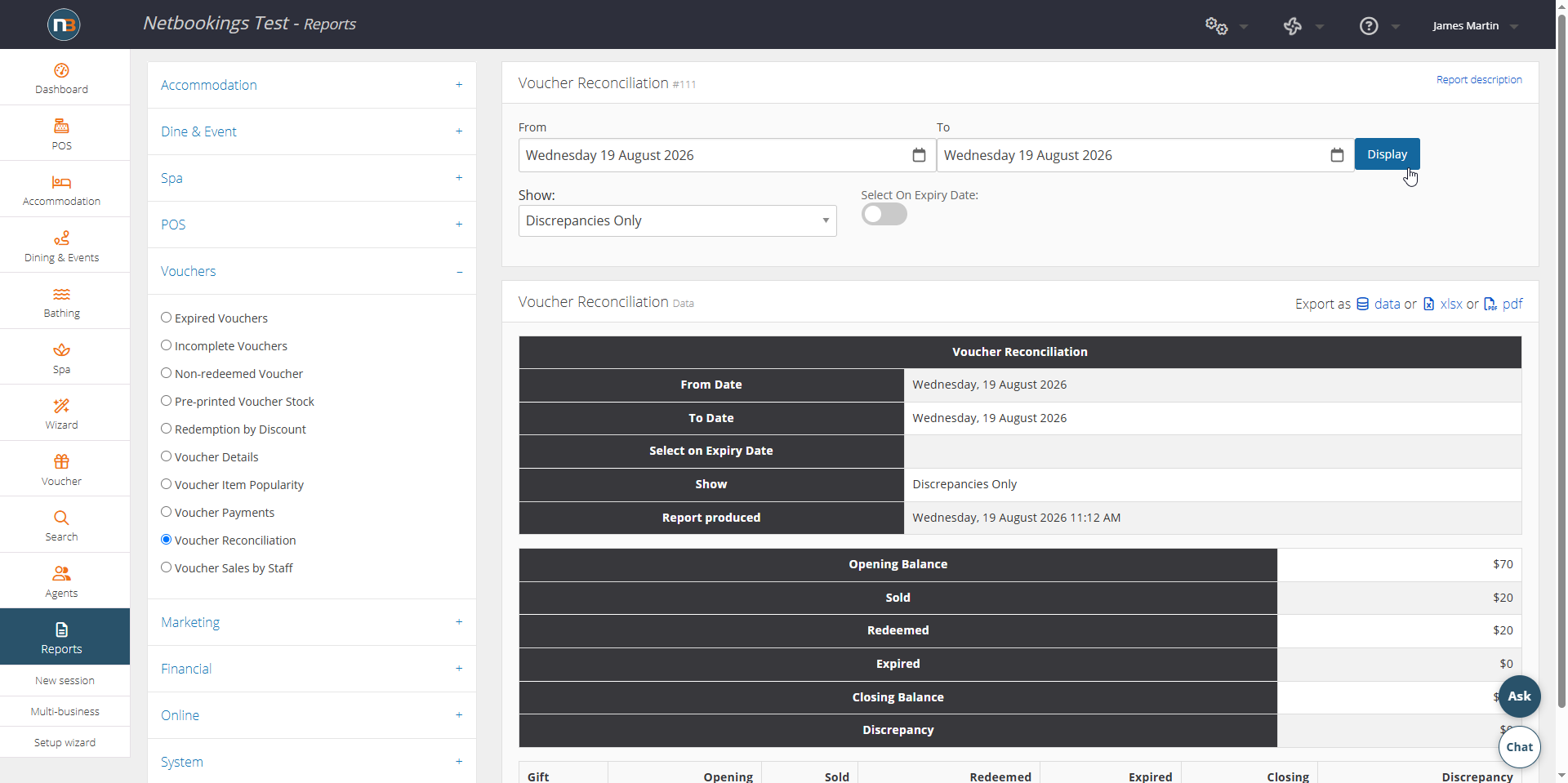
Report after activating gift 1390091
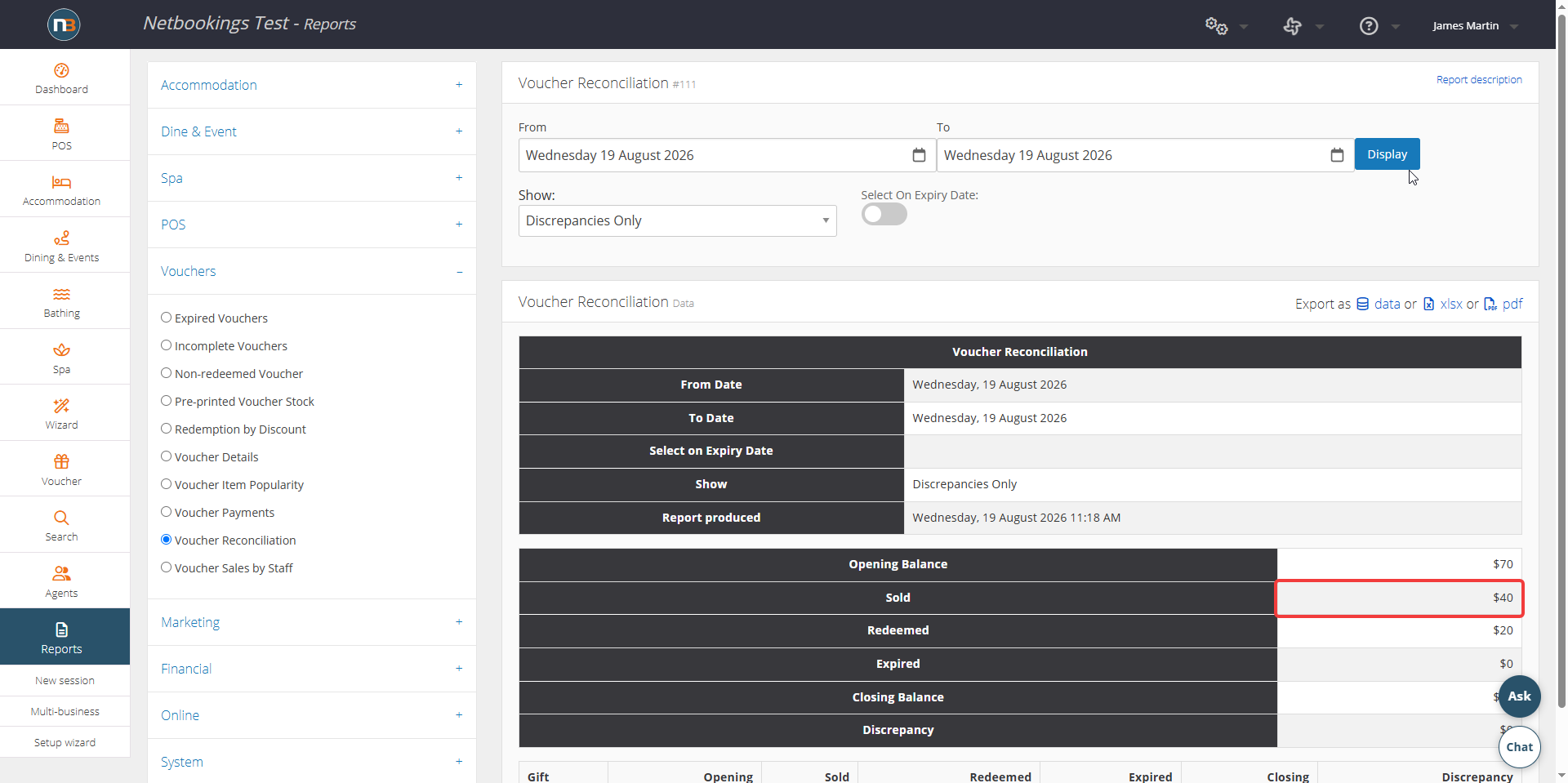
Report after redeeming gift 1390091
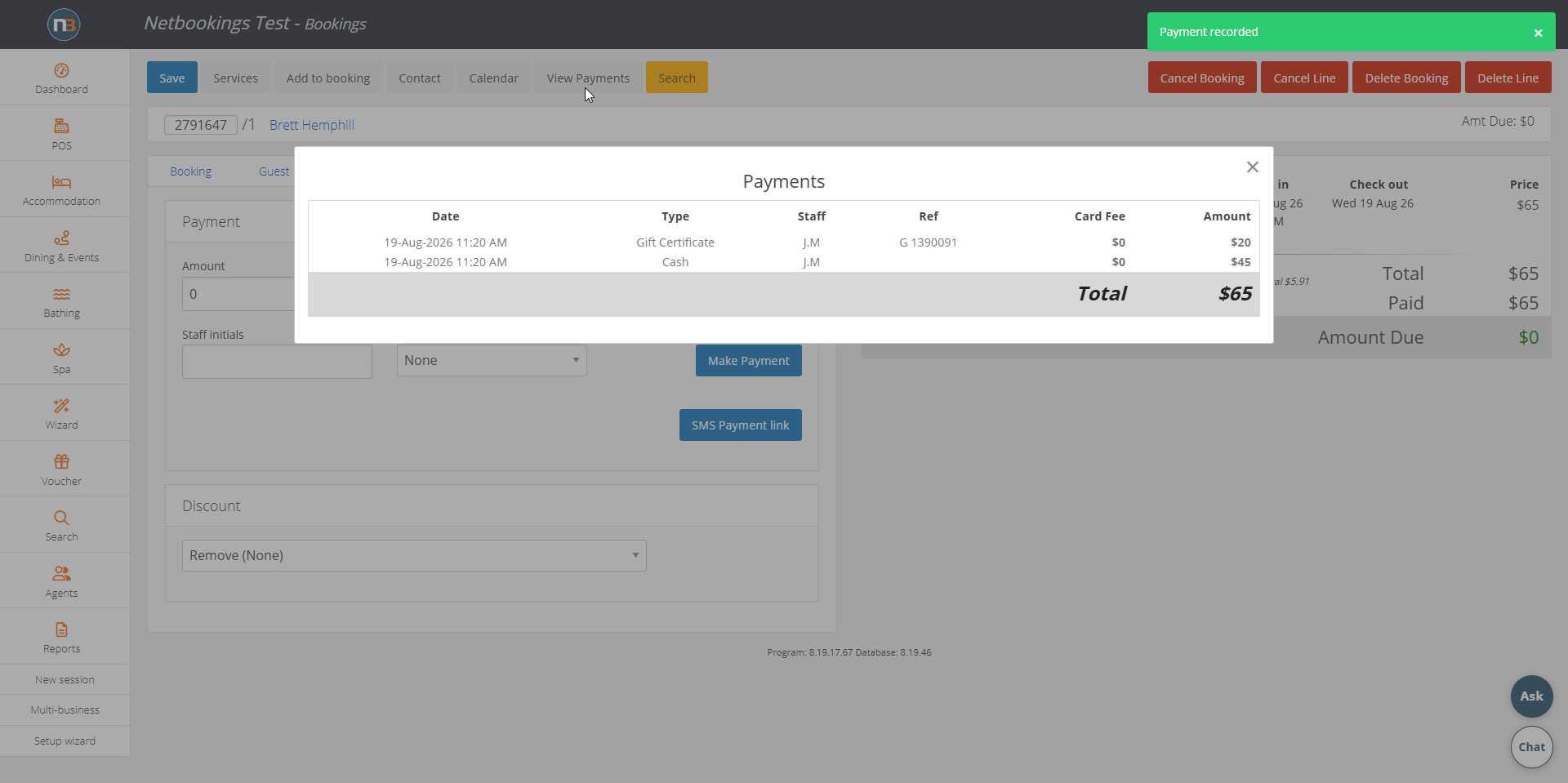
Booking with 2 payments
Gift Certificate Details