
Assign Table To Booking
At nbPOS there are a number of ways to assign a table to a booking, including a quick add at Search>Booking.
Booking Method
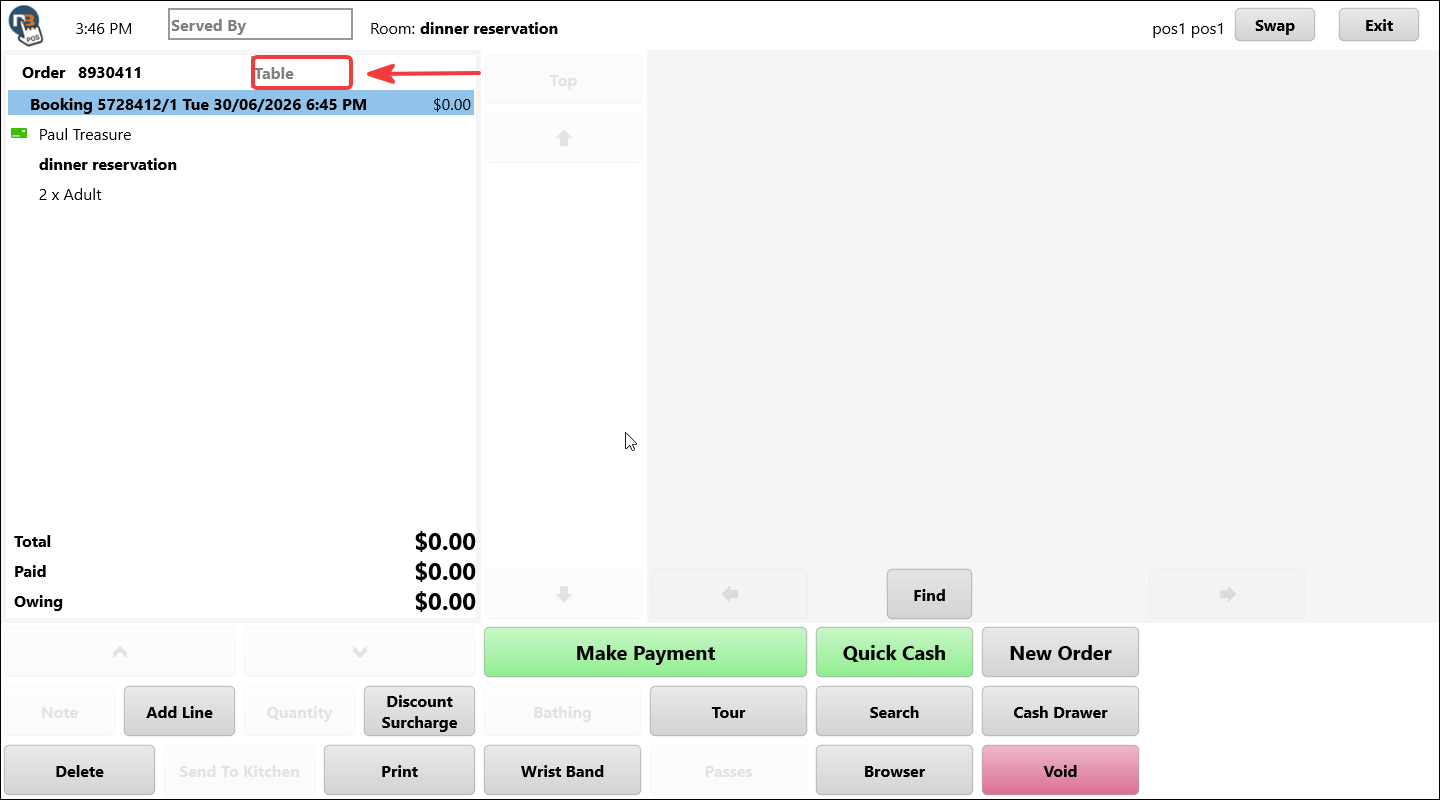
With a booking just created, or find via Search>Booking/Guest, we can assign a table by clicking/pressing the ‘Table’ field.
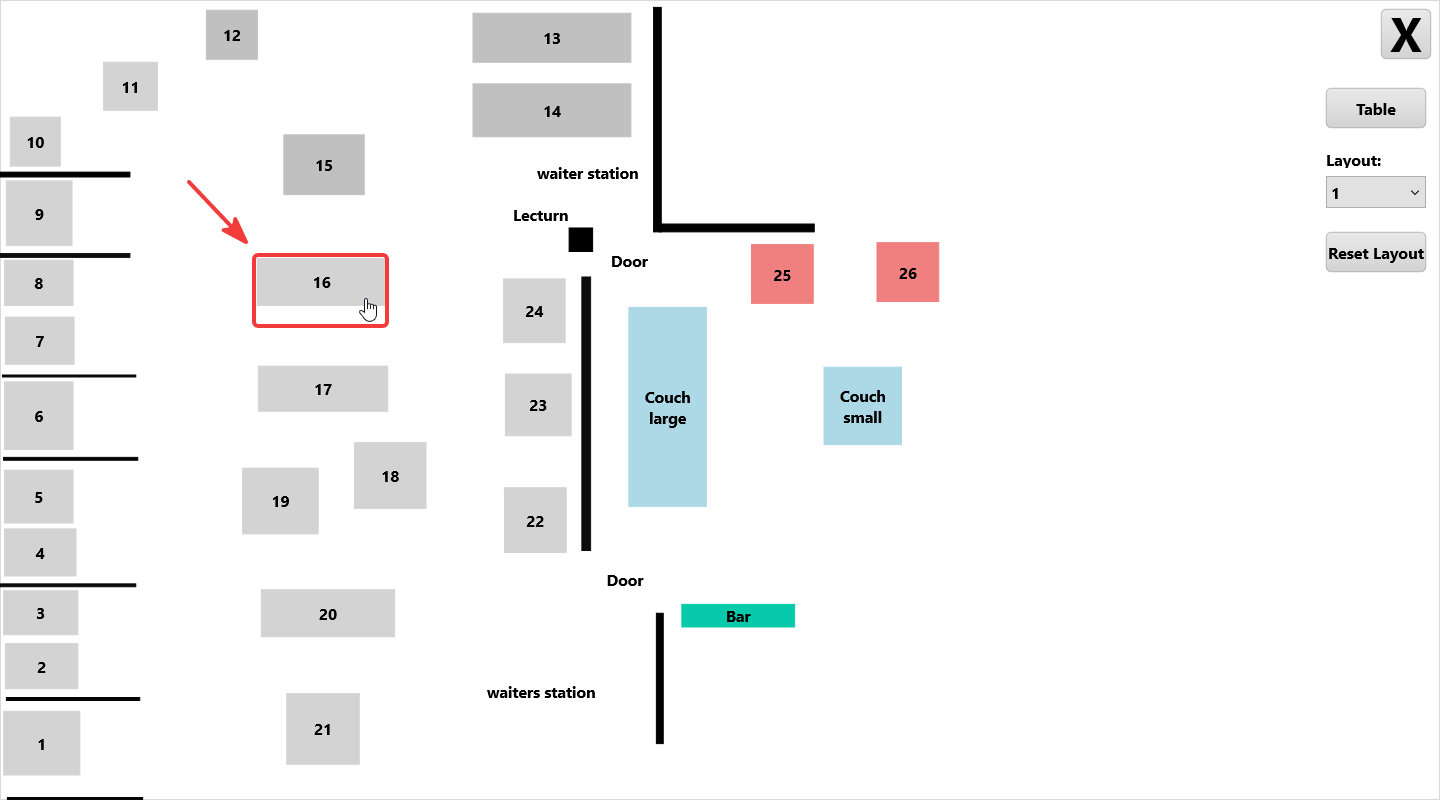
Select a table by clicking or pressing to assign table.
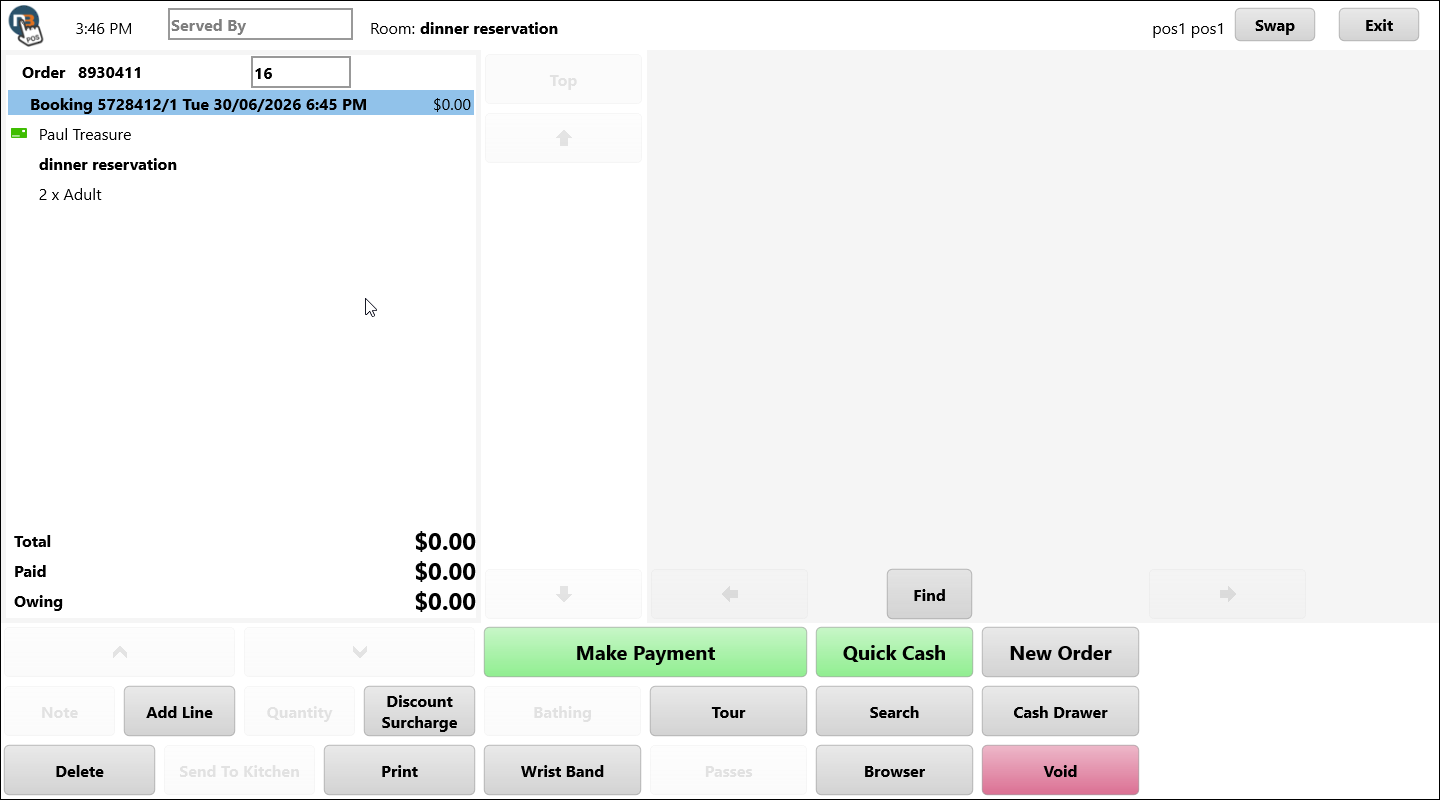
We can see table number now appearing in table field and assigned the selected table for future reference.
Search>Booking Method
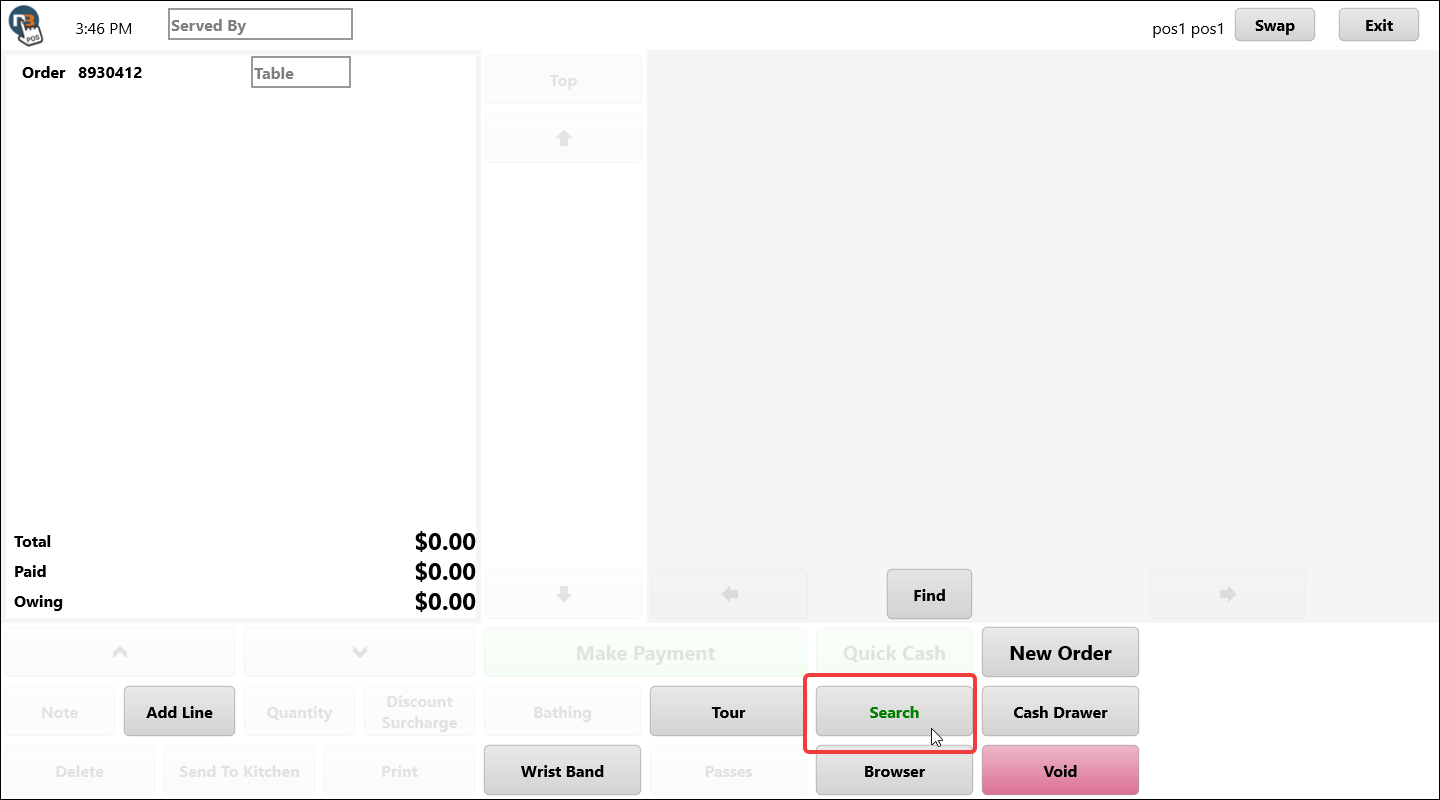
Go To ‘Search’ menu.
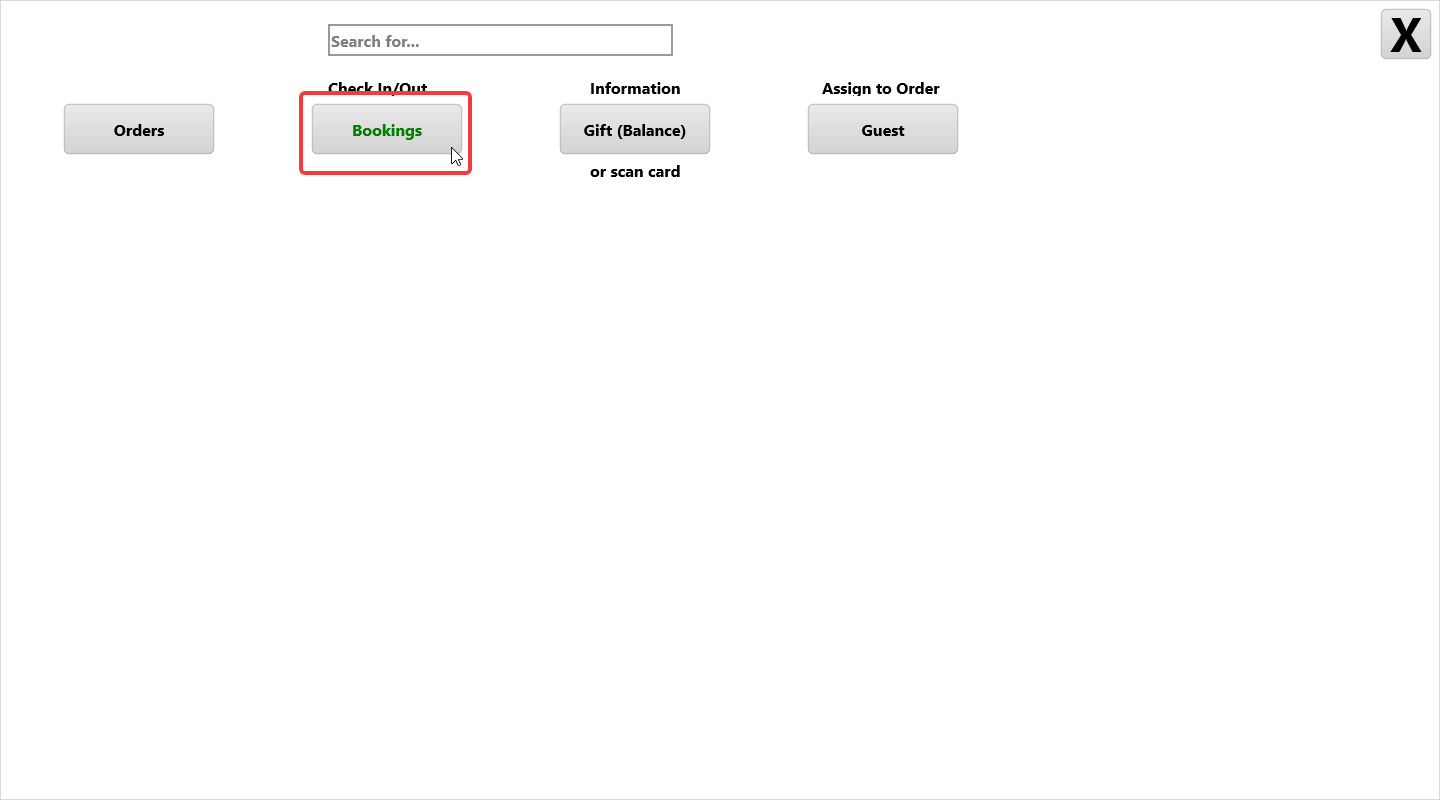
Click ‘Bookings’ to see list of all bookings for the day.
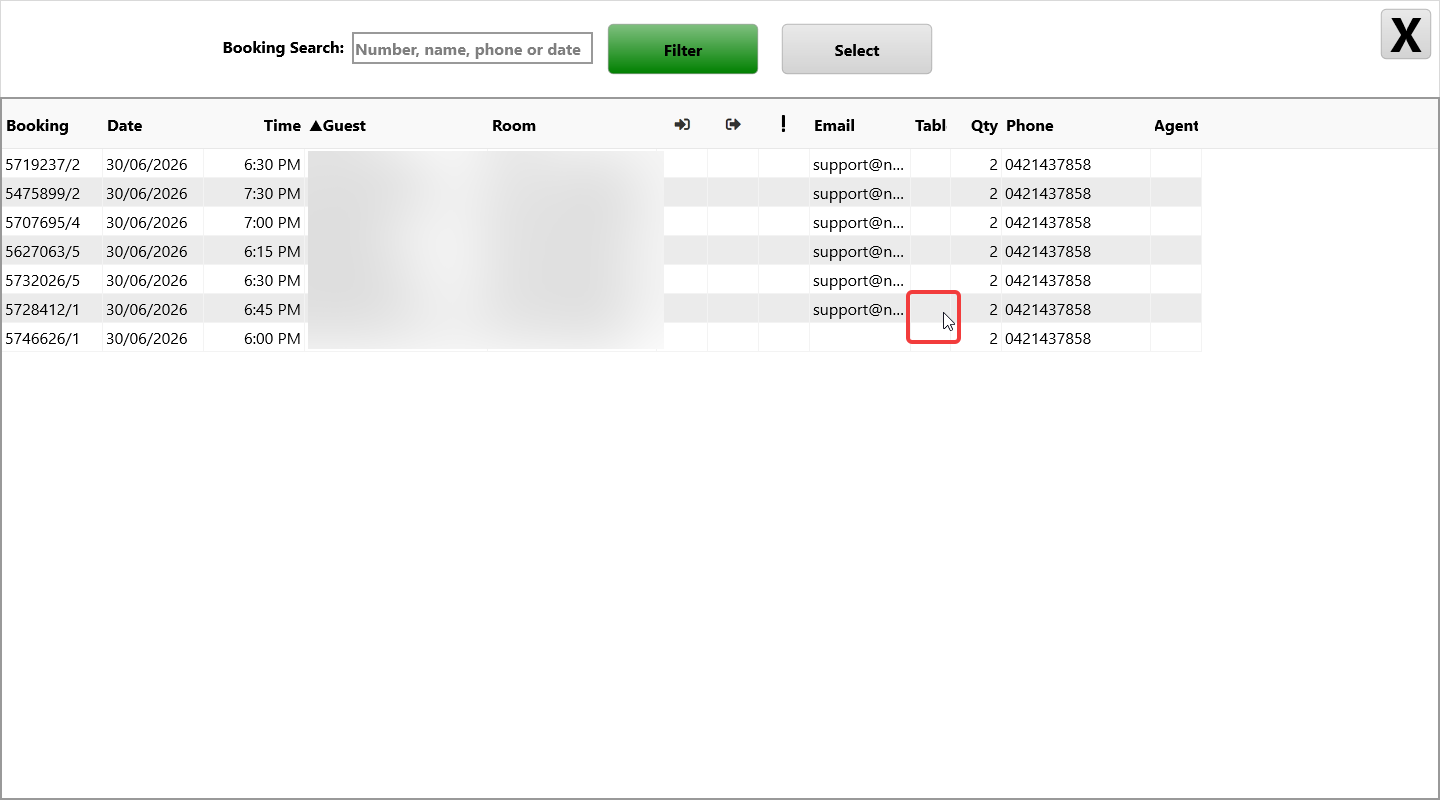
See table column in list. Right click or press and hold on cell to open to table select.
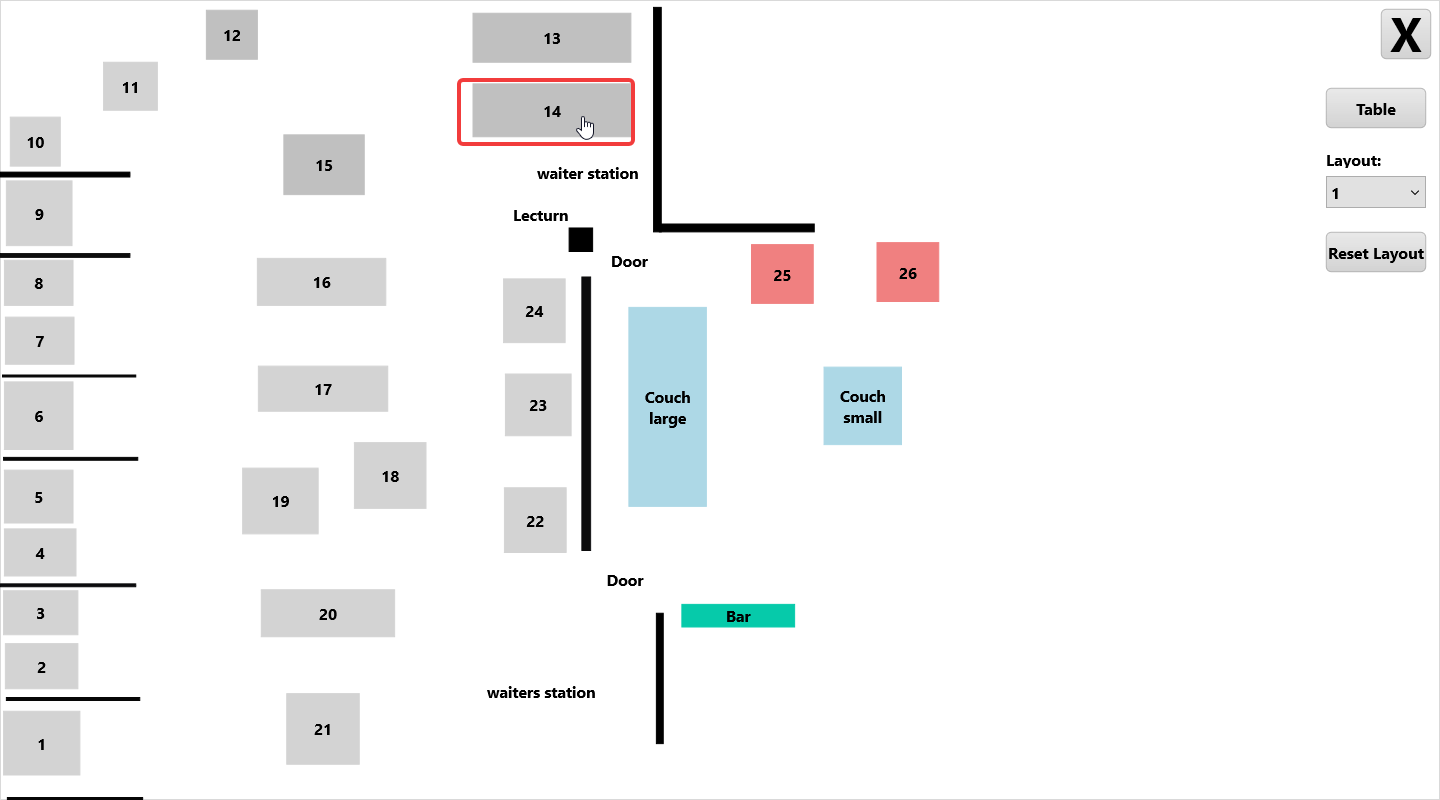
Select table.
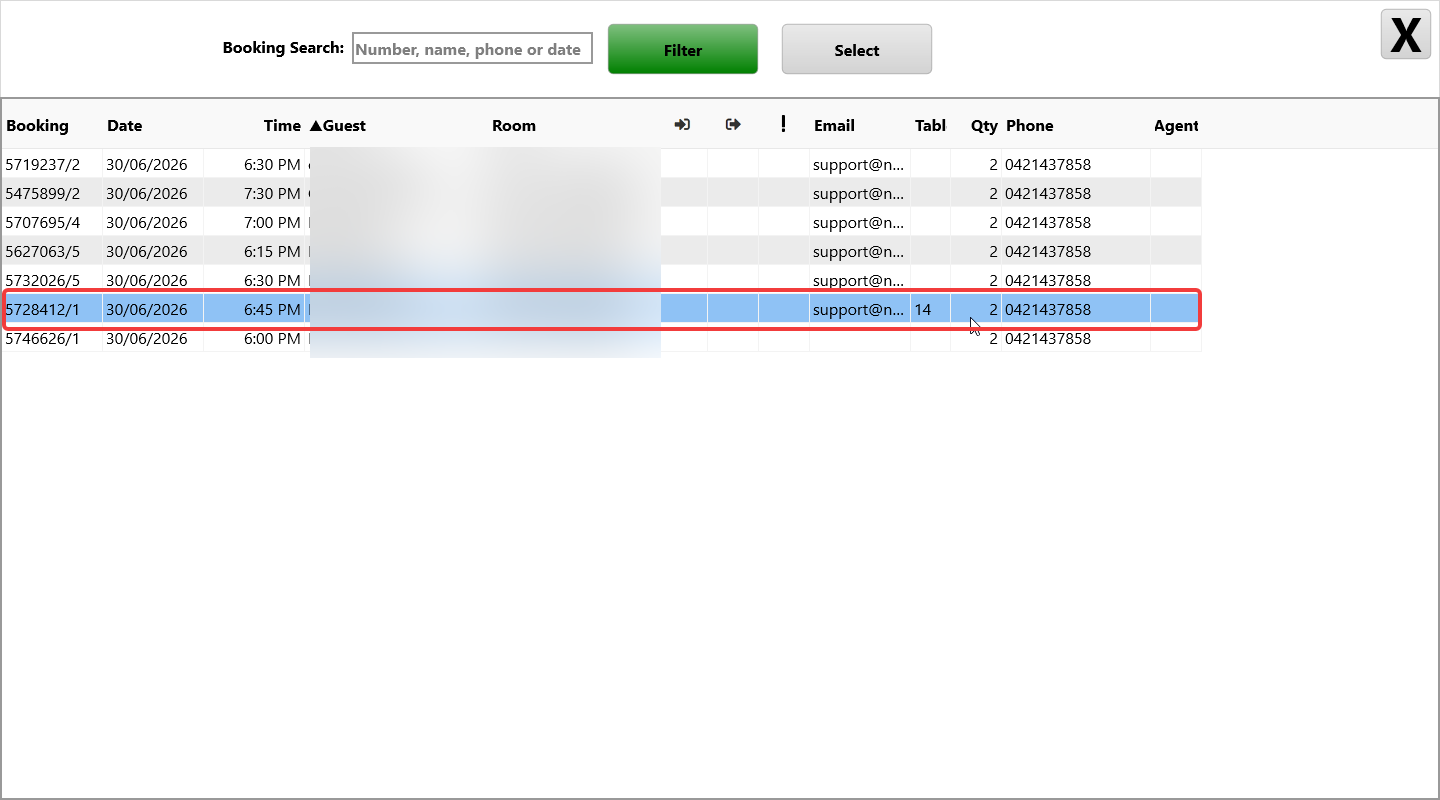
Now see table assigned to booking in list for future reference.