Business Details
For main business details and website information that guests will see on bookings confirmations. Setting emails for accounts & copy of all guest emails, currency choices and location information can all be added here.
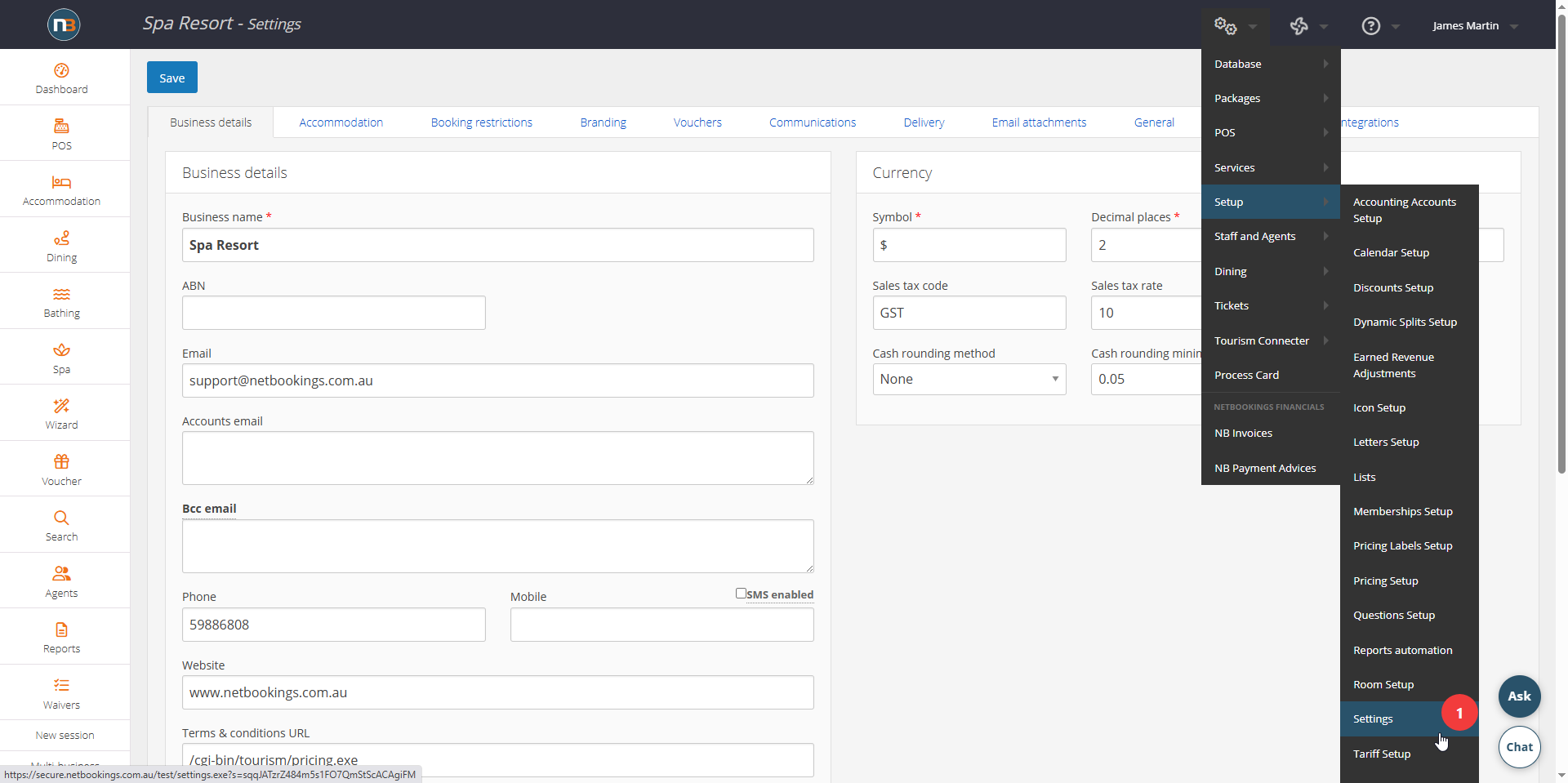
Go To System>Setup>Settings
Business Details.
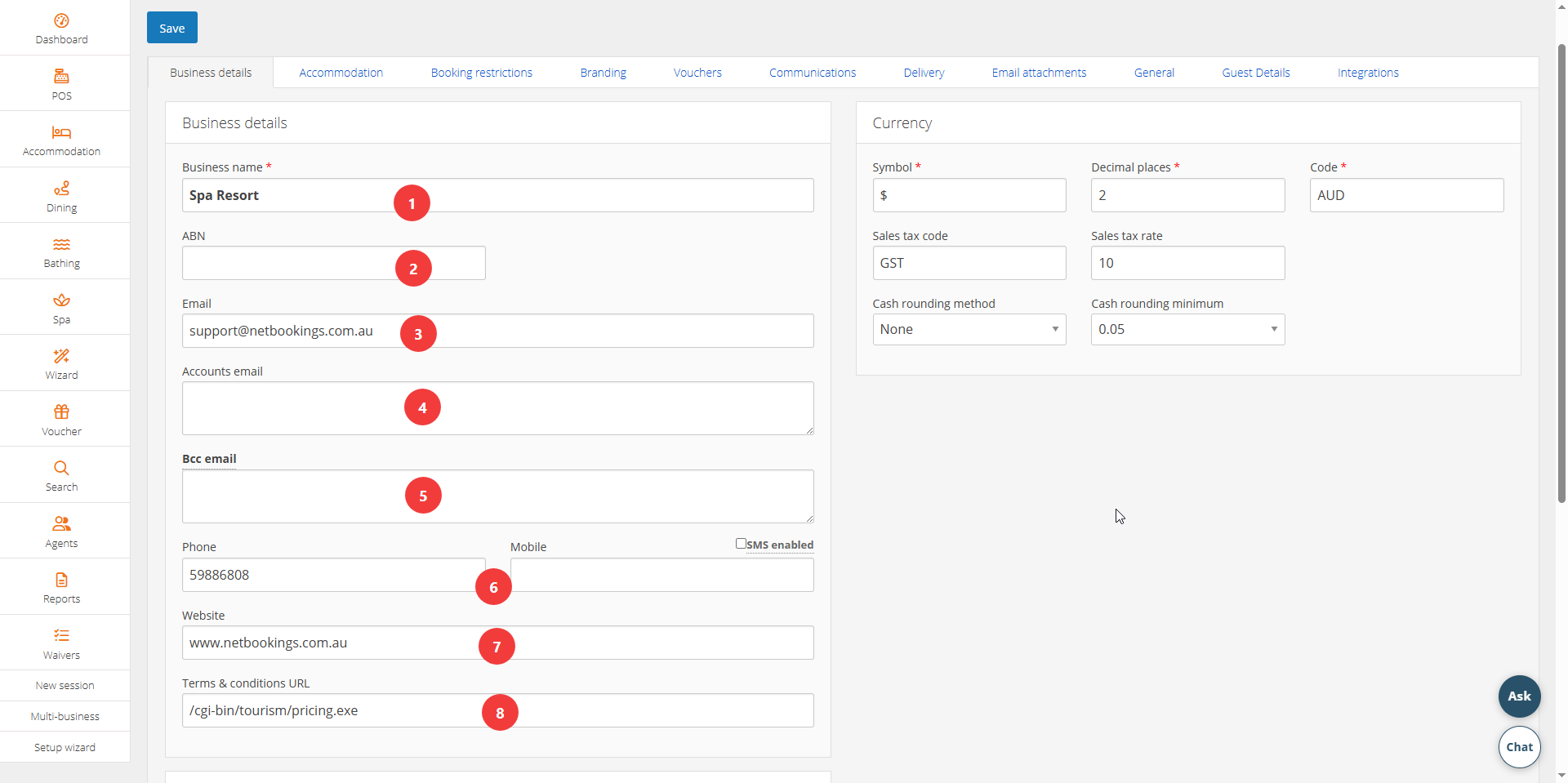
- This is the business name that guests and you will see – shown on all emails in footer.
- Australian Business Number – this shows on footer of emails if something is added here.
- Main business email – shown on all emails in footer.
- Accounts email – this is email for invoices that Netbookings will send you (if different to main business email). You can add multiple emails by adding emails on separate lines
- BCC emails – this receives copy of all letters/emails sent by the Netbookings system, including confirmations, refund, reminders and more. You can add multiple emails by adding emails on separate lines
- Phone information – shown on confirmation emails in footer. If ‘SMS Enabled’ checkbox is selected above mobile field, will send you notification when booking is made via SMS (SMS charges apply).
- Website address – shown on all emails in footer. On booking pages, will direct guests to this address when they click on the logo.
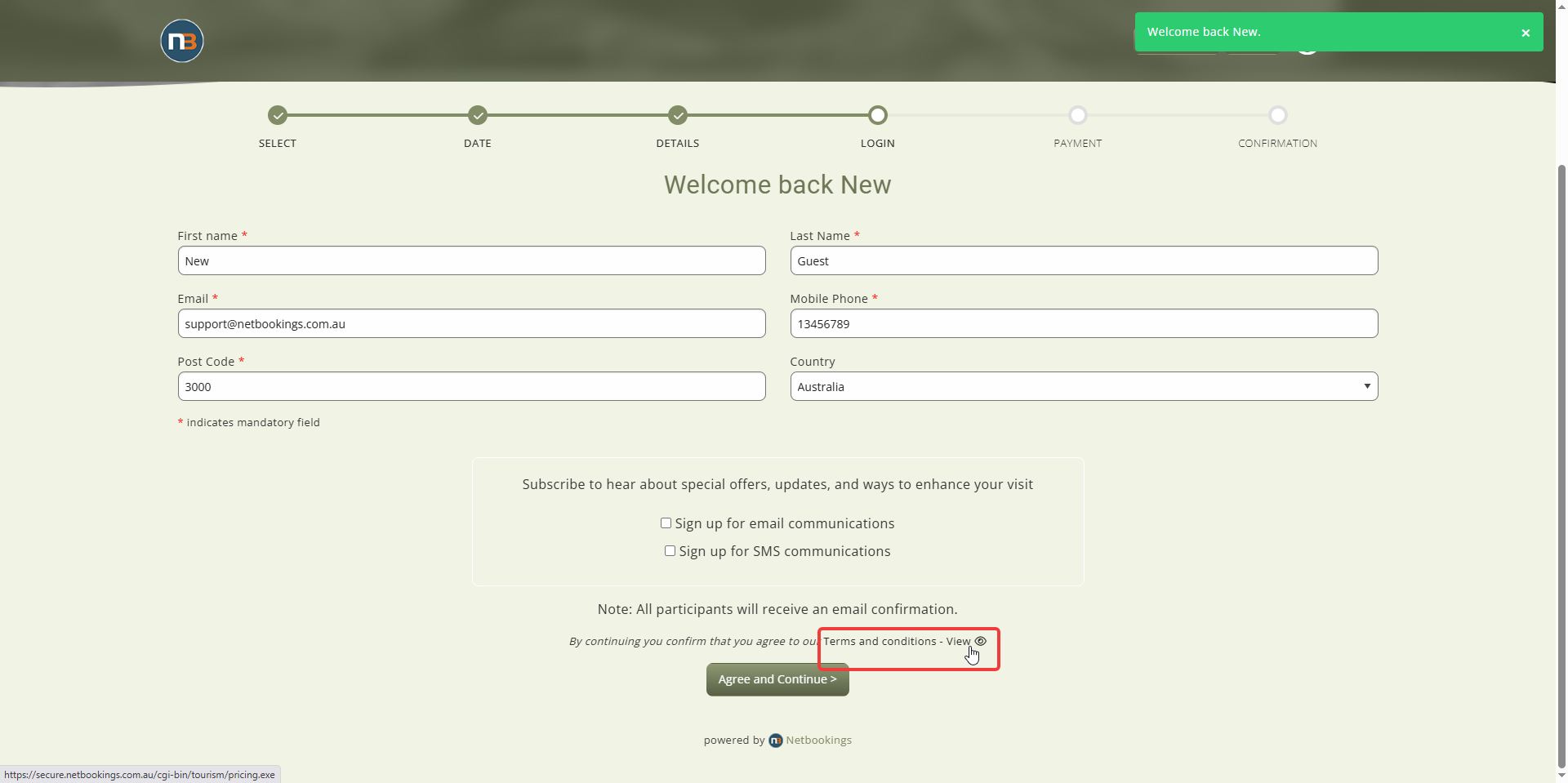
- Terms and conditions address – shown on all emails in footer. This directs guests to this address when clicking on ‘Terms & Conditions’ link in guest login area as below:
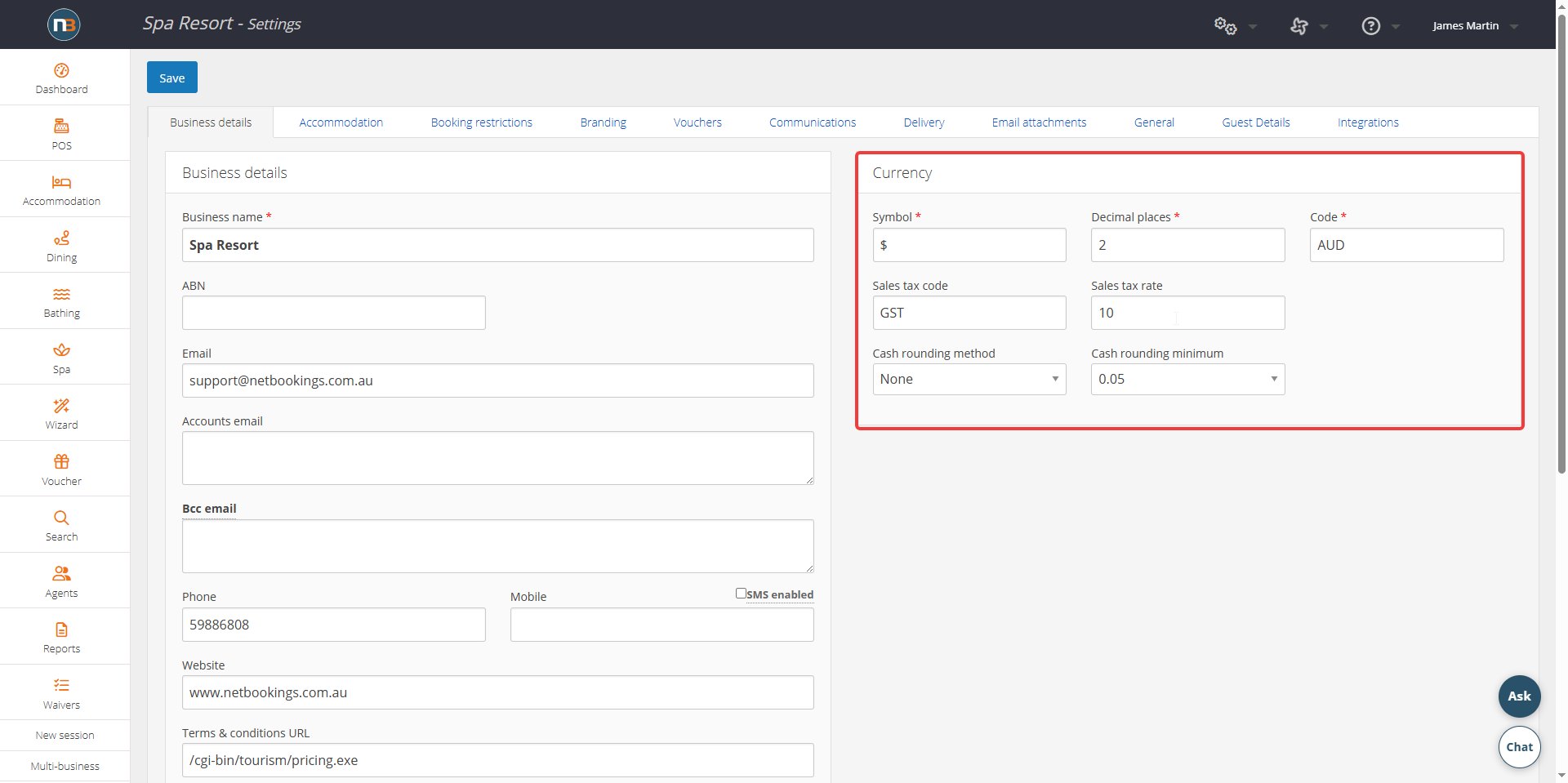
Currency
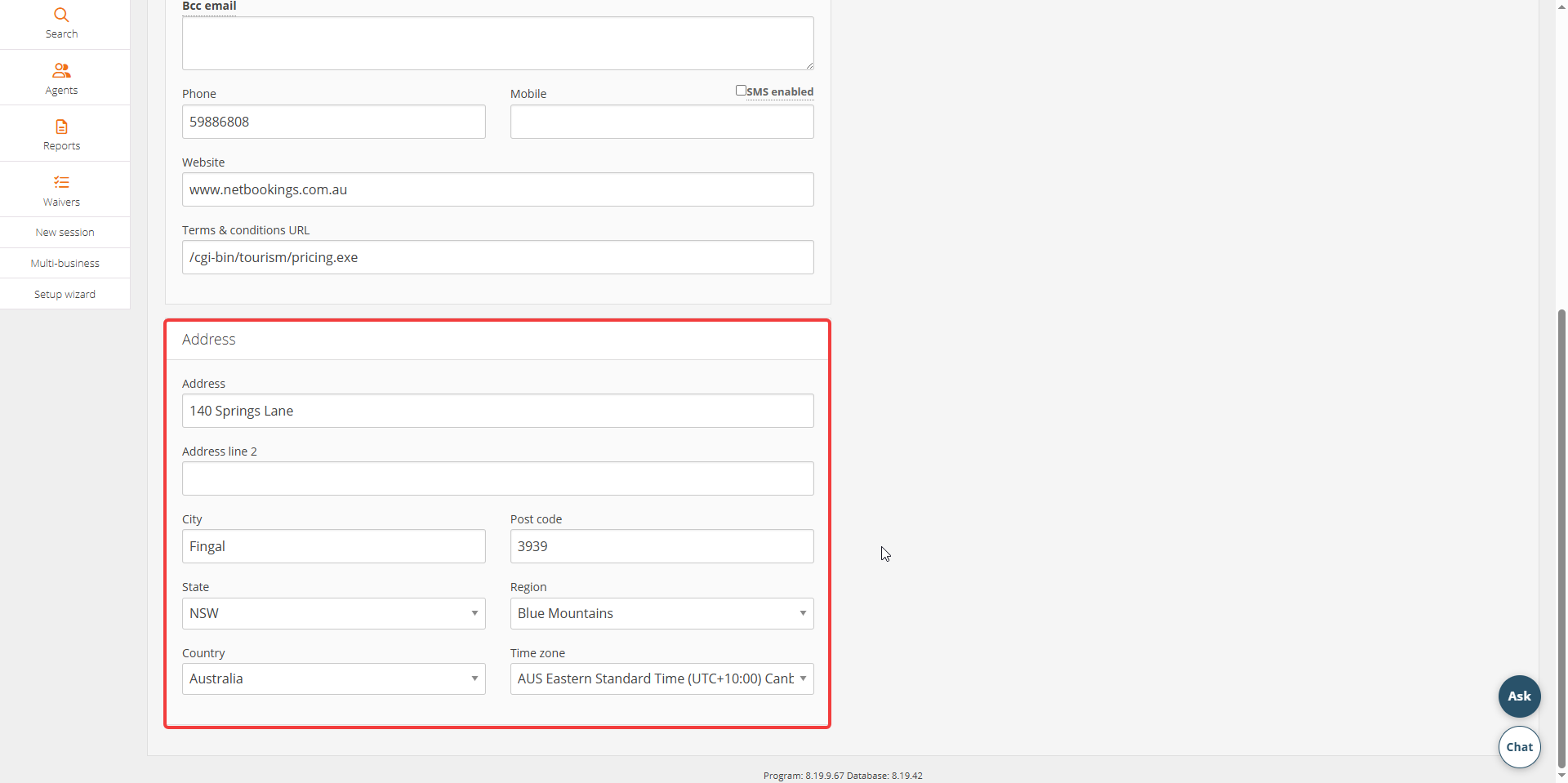
Address & Location