
Hide Tour/Dining/Events Guest Availability Count
If you wish not to show the remaining guest available for a session or event, it can be hidden in settings.
Go To System>Setup>Settings>General Tab
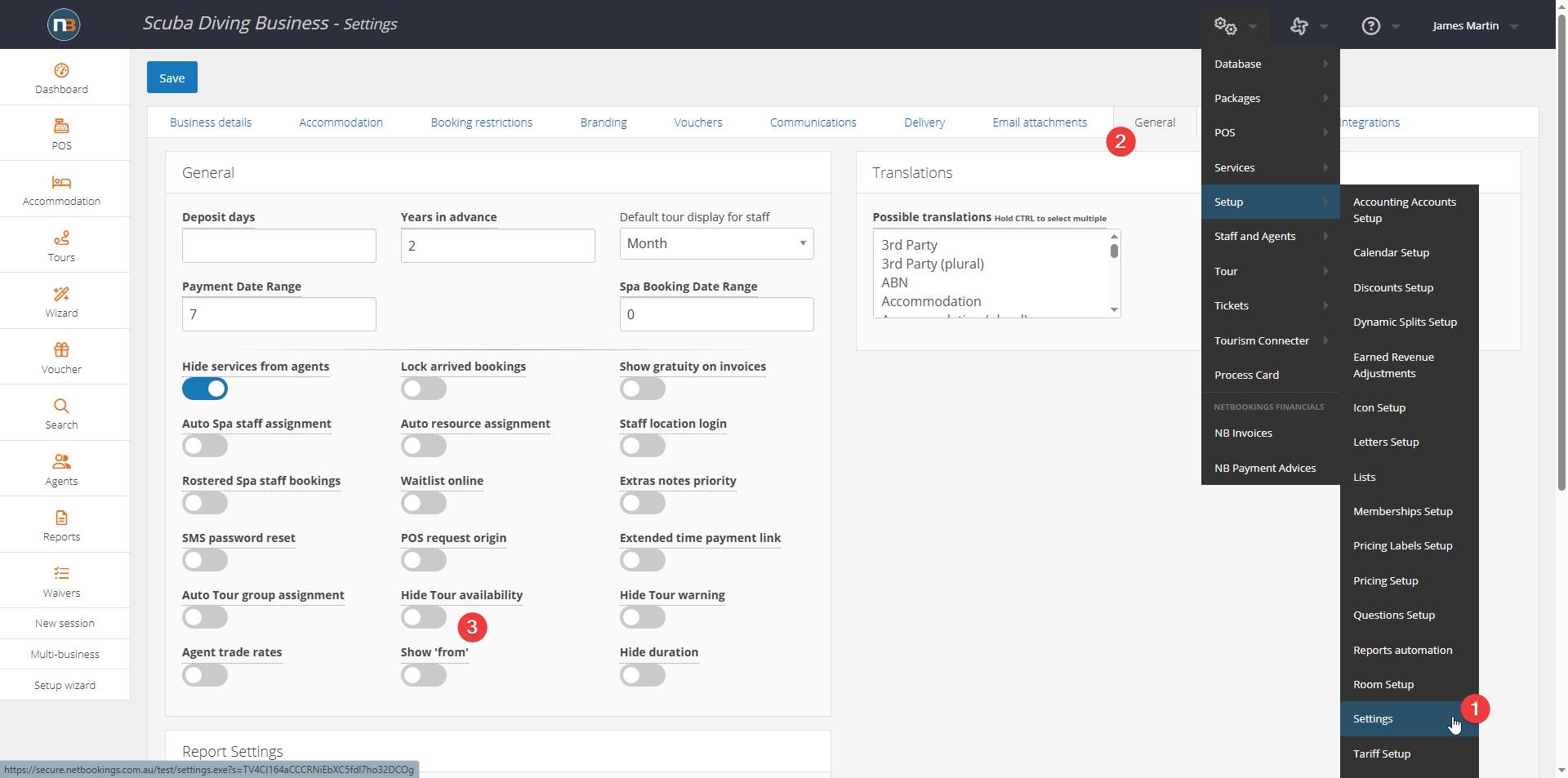
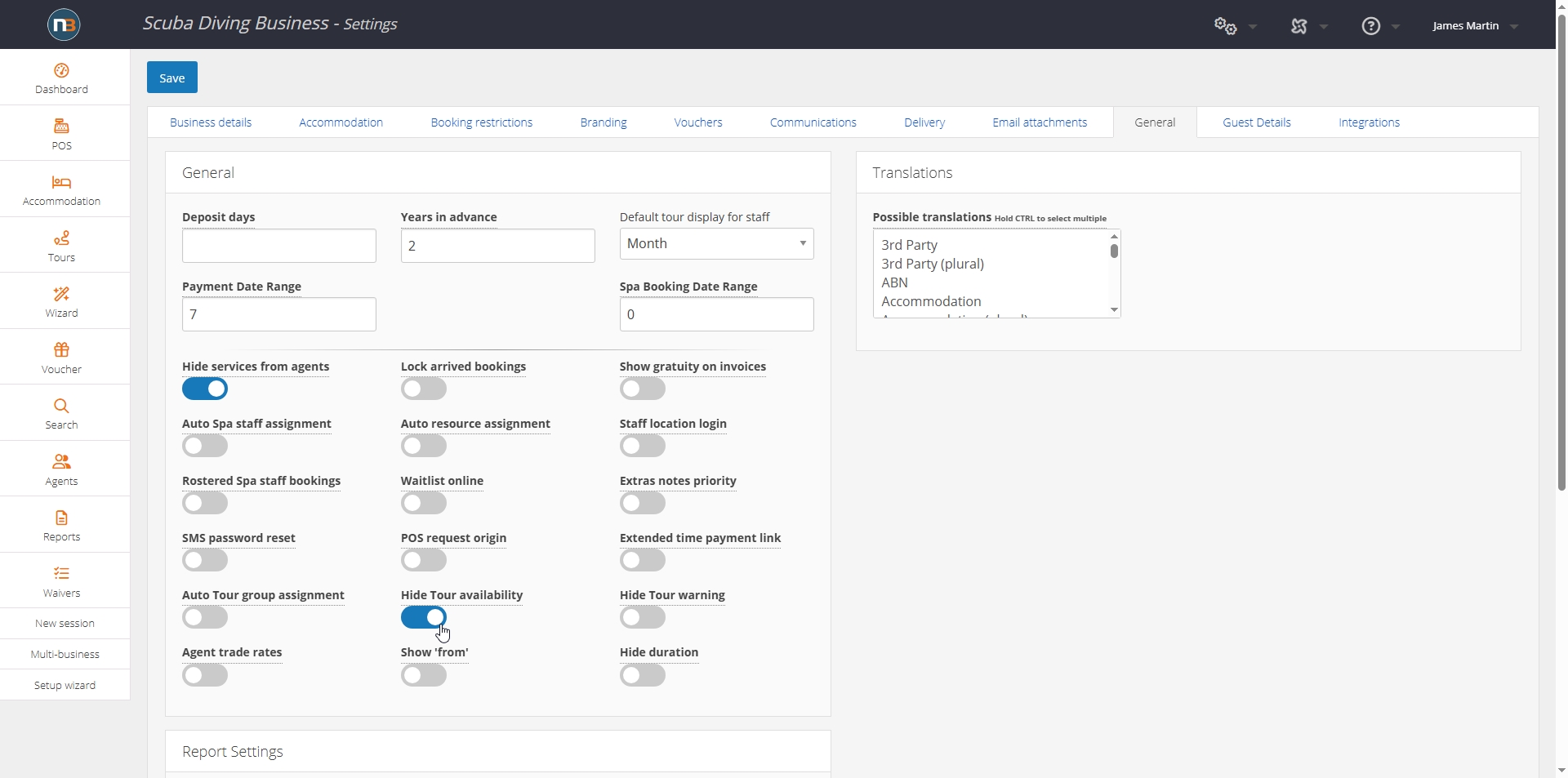
Enable ‘Hide Tour availability’ switch
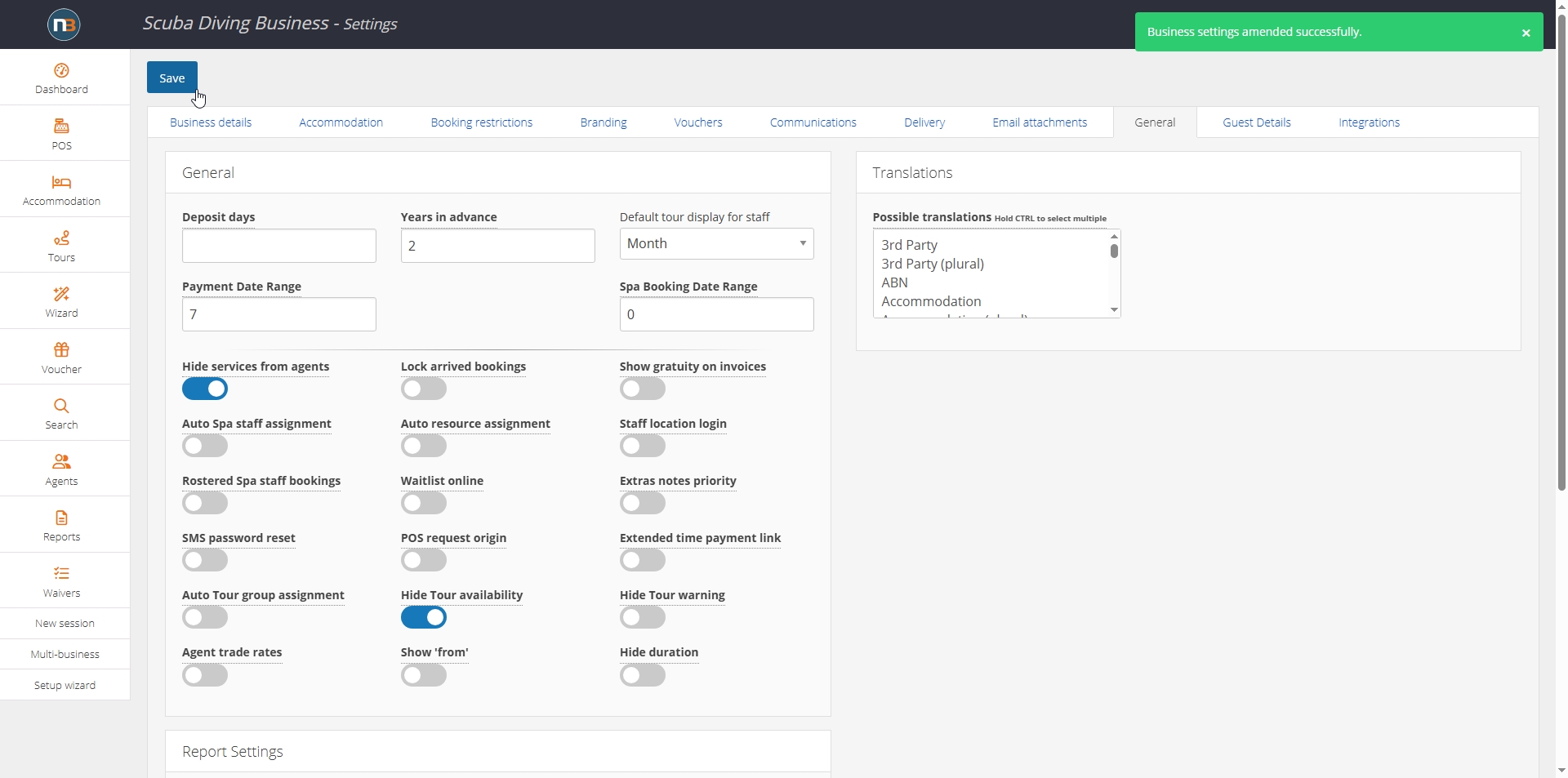
Save
Example Booking Page

Before – shows ‘Available: 7’
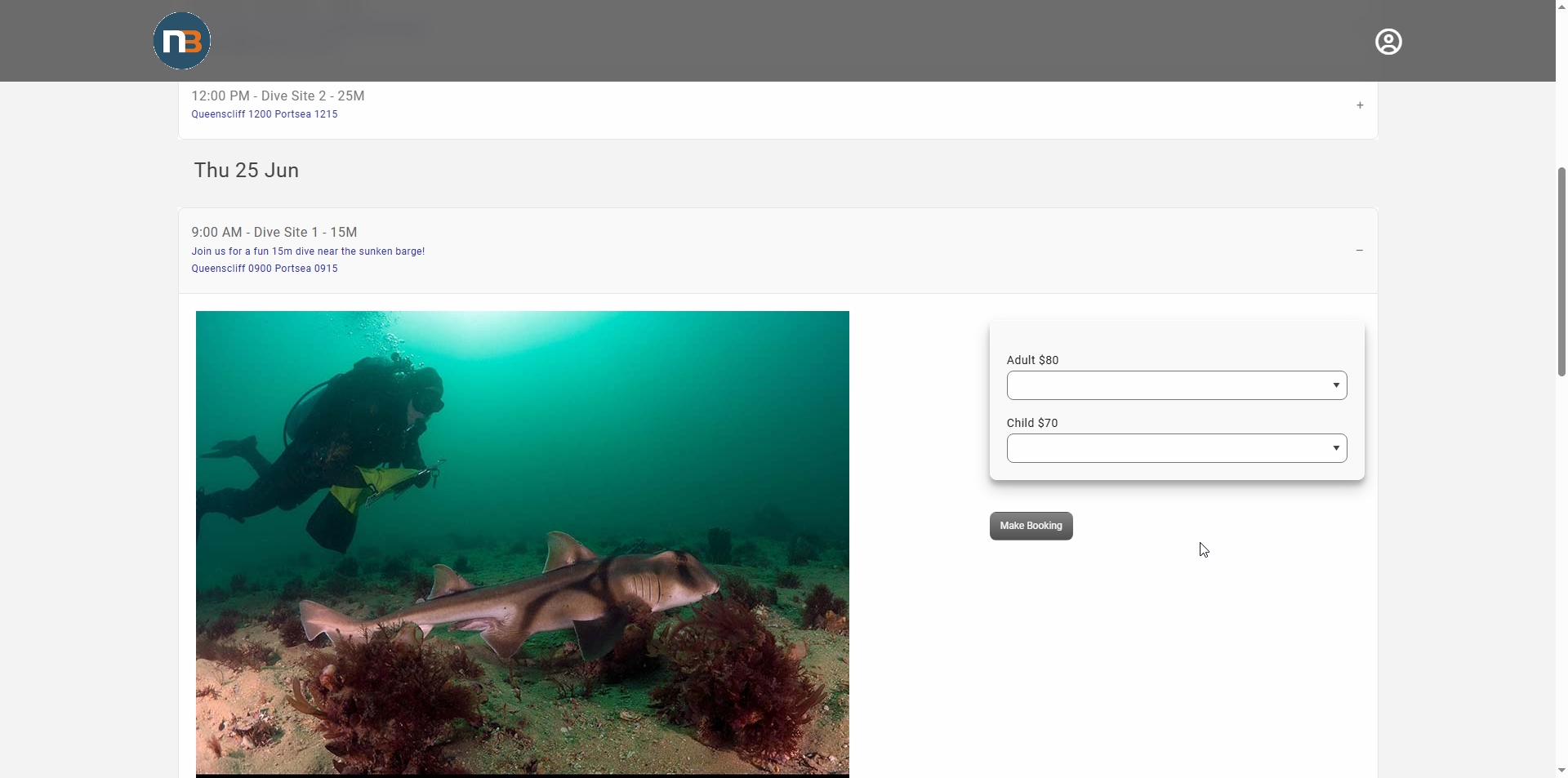
After – no availability showing