
Search POS>Tours/Dining/Events By Group
When using POS, staff can search guests by grouping (if enabled for tours) to save time and see a more concise list of guests for available time sessions. To see how to add Group assignments to tours/dining/events see Grouping.
Go To POS>Tours/Dining/Events Booking
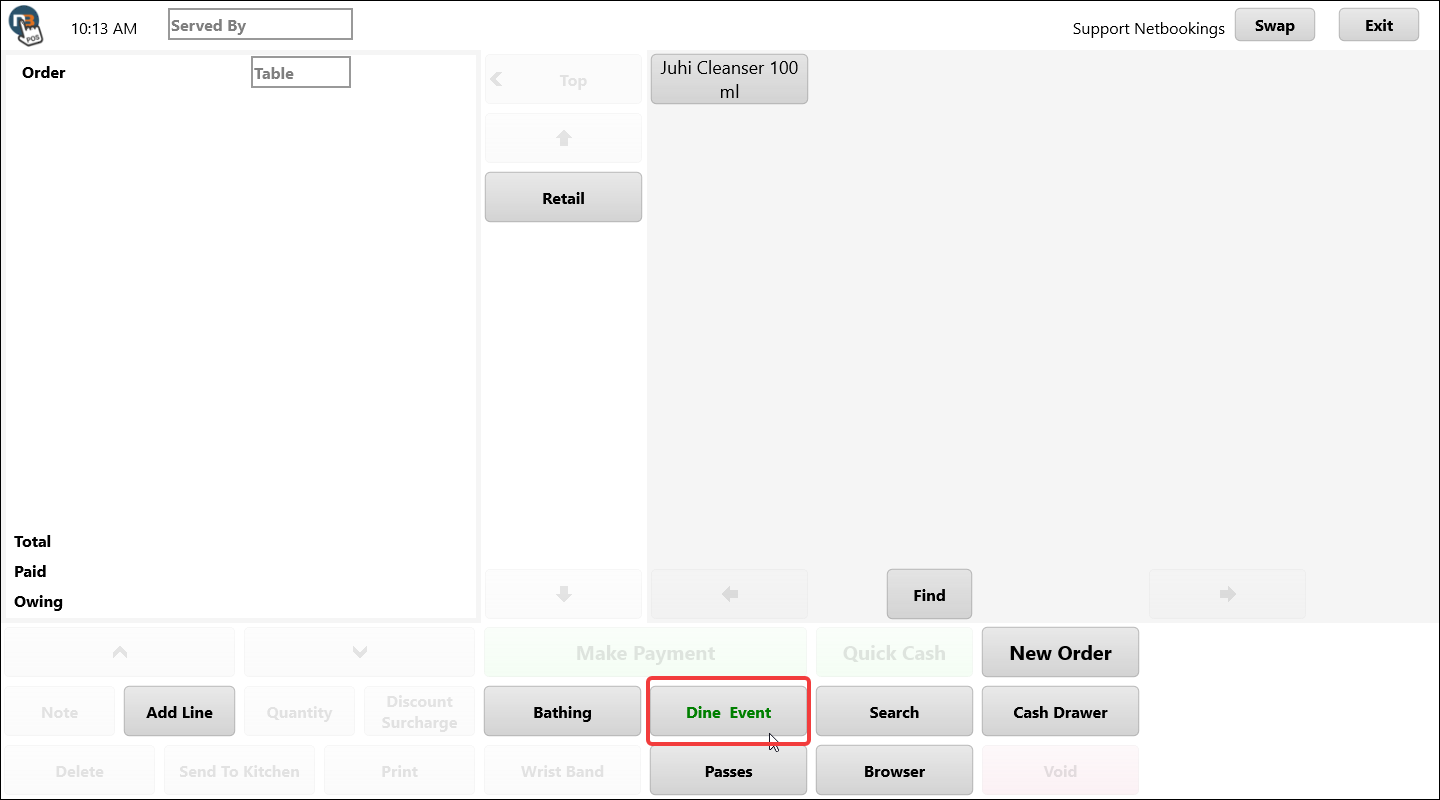
Search All
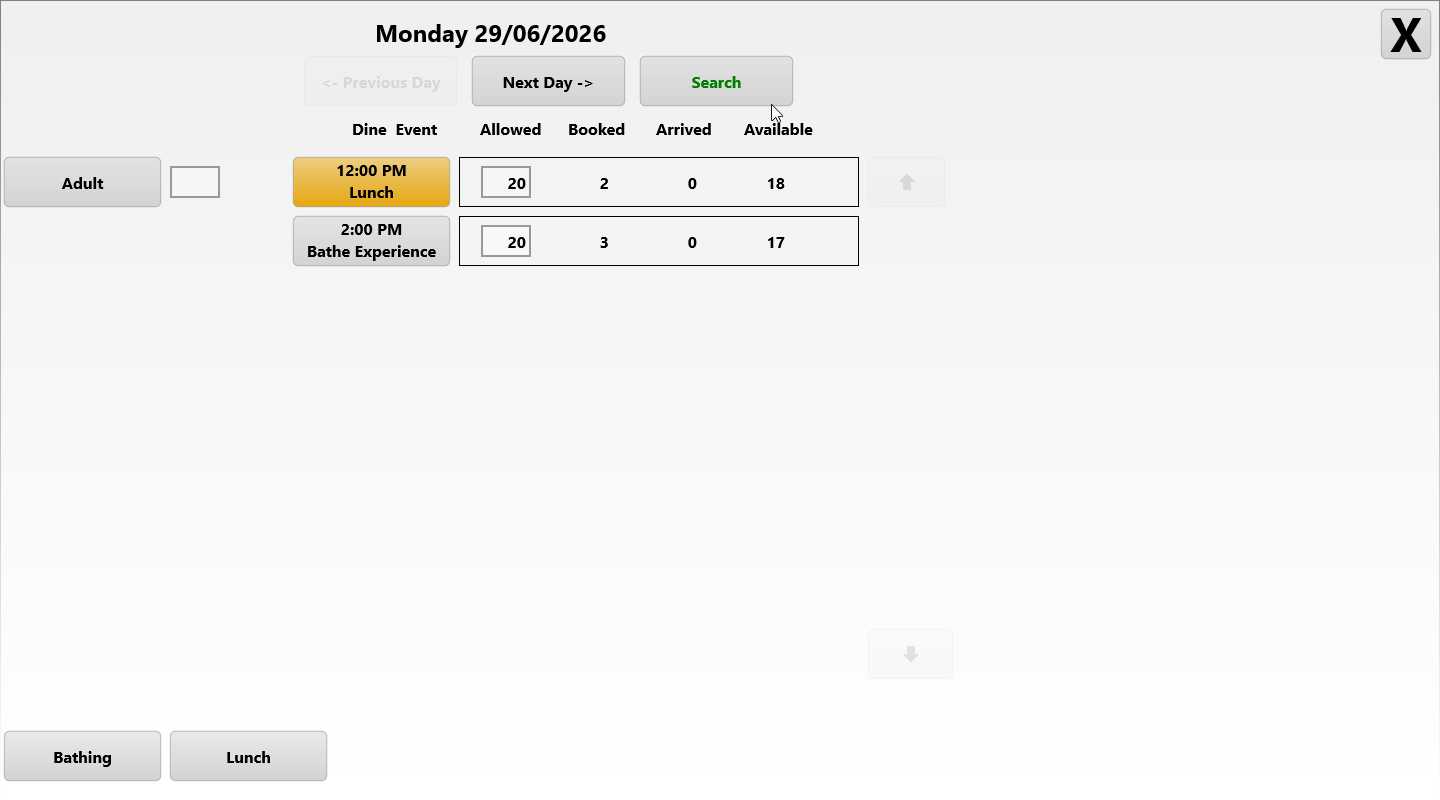
Search all bookings for Tours/Dining/Events for the day by clicking Search without select Group shown at bottom left.
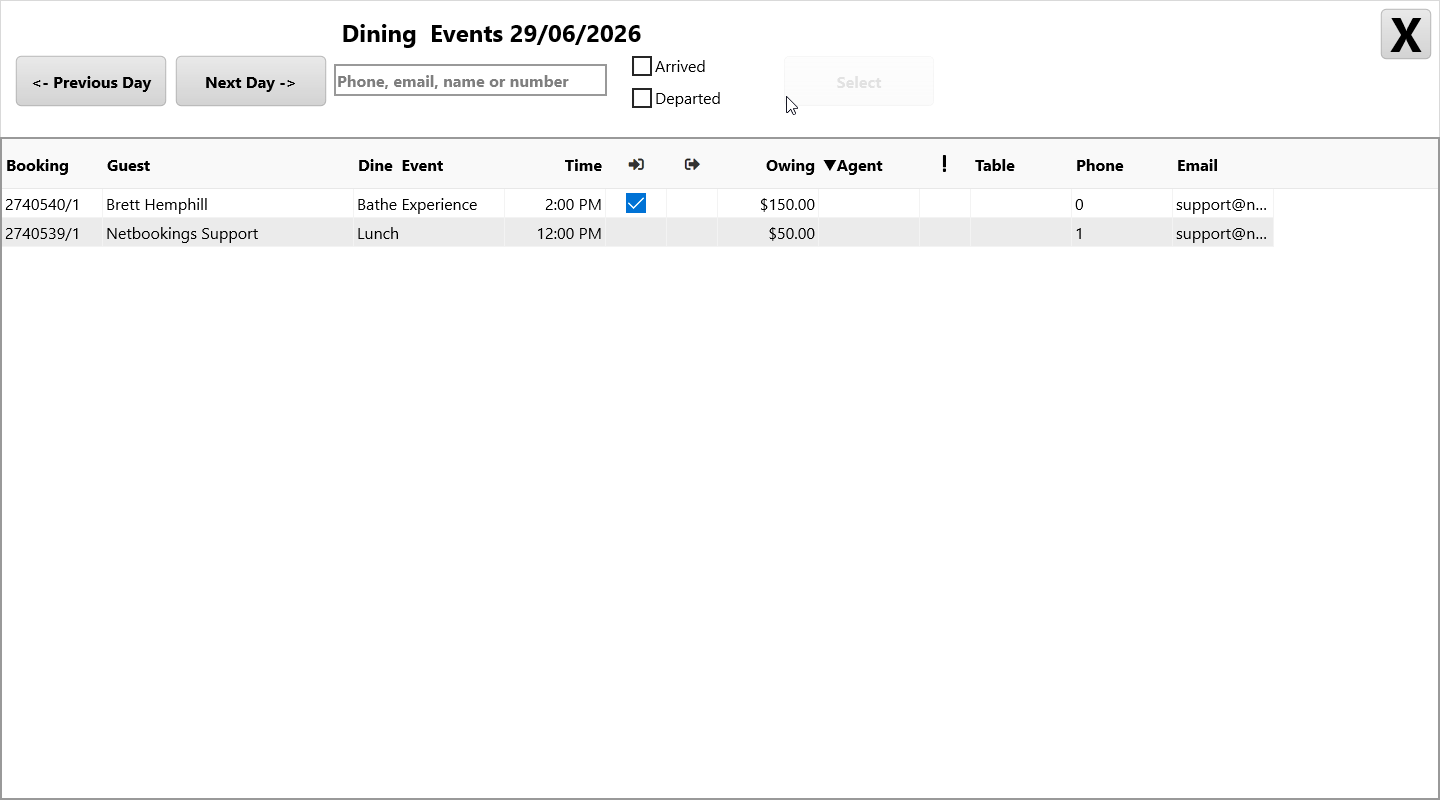
Shows both bookings for the day in this example.
Search By Group
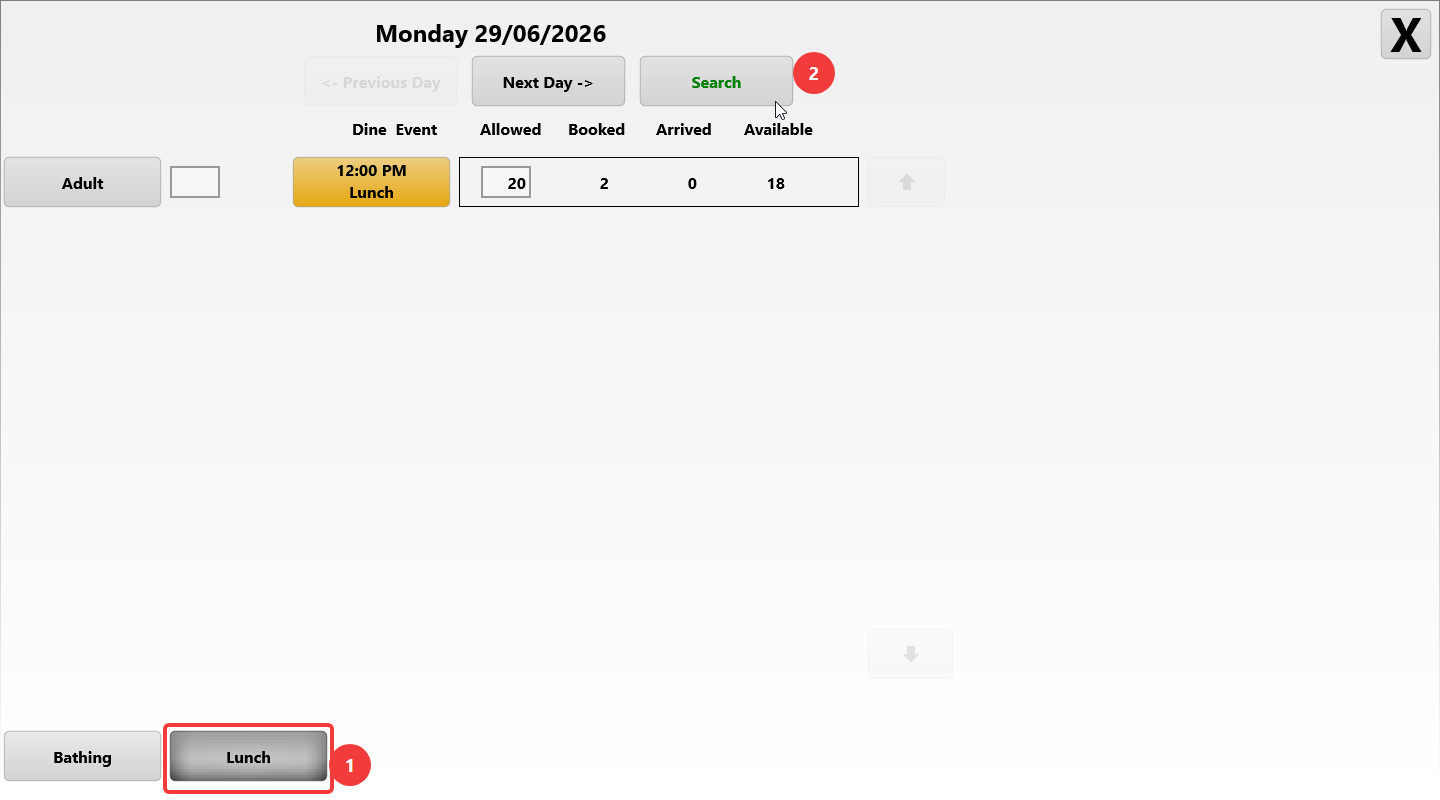
If we select the ‘Lunch’ group, it will now show only the bookings grouped by Lunch group assignment.
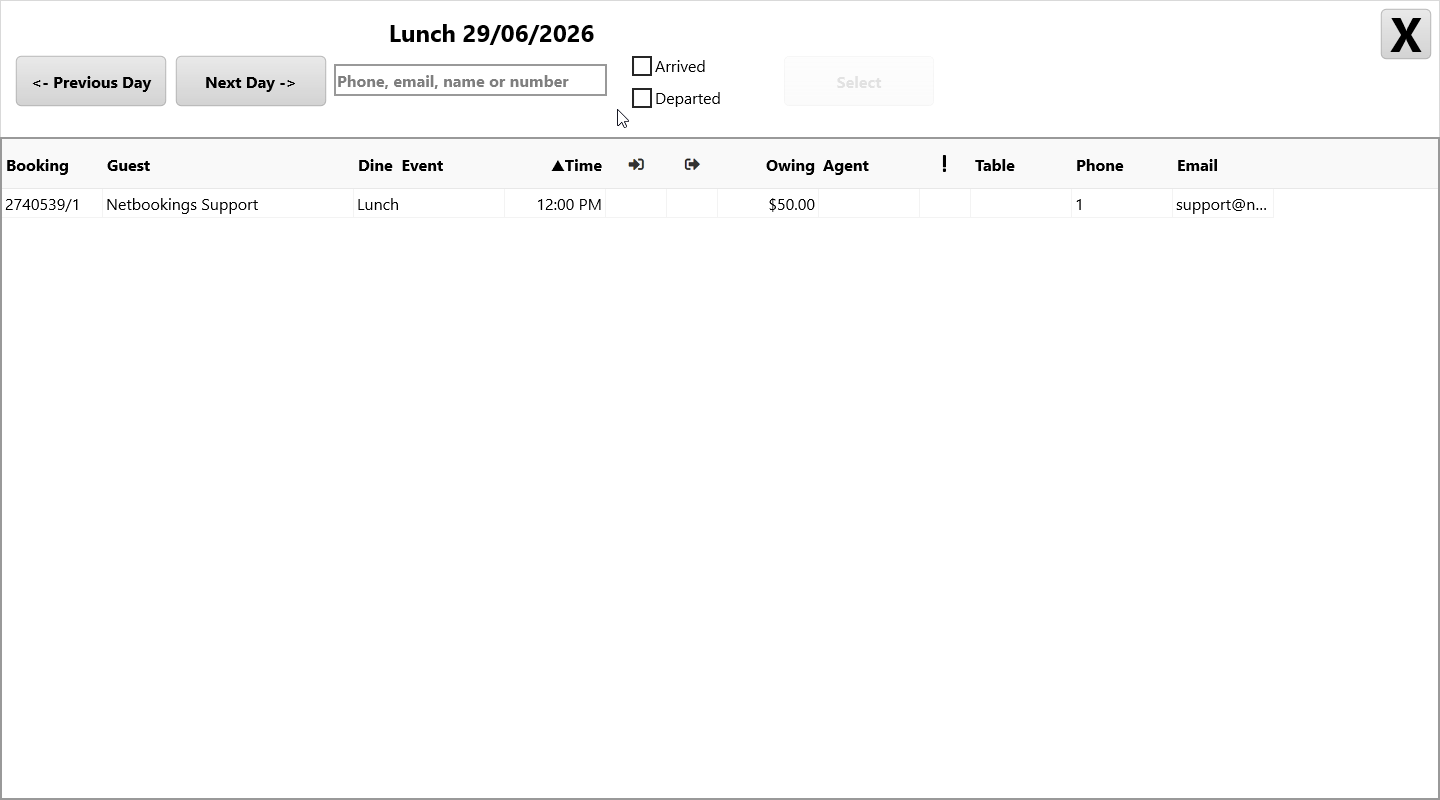
In our example from previous ‘Search ALL’ we had 2 results and now only 1 for the Lunch group. With very busy Tour schedules this can make searching easier for staff.