
Show ‘from’ For Prices
If we want to present our products online with a ‘from’ in front of price, users can select a setting to ensure it shows on all products on the Find Your Experience page.
This can be helpful when there are multiple tariffs and prices for products, and hence the advertising price could be set at the lowest possible price. With ‘from’ in front gives a better indication to guests that prices will vary dependent on dates. Let’s have a closer look.
Go to System>Setup>Settings>General tab
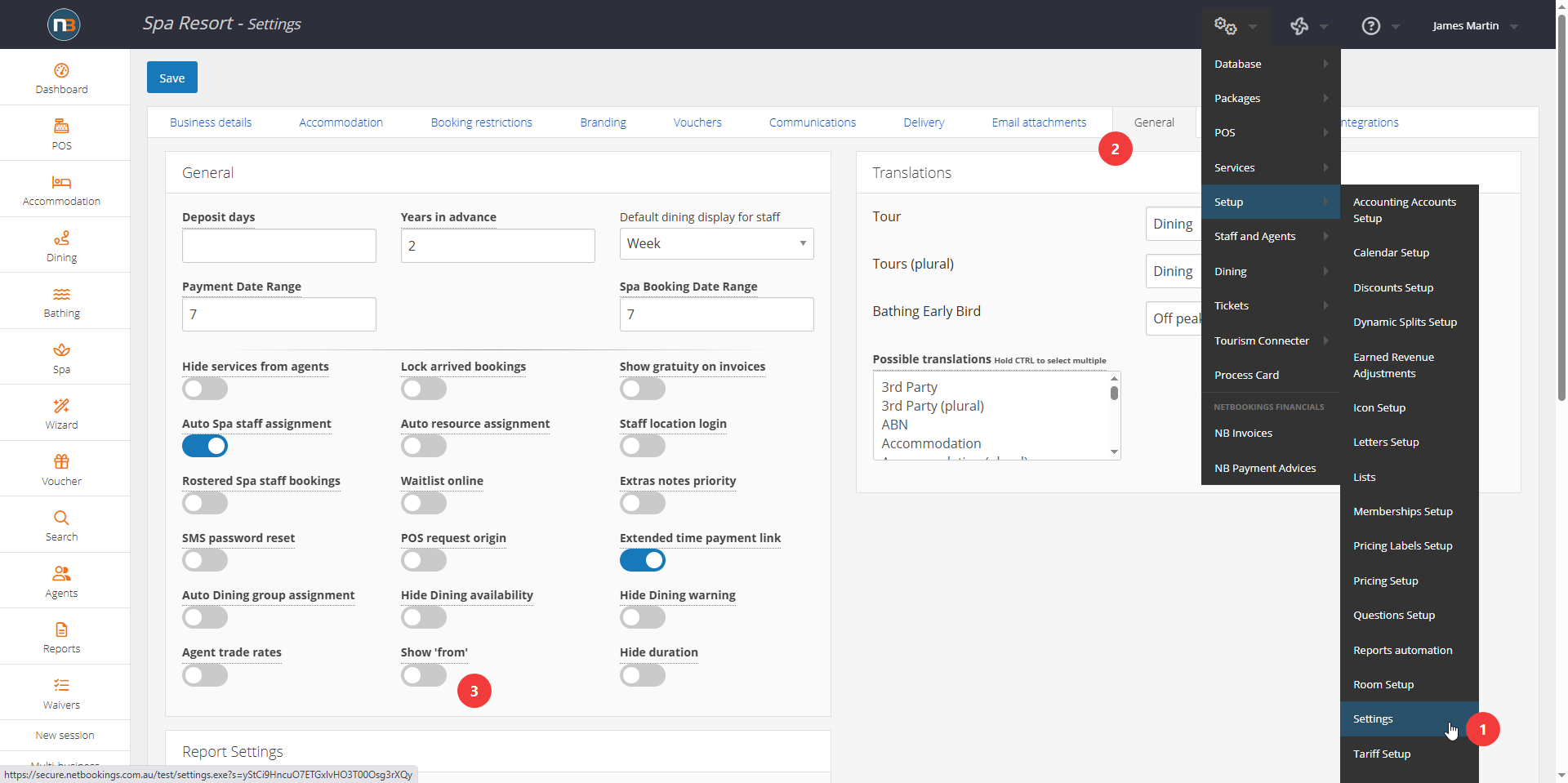
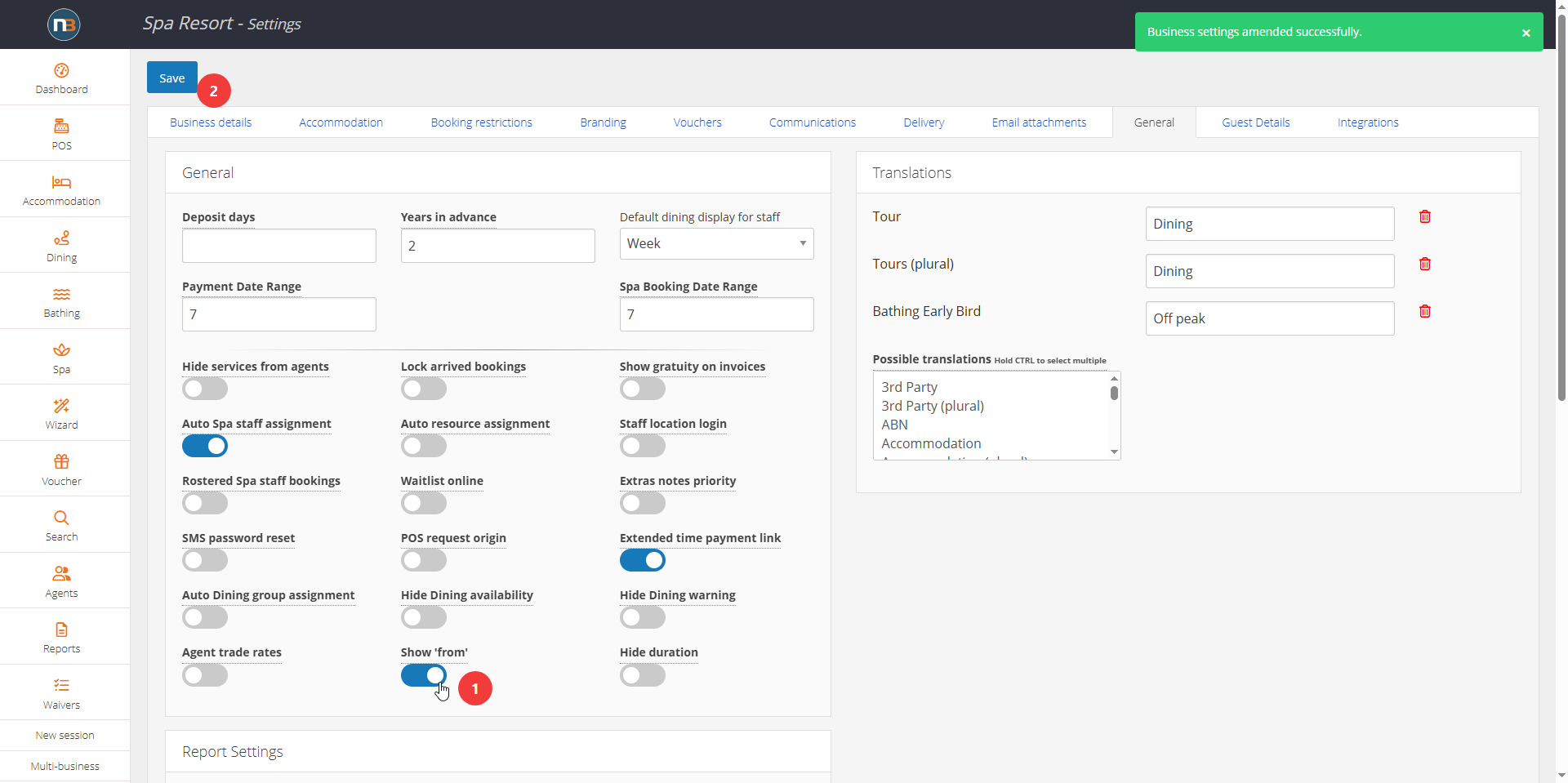
Select Switch
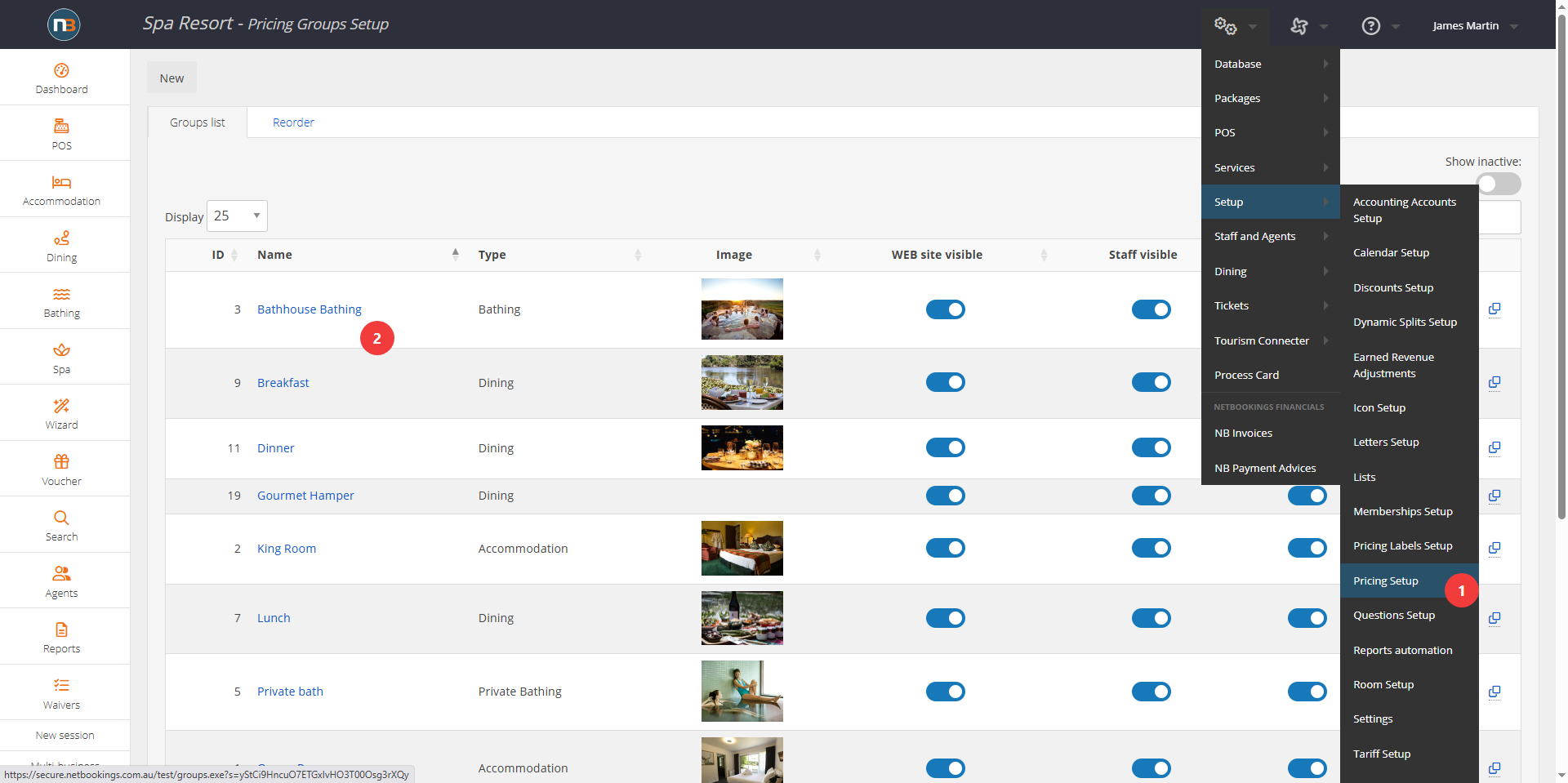
Go To System>Setup>Pricing Setup
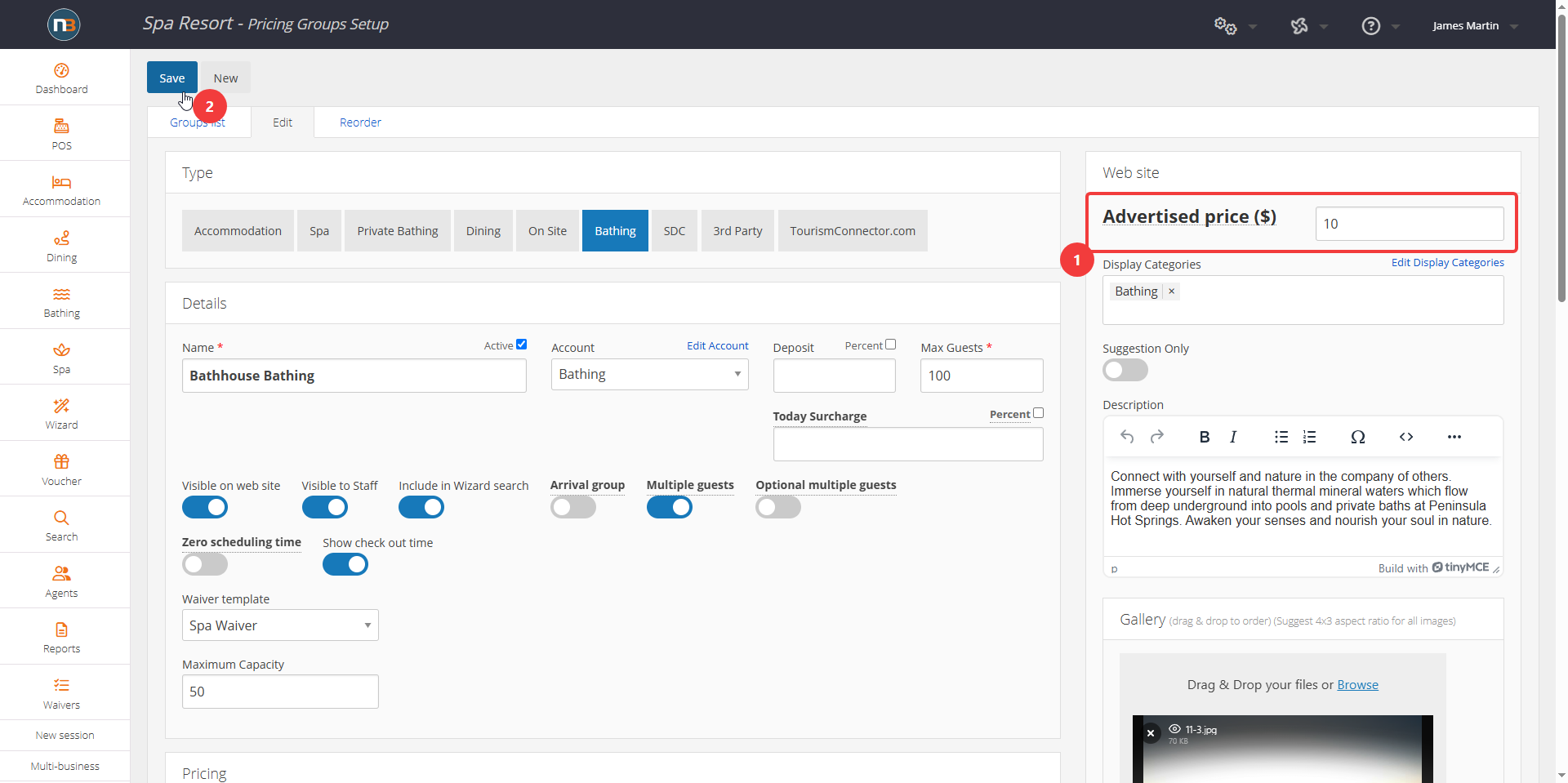
Change ‘Advertised Price’
See image below for prices set for tariffs.
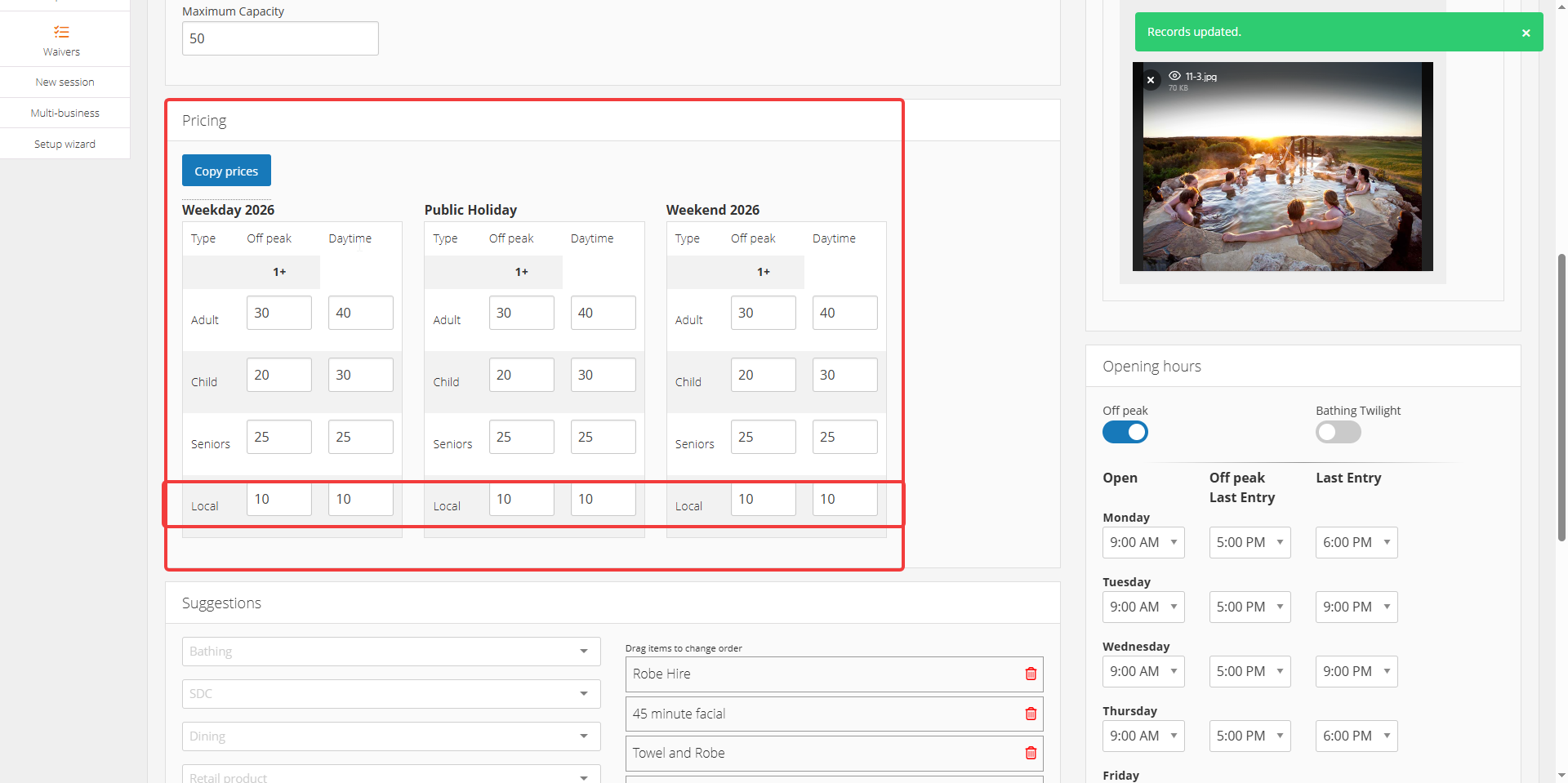
Best to use the lowest possible price bookable online for advertised price is using the ‘from’ text for product display.
See Online Changes
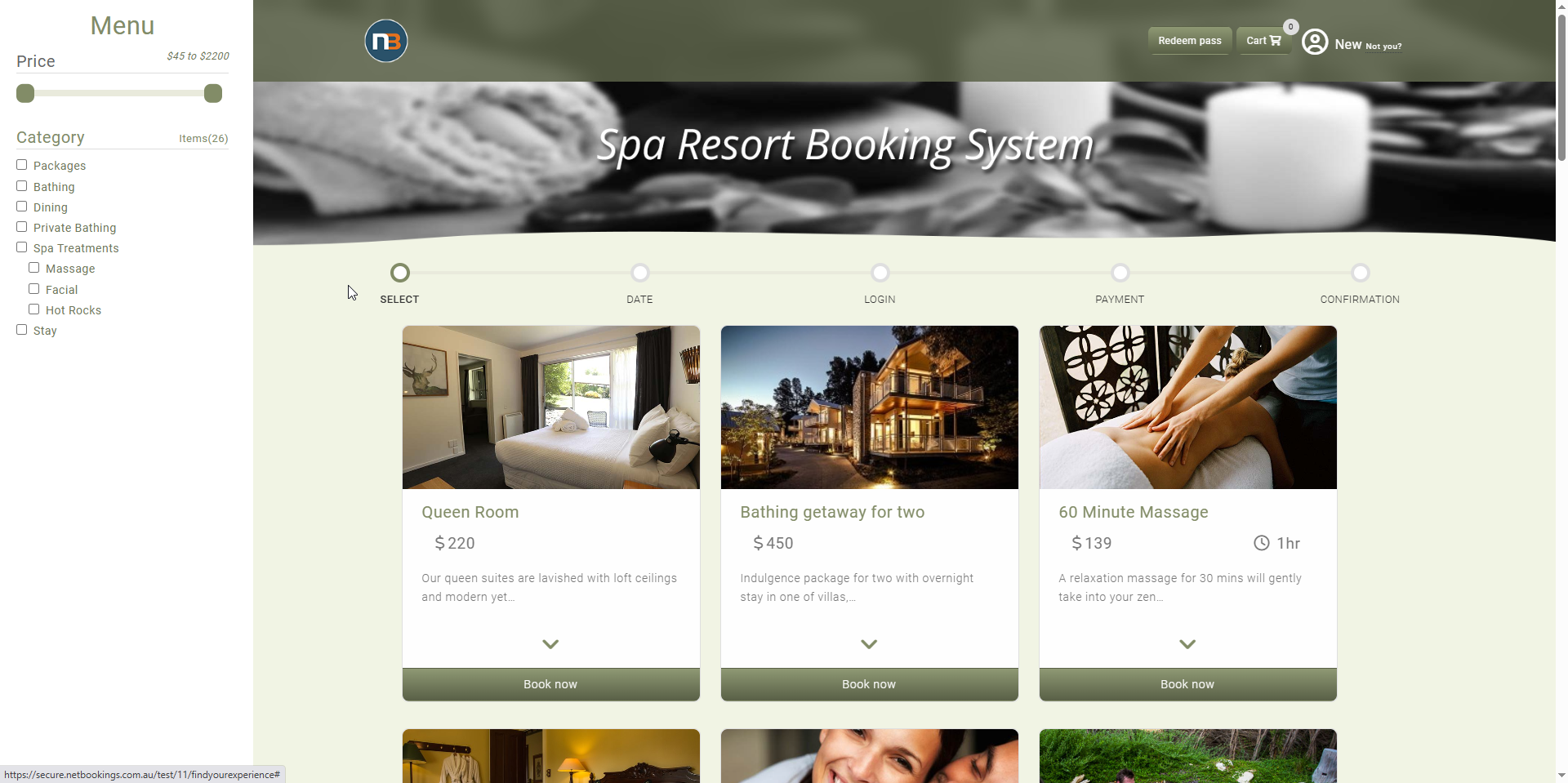
Before
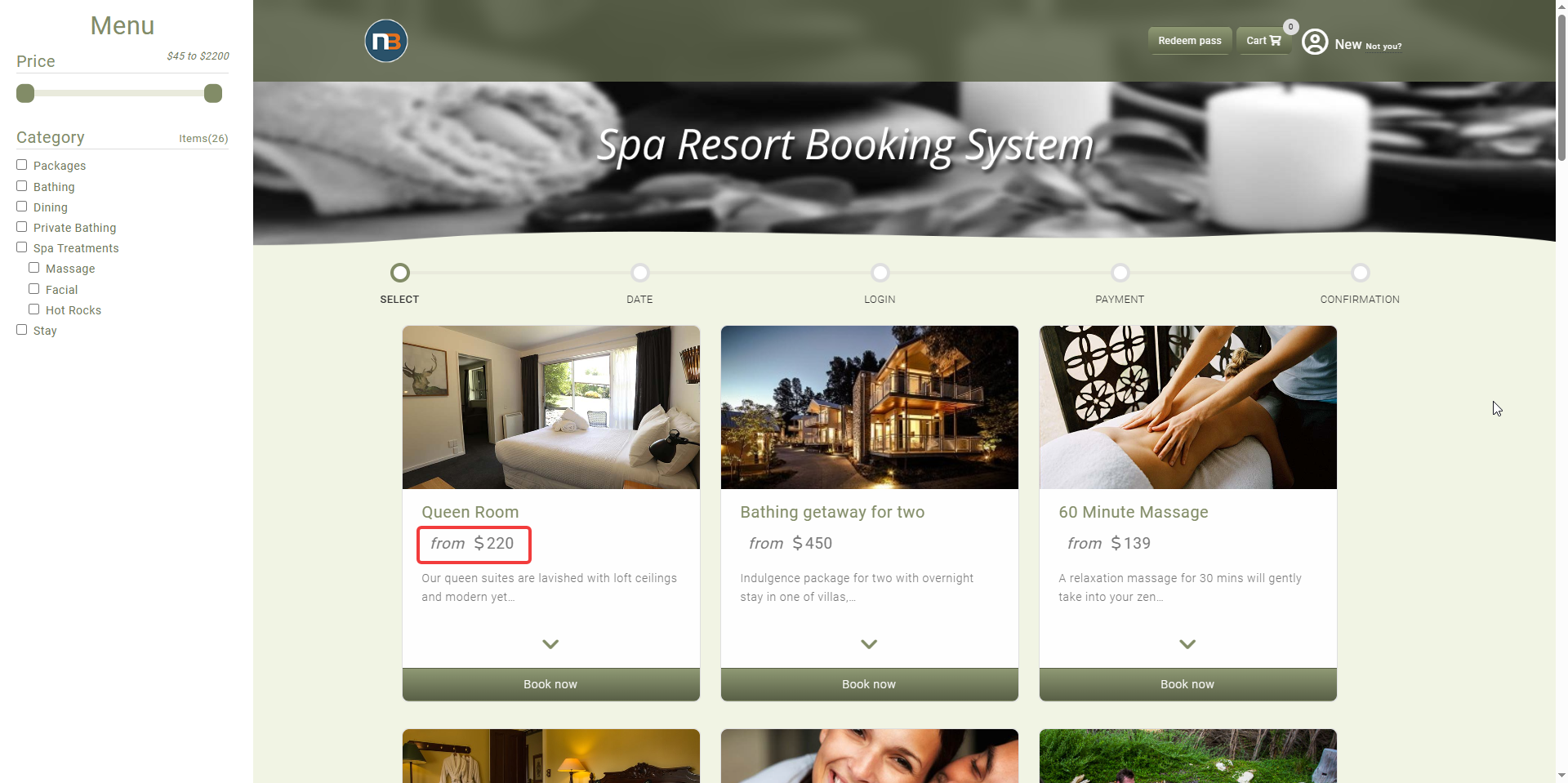
After