
Split Payments On POS
Using POS it is possible to split payments under the one order.
POS>New Order
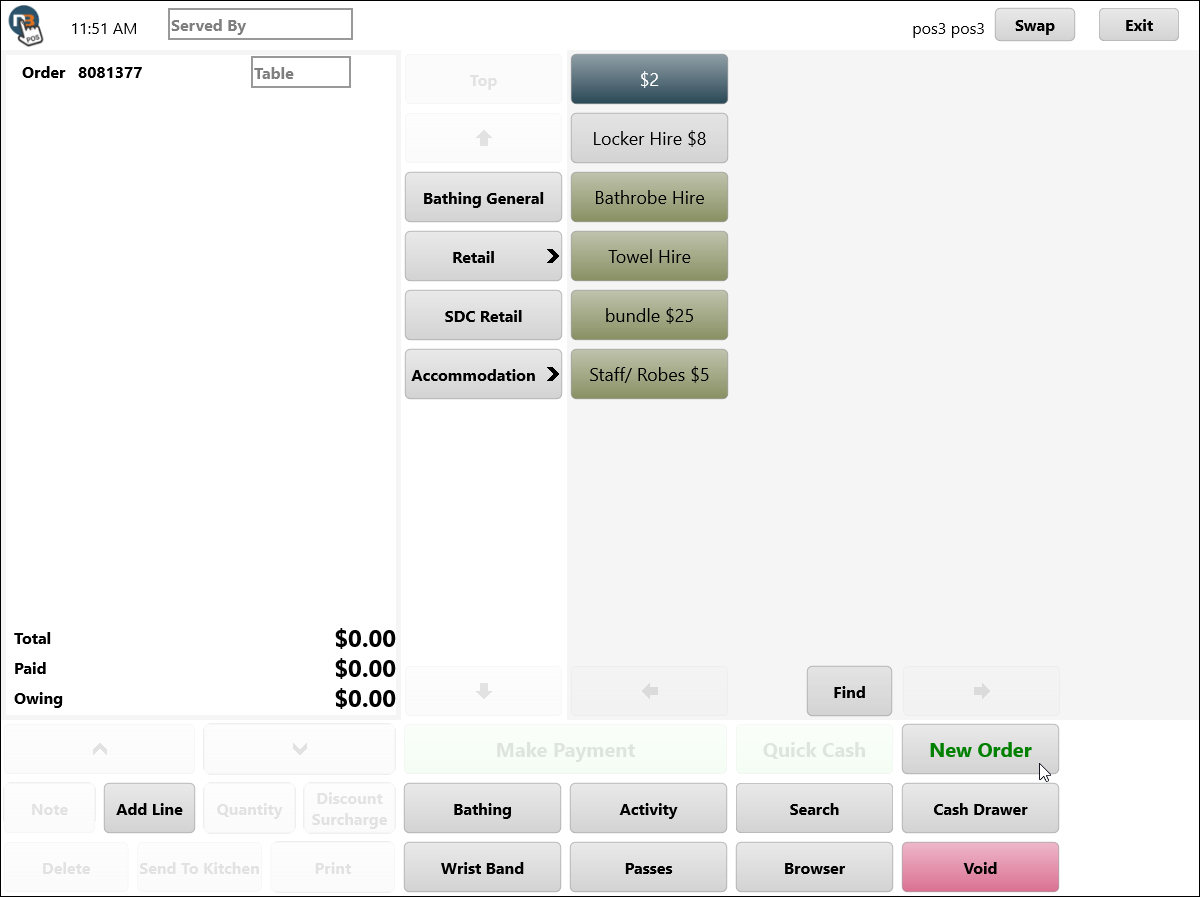
Add Items
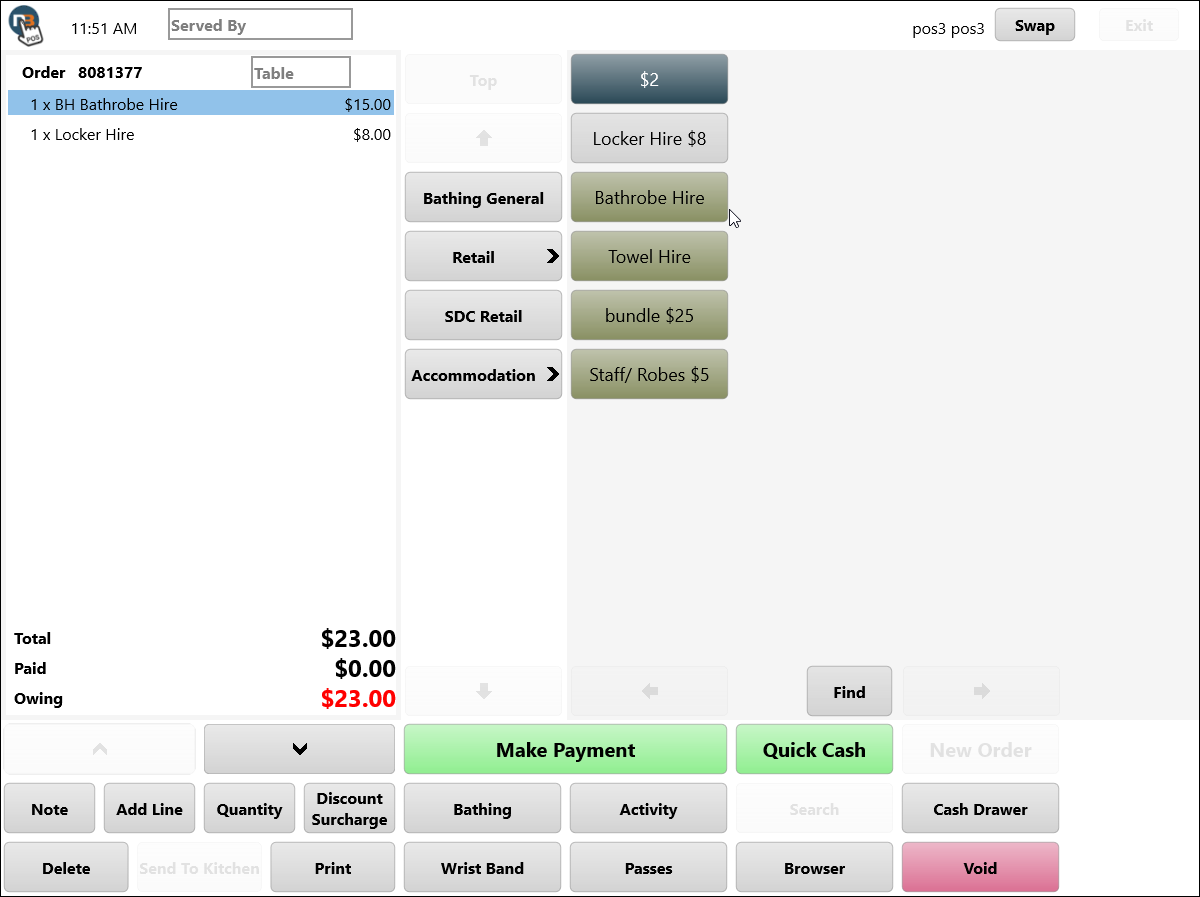
Select Line For Payment
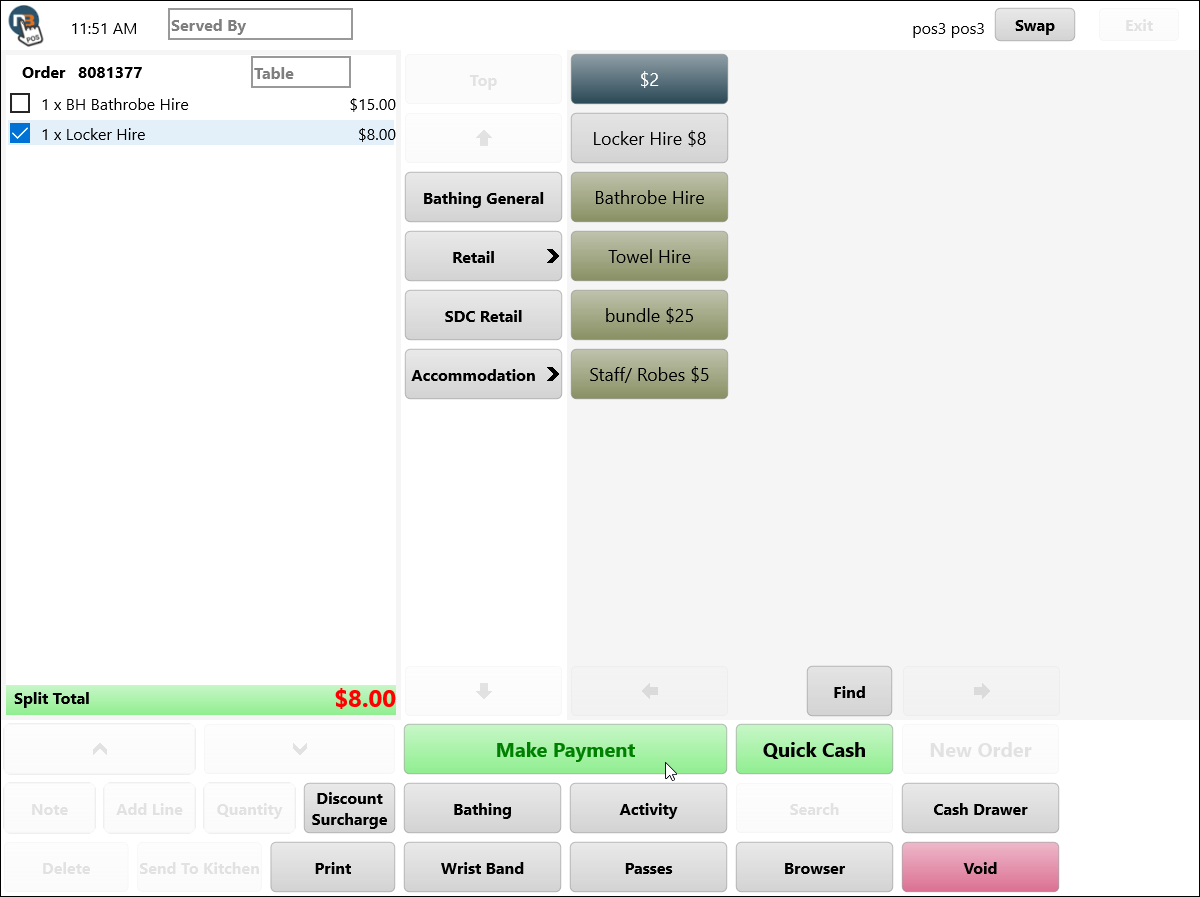
By using right-click (or press & hold), bring up check boxes next to all items on order. Select which items you want to pay first. Note the ‘Split Total’, highlighted in green, indicating a split payment.
Make Payment To Line
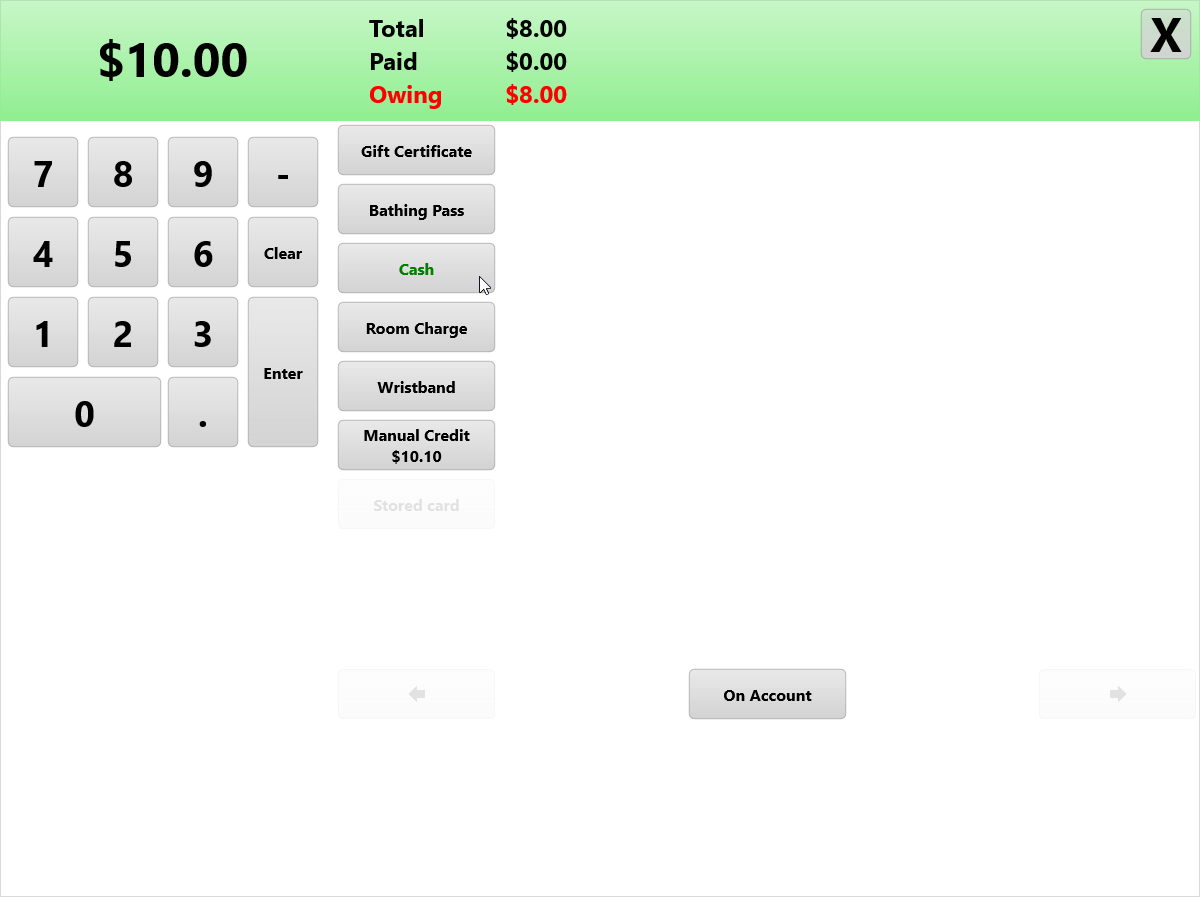
Now you can select payment type and pay. Note the highlighted green banner at top denoting that this is a split payment on order.
Pay Remaining Owing
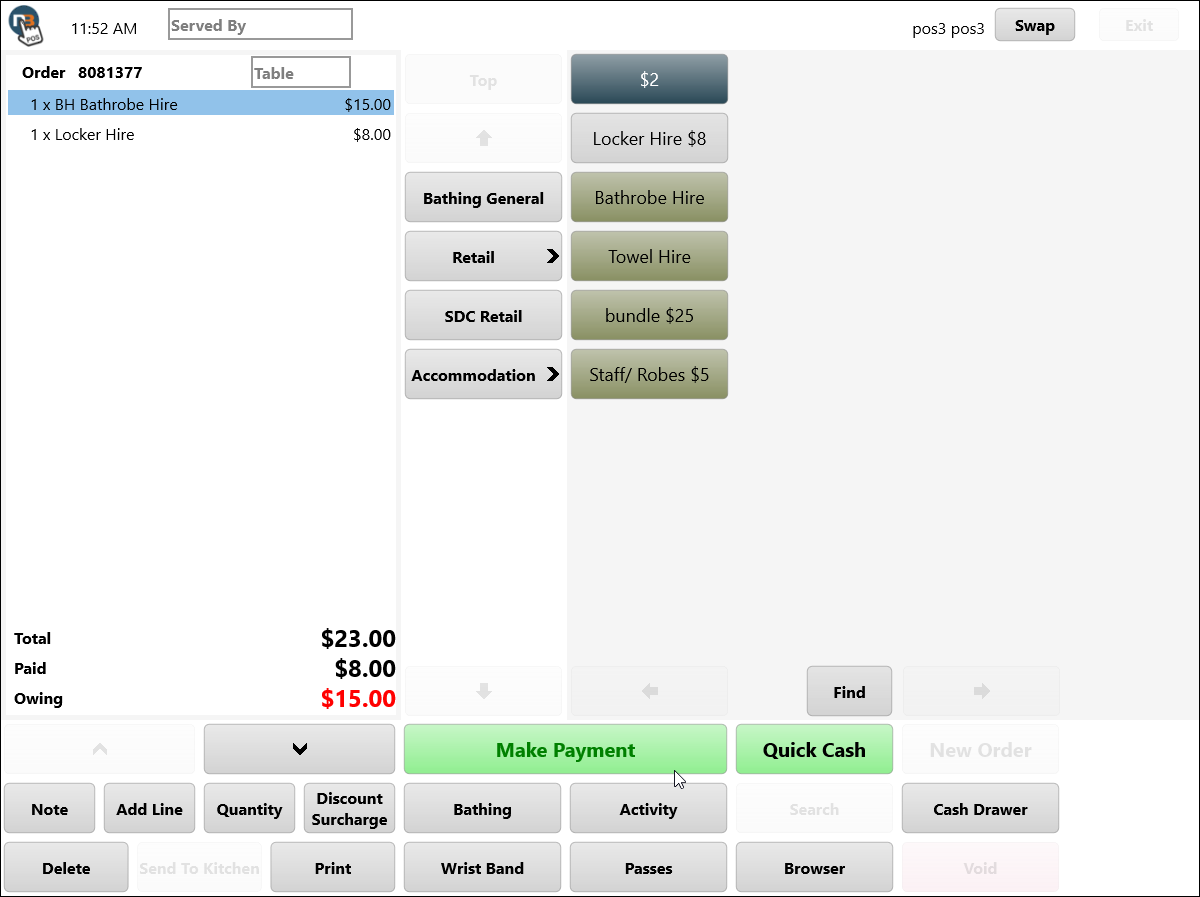
Pay remaining owing on order to complete payment. Repeat line select process for multiple split payments.