
Discounts, Retail Products & POS
Discounts can be applied to groups of retail products at POS, by using display categories.
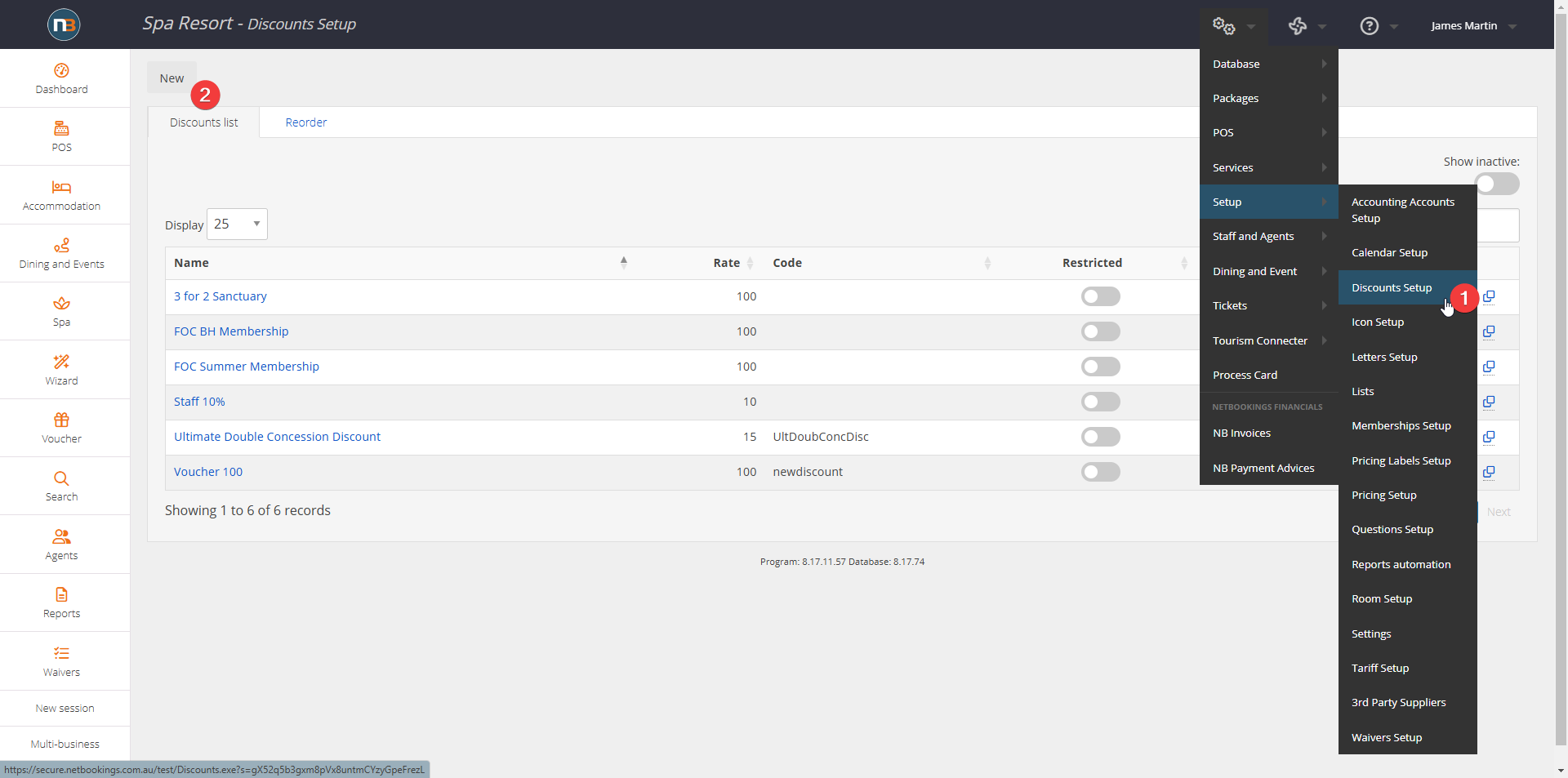
Go to System>Setup>Discounts Setup>Create New
Select POS/Online Shop
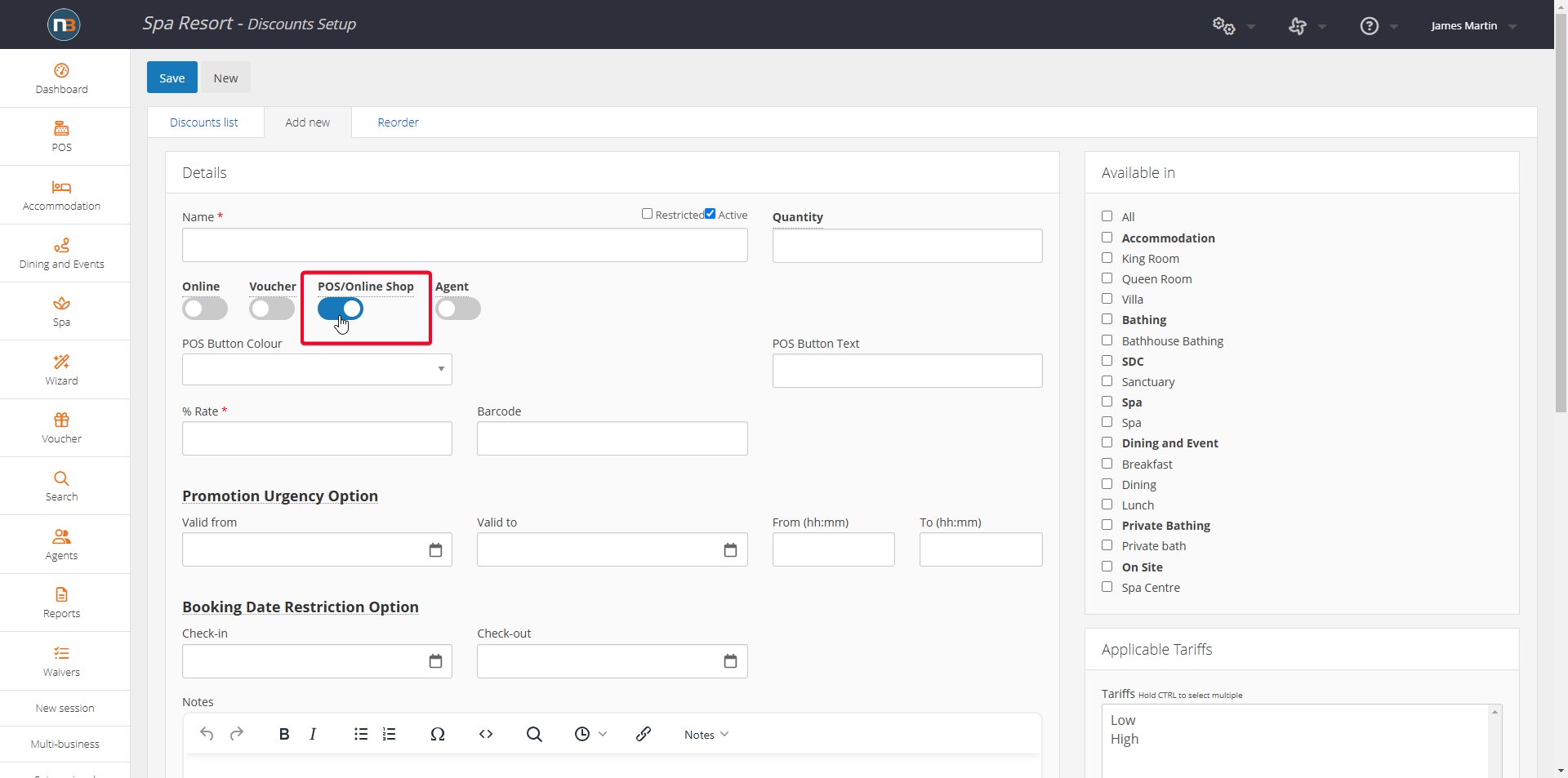
NOTE: When ‘POS/Online Shop’ enabled will apply discount to all retail items, unless restrictions applied as below in ‘Select Display Categories’.
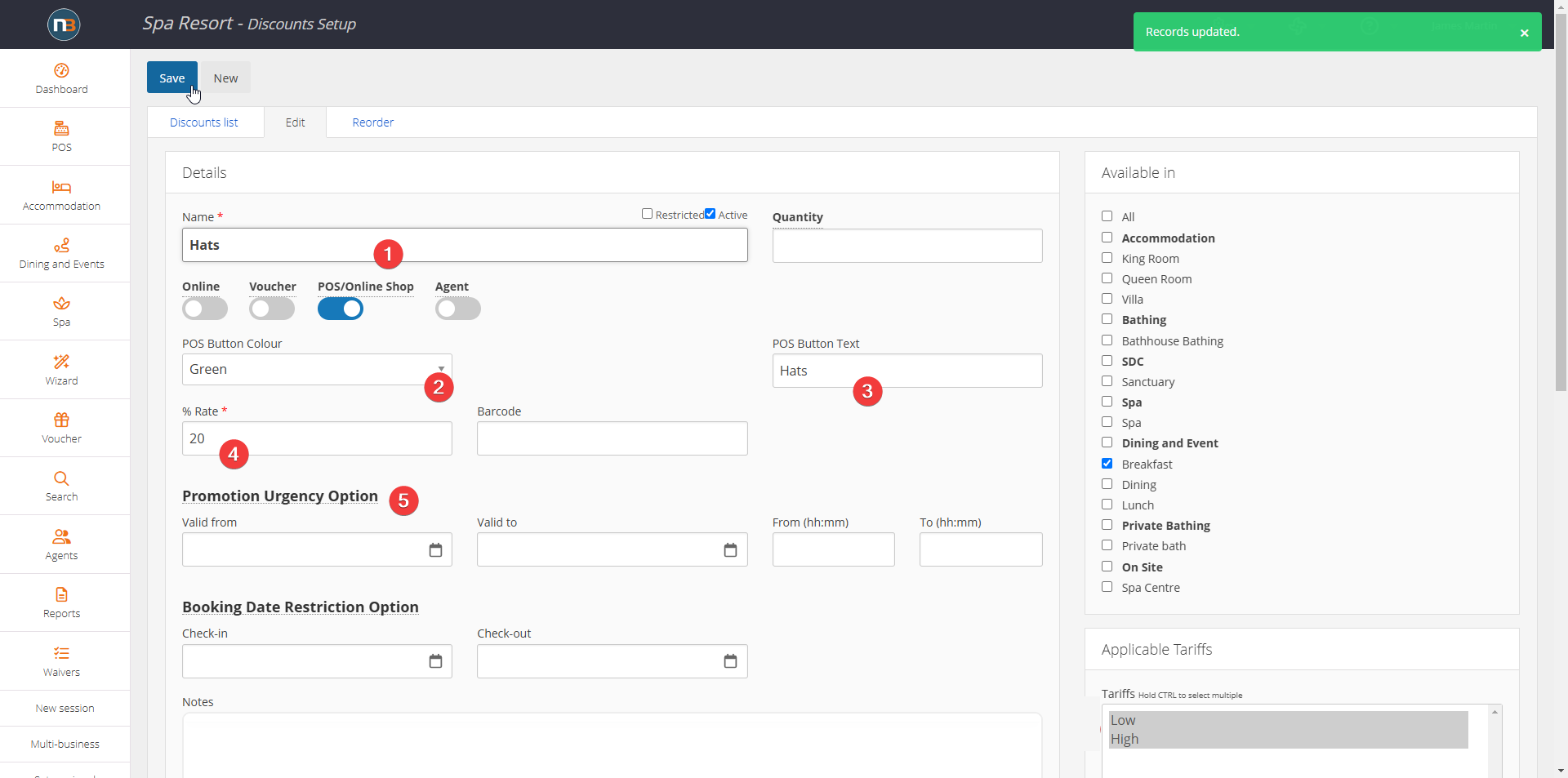
Add Details
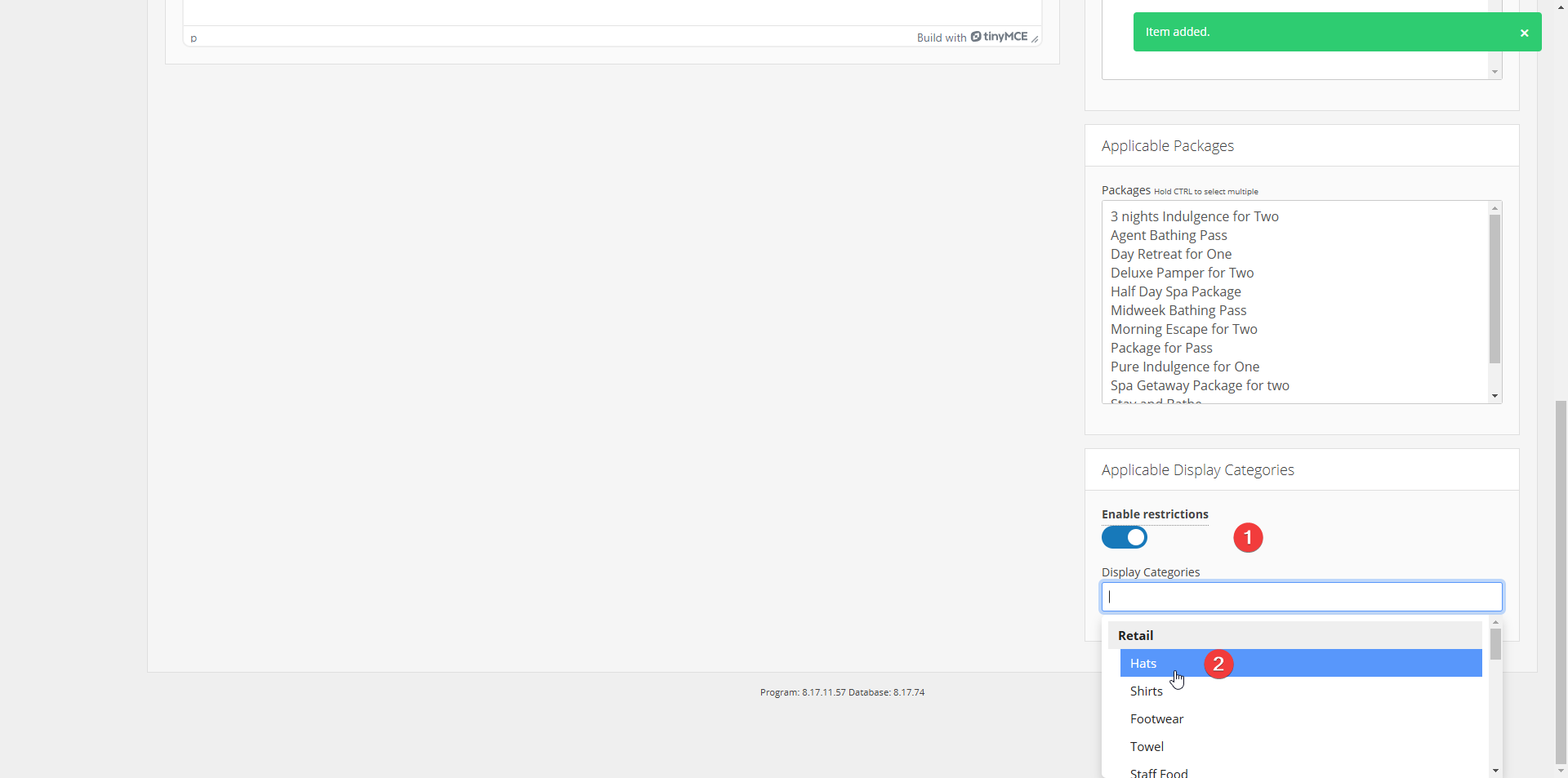
Select Display Categories
First we must enable restrictions and then select one or more display categories. This discount will then apply only to retail products or items assigned to these display categories. See Display Categories for more information.
Example Retail Products
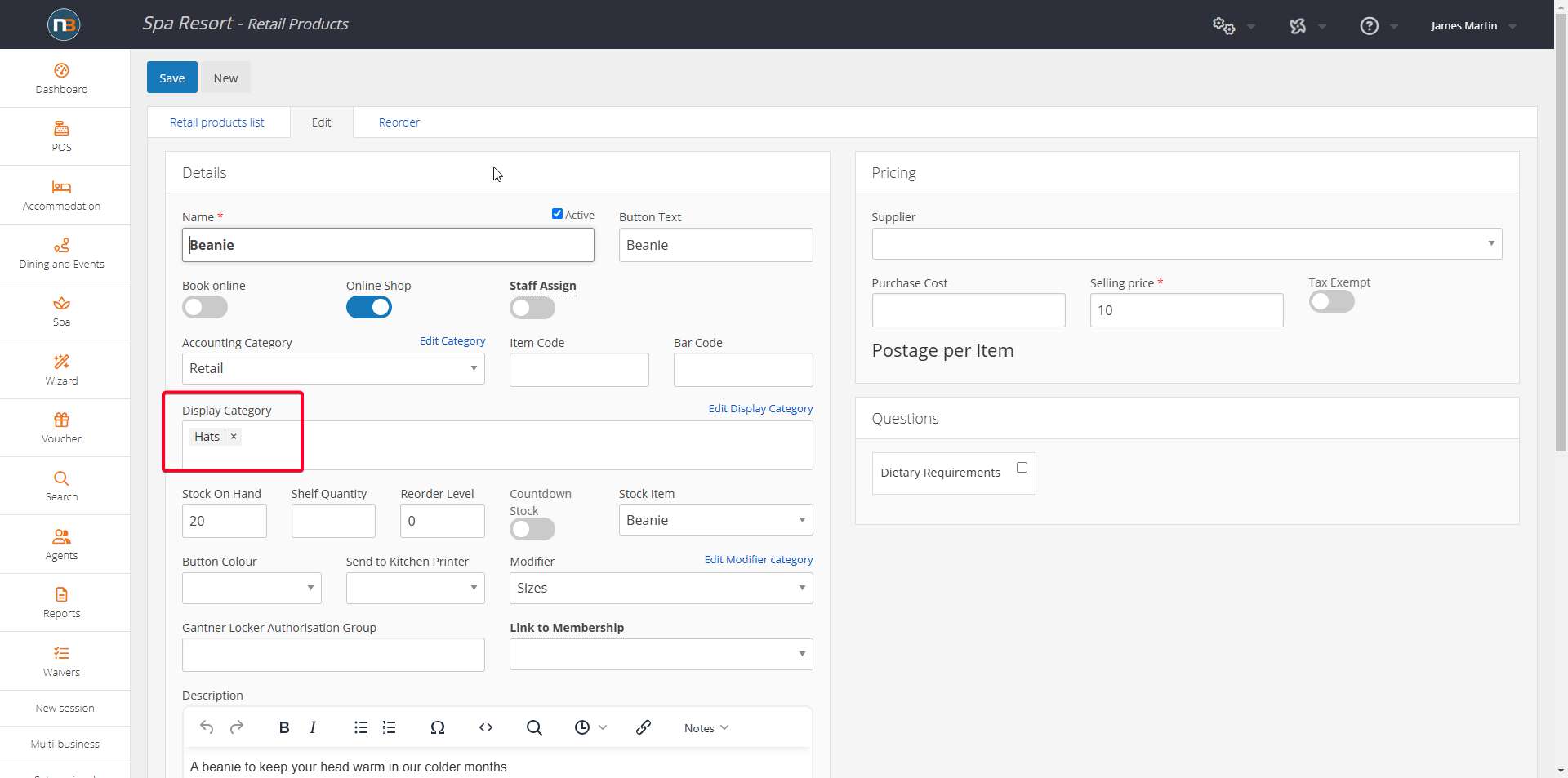
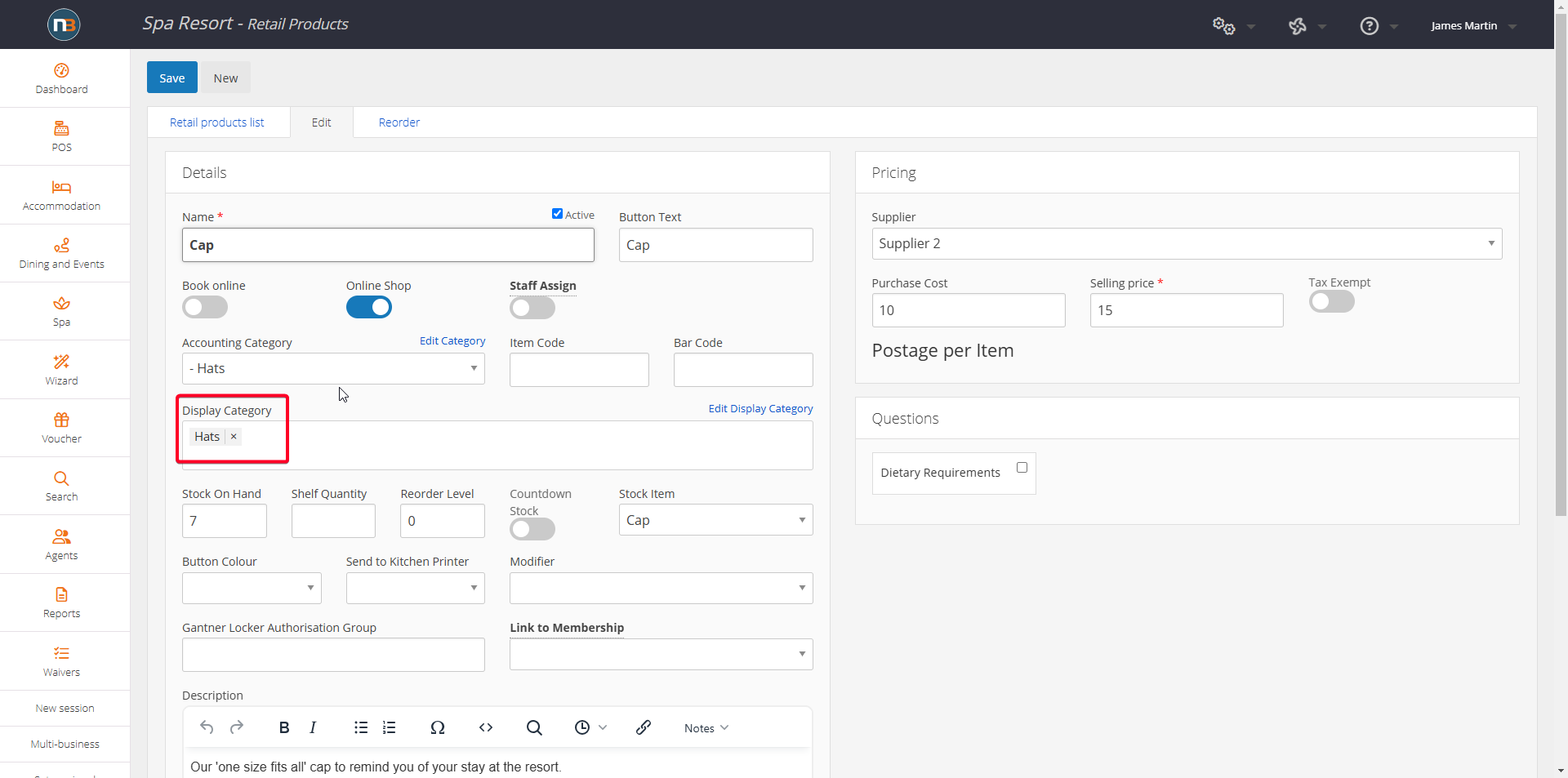
The Beanie and Cap retail products below are listed under Hats (the display category selected above in discount setup. See Display Categories for more information.
Beanie
Cap
Apply at POS
Select product i.e. Beanie.
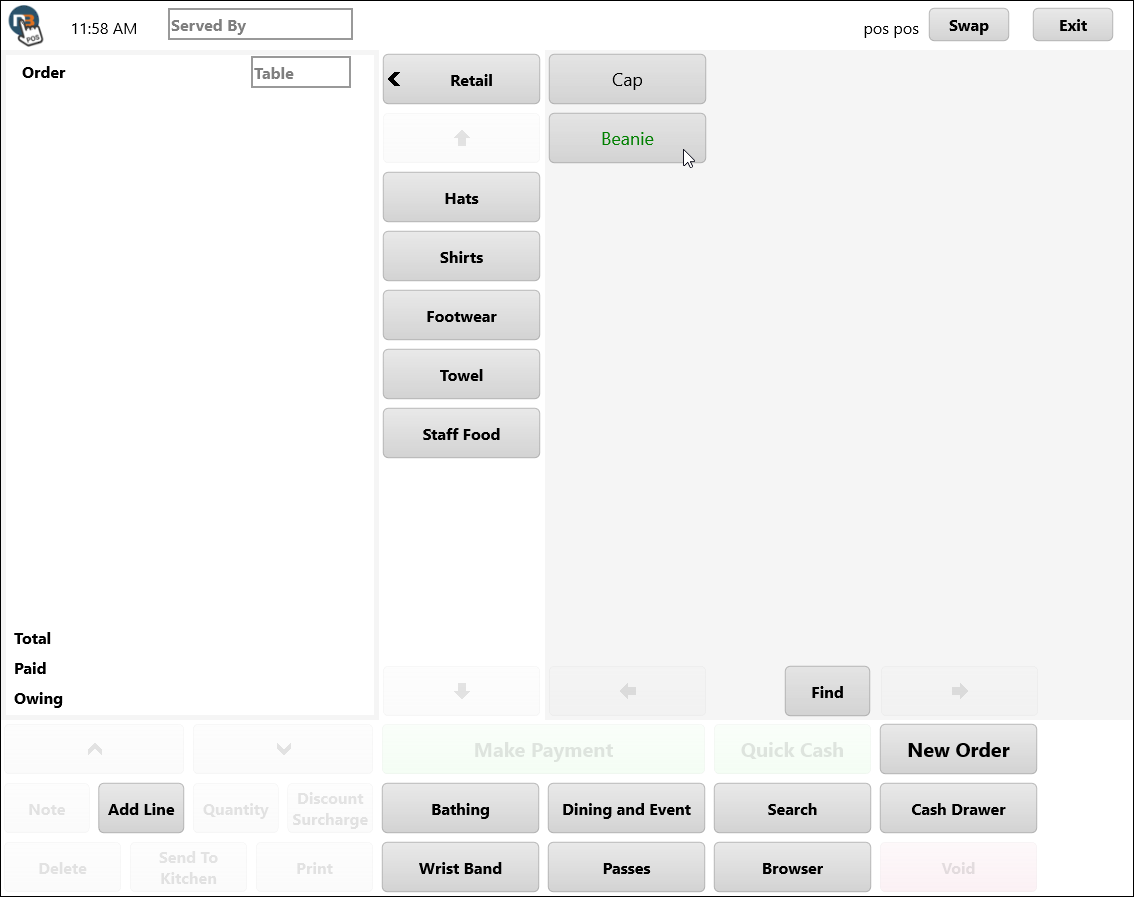
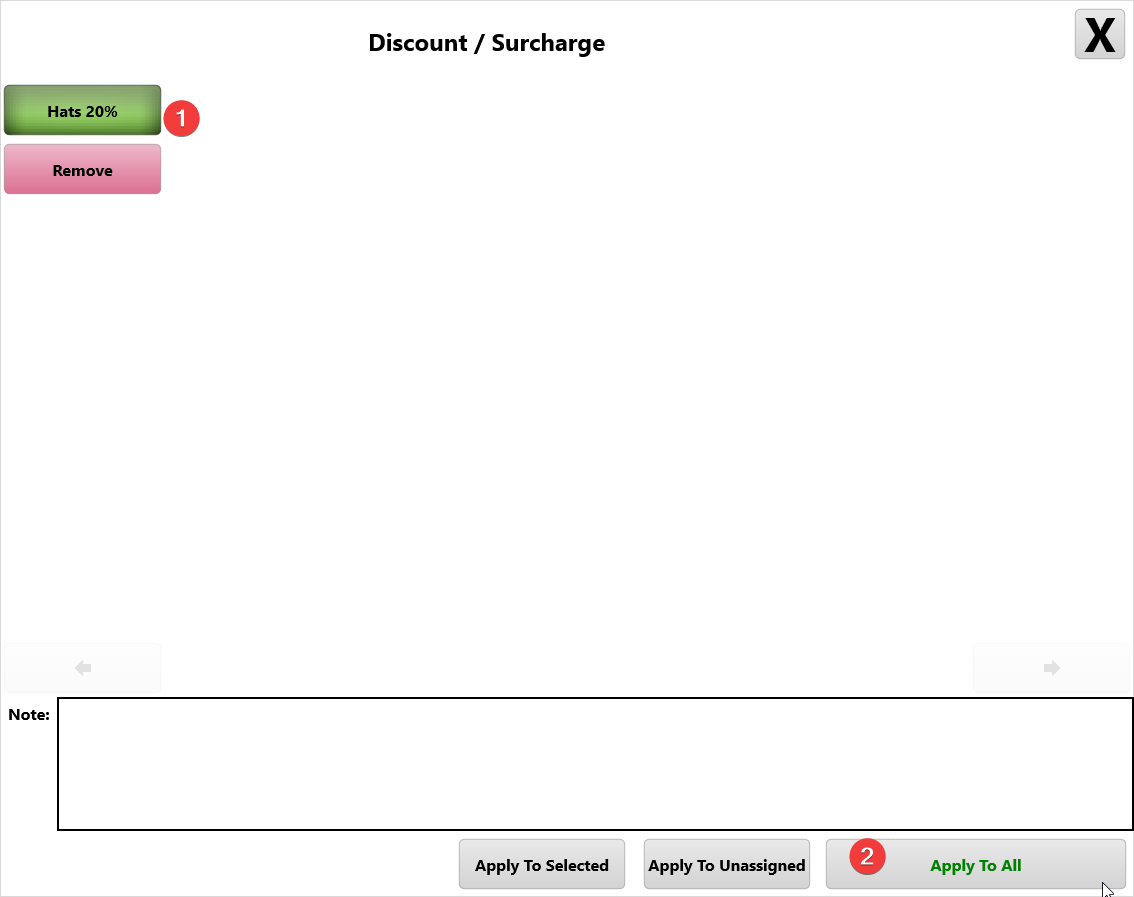
Select ‘Discount Surcharge’ Button.
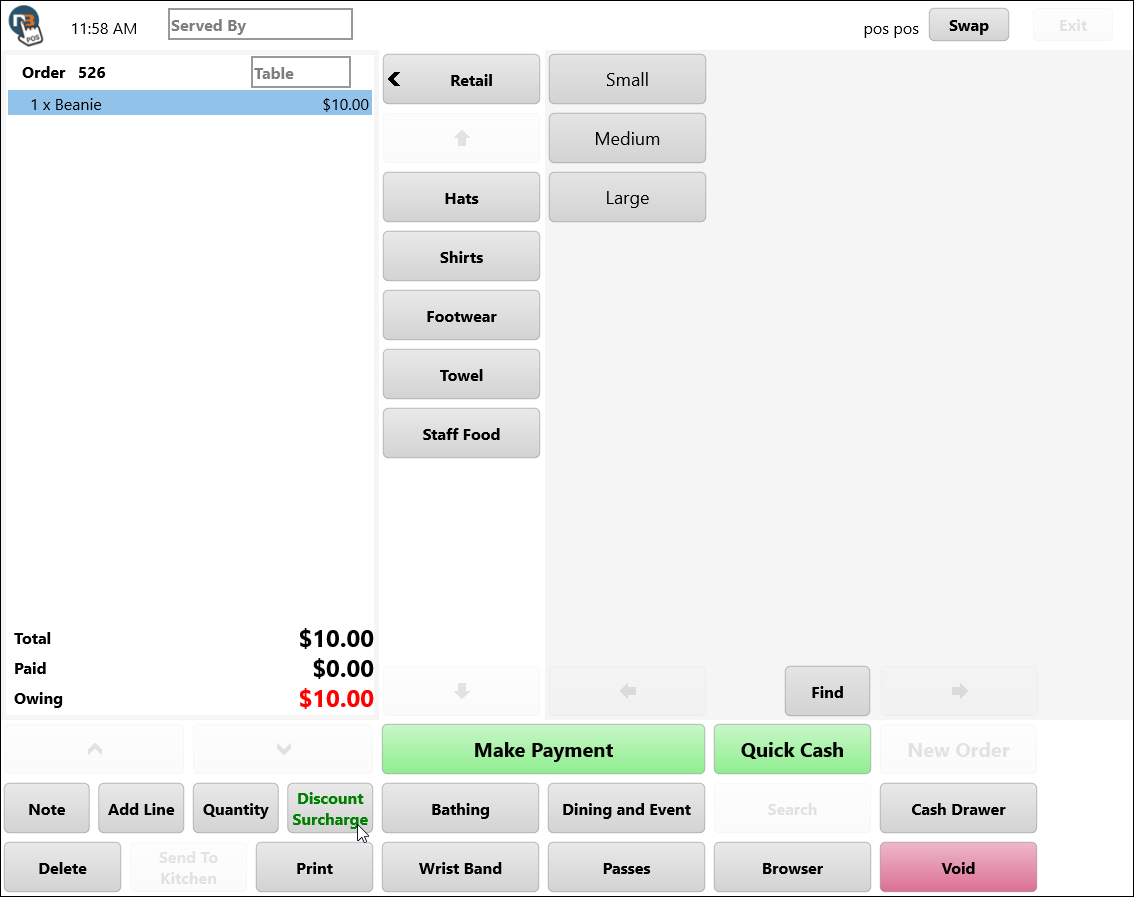
Apply Discount just created.
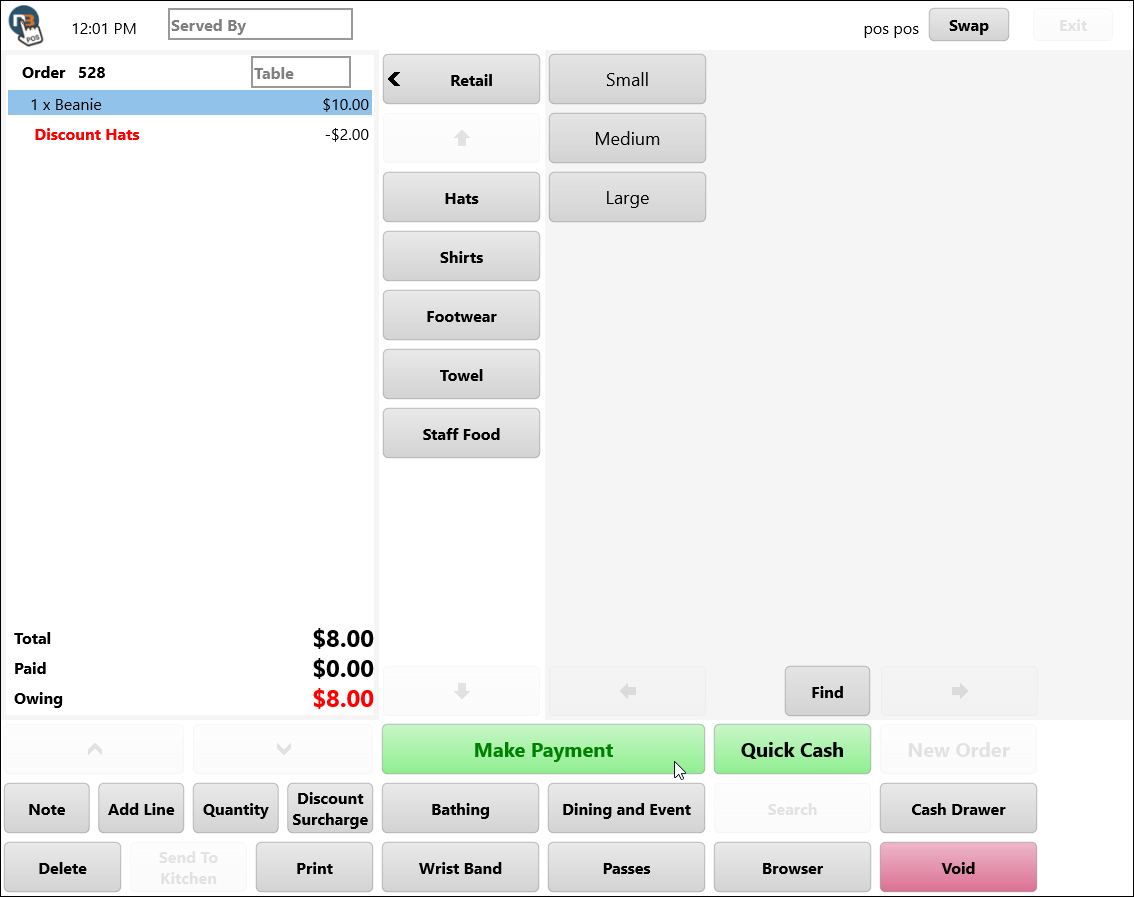
See applied and payment ready to be made.
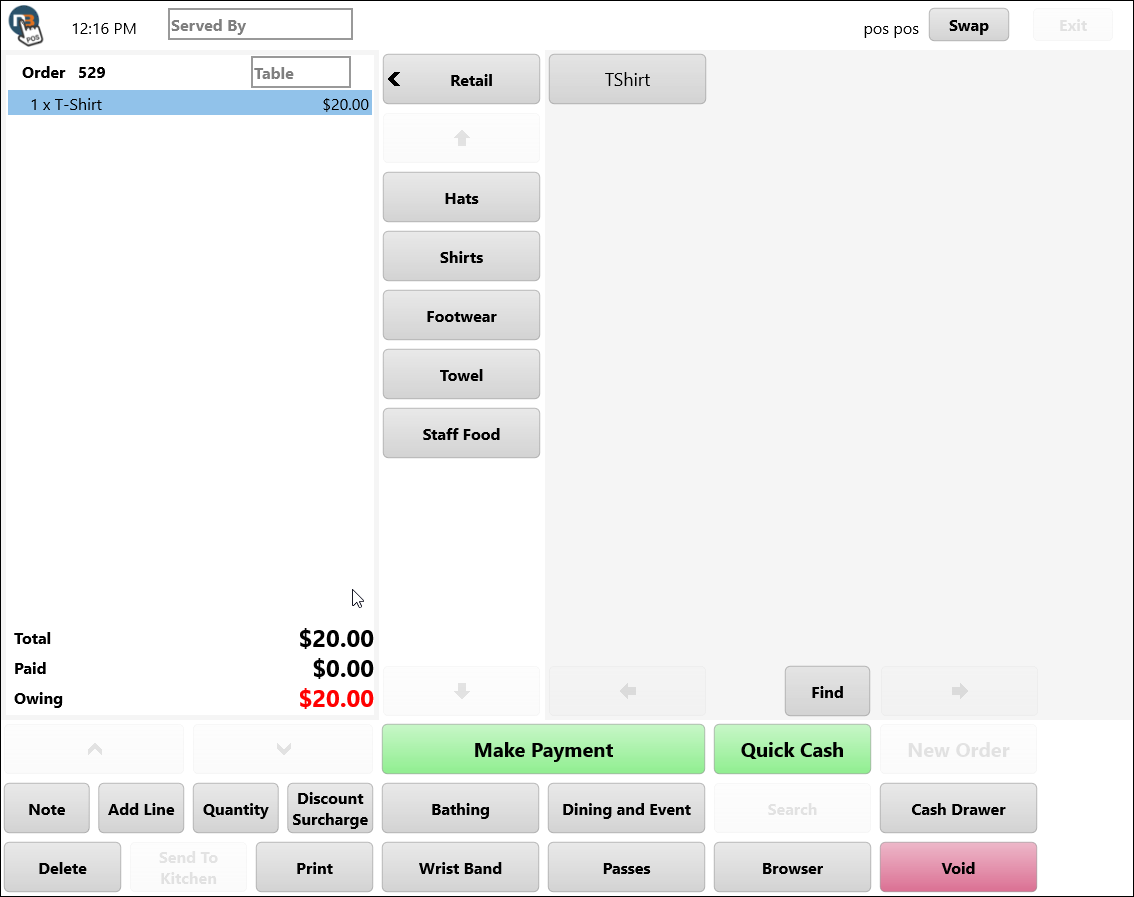
If try to apply to product that is not under Hats category; then will not apply.
Discount restrictions apply to Online Shop
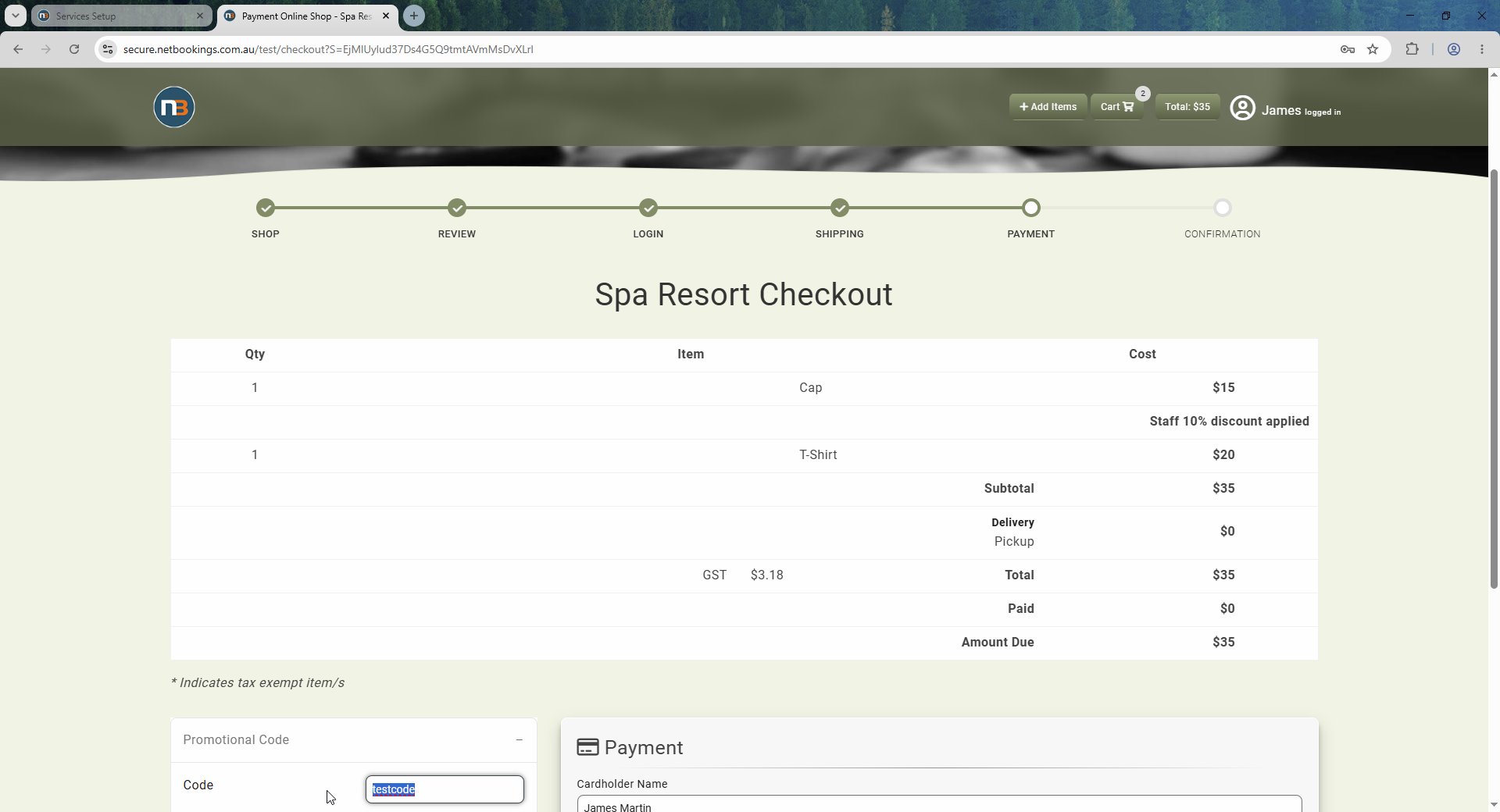
Enter discount code
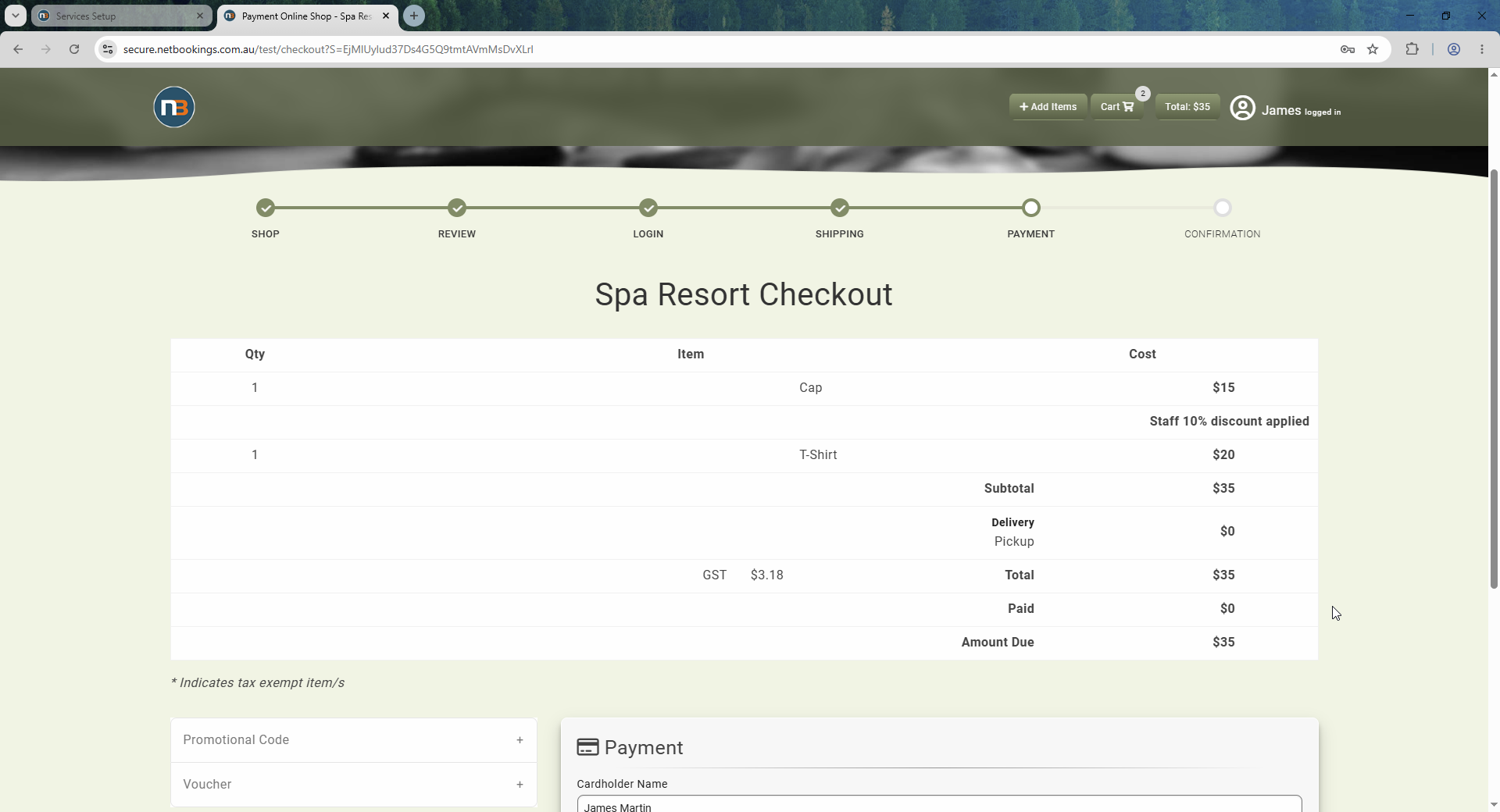
Applies discount to Hats as selected in restriction but does not apply to Shirts