
Cancelling a line in a booking
Once inside a booking, staff can cancel the line of a booking rather than cancelling the entire booking. This might be required where a payment exists on a line and therefore cannot be deleted for records sake.
Go to booking
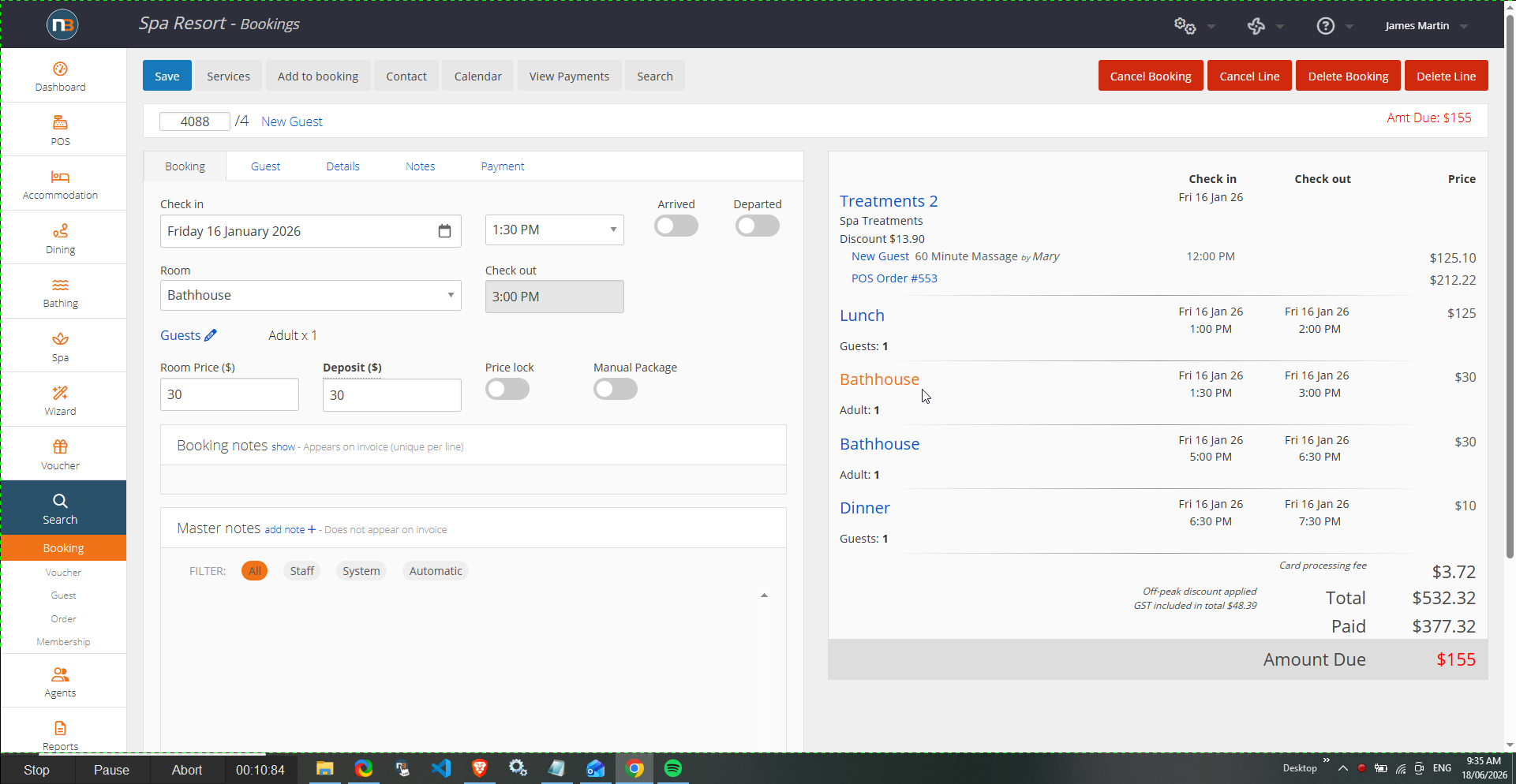
Select line to cancel
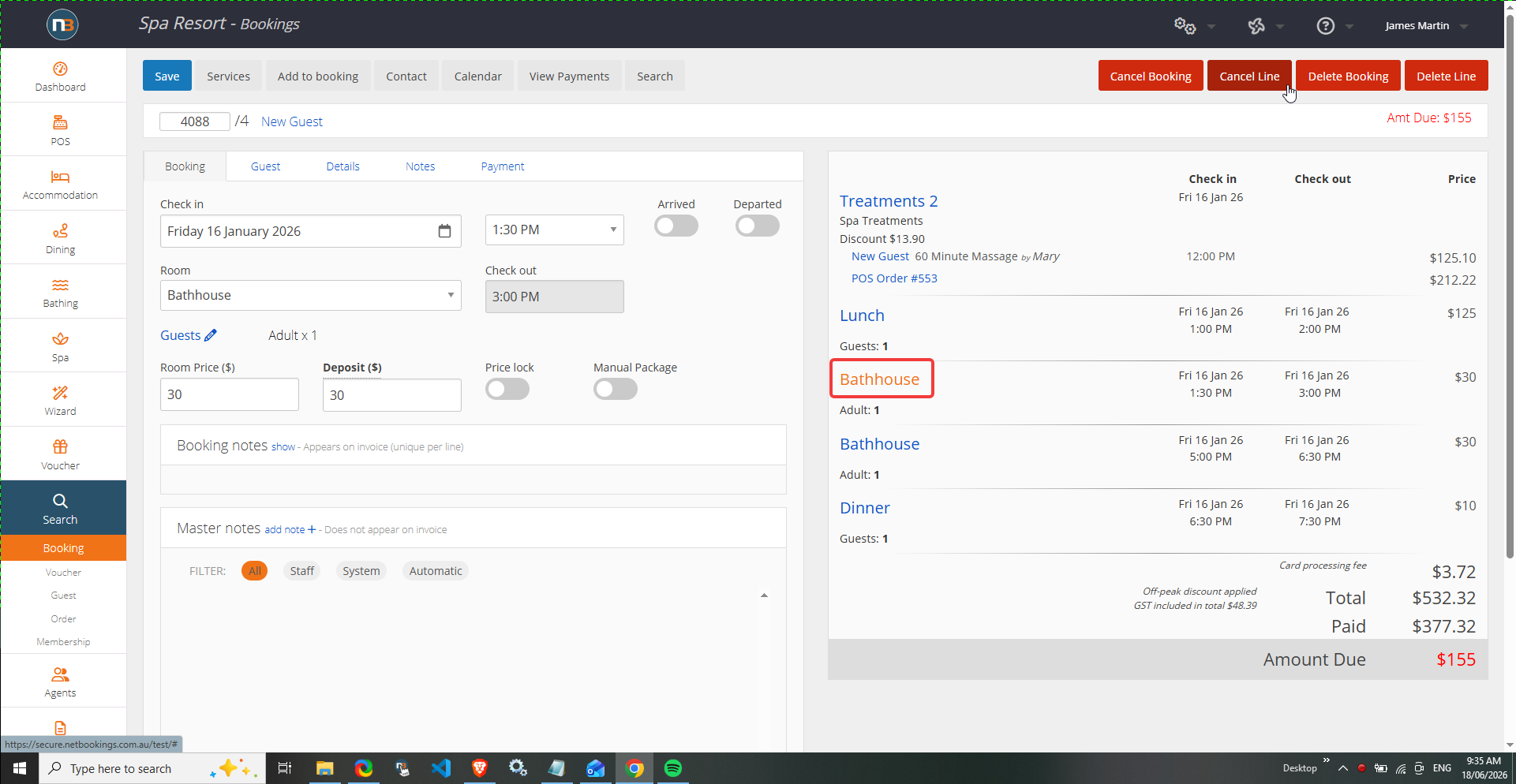
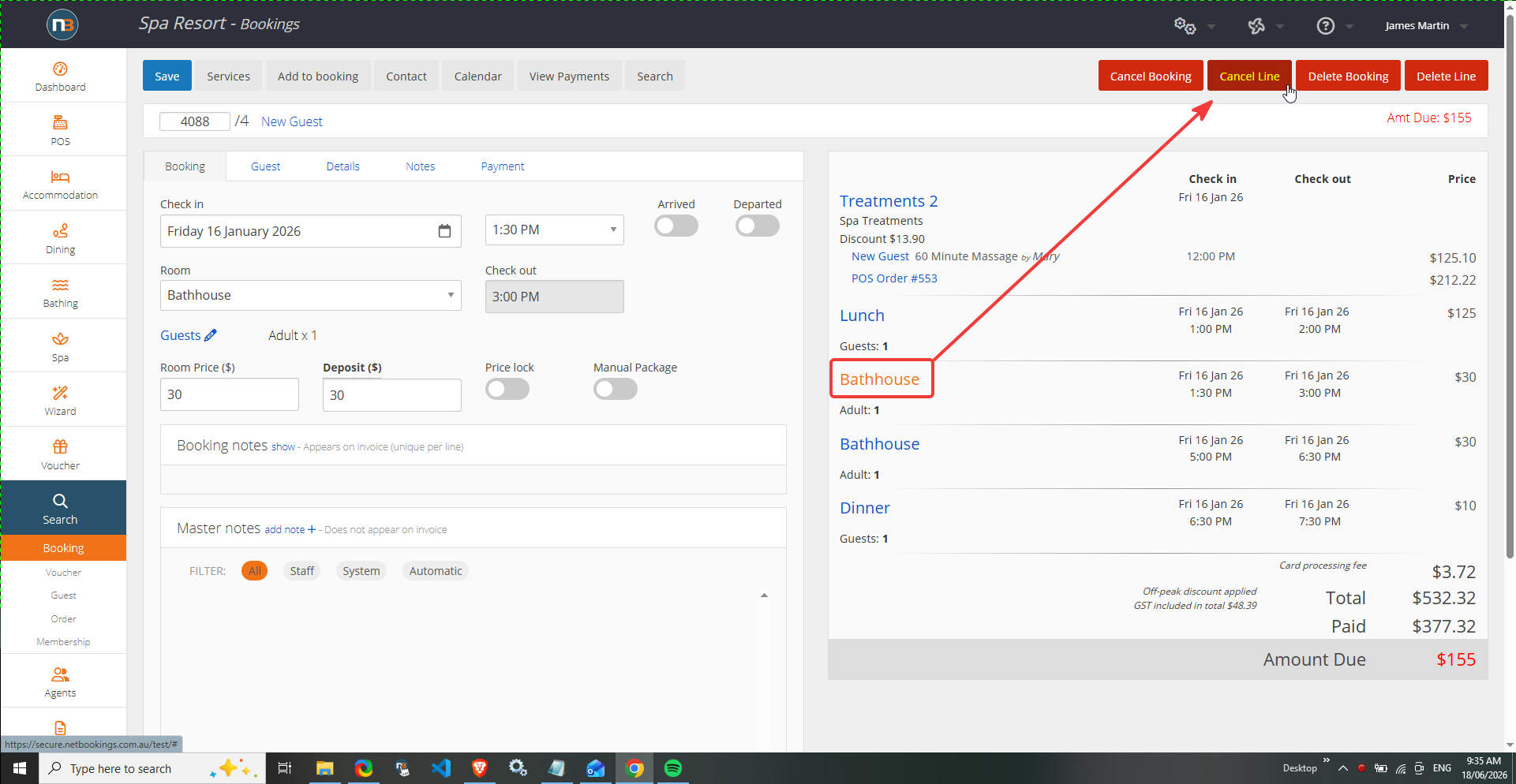
Click ‘Cancel Line’ button
Provide reasons and cancel
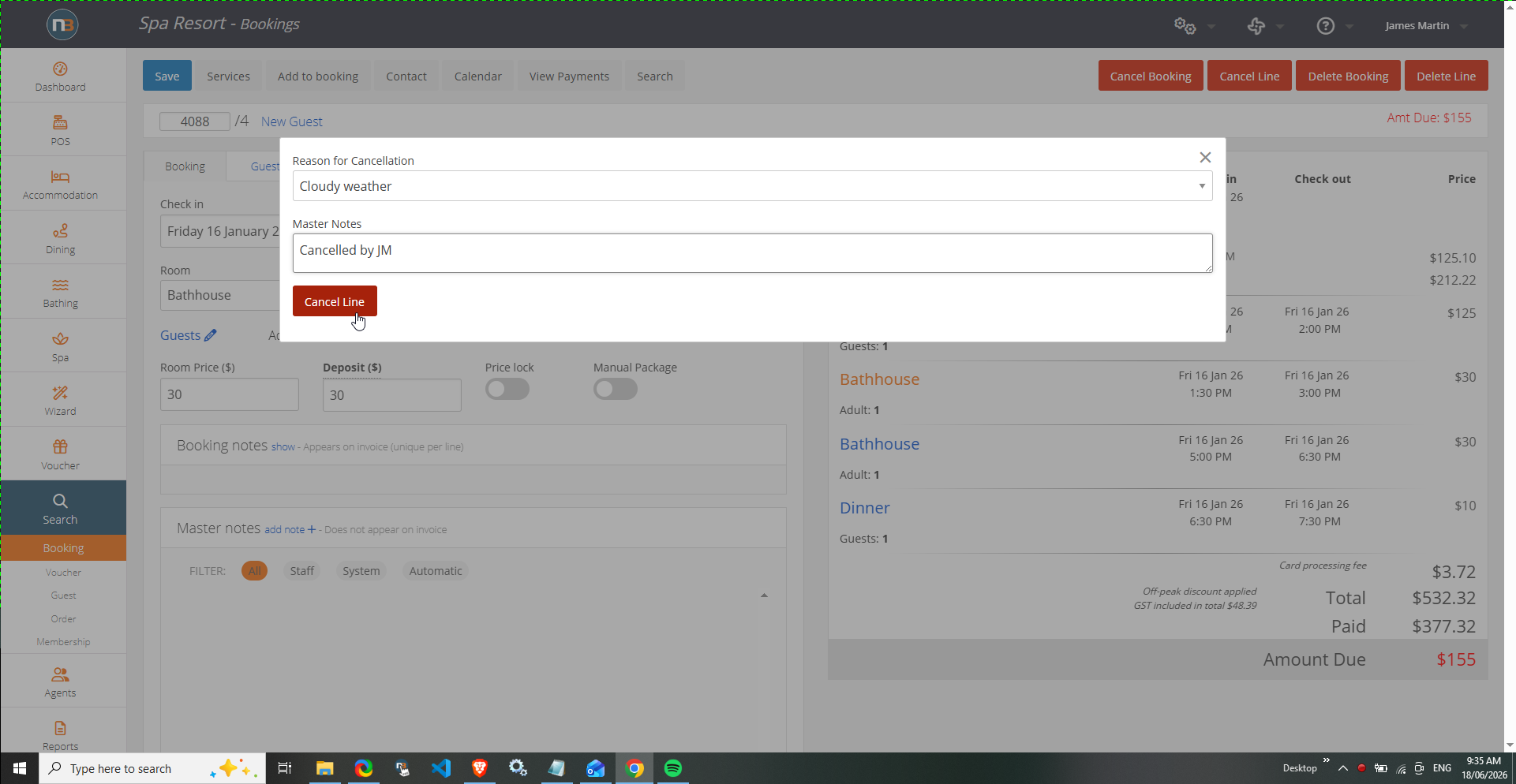
Reasons can be created as a list. See Lists and Cancellation Reasons for more information.
Then enter further detail as ‘Master Notes’ such as Cancelled by staff etc.
Line cancelled
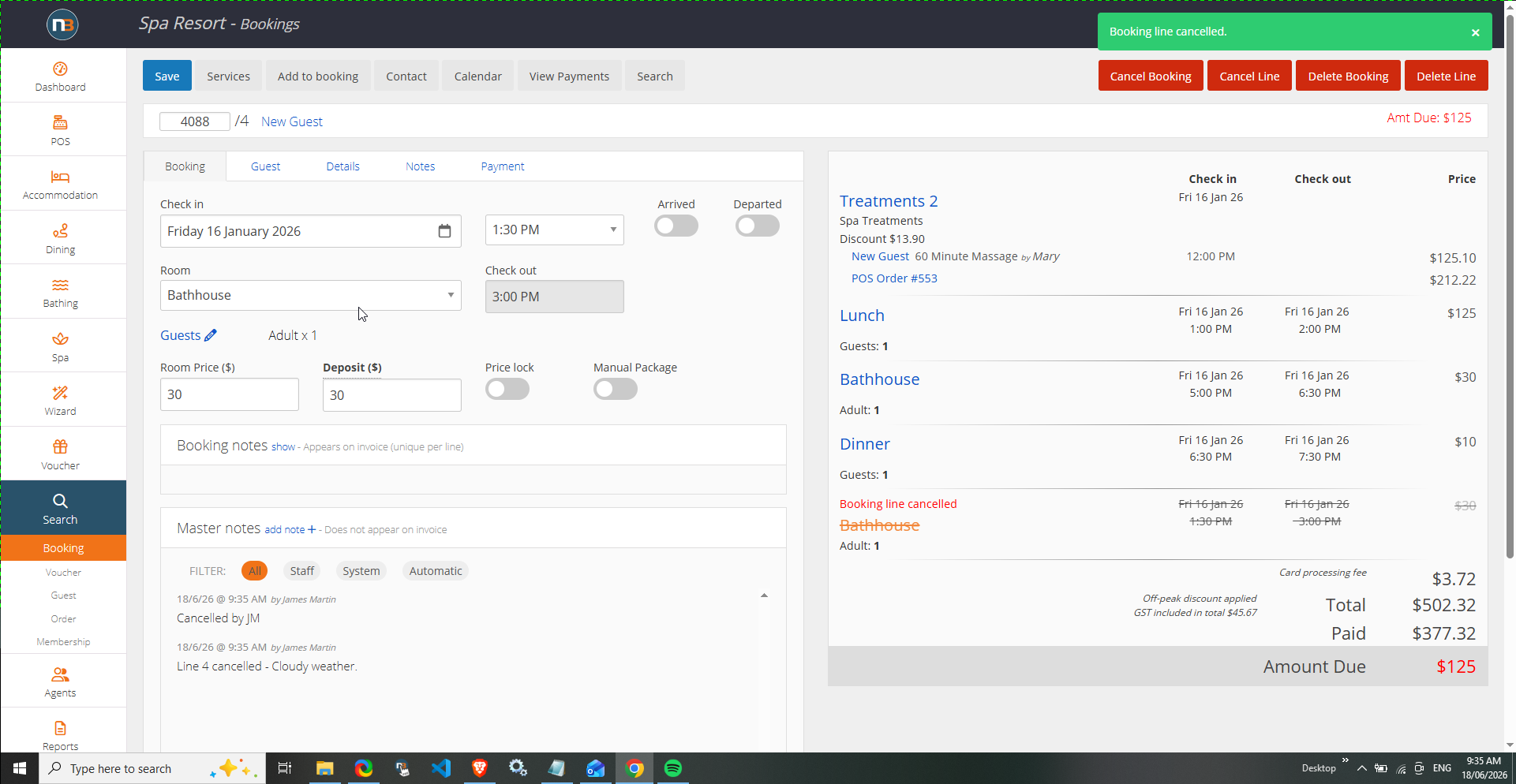
Cancelled lines are re-ordered to the bottom of the cart for reference and convenience.