Membership Management
Once a membership is setup, there are features which can be used such as a pause, auto-renew changes and more. If a membership needs cancelling or additional payments it is important to understand where to find necessary details.
Go To Search>Membership
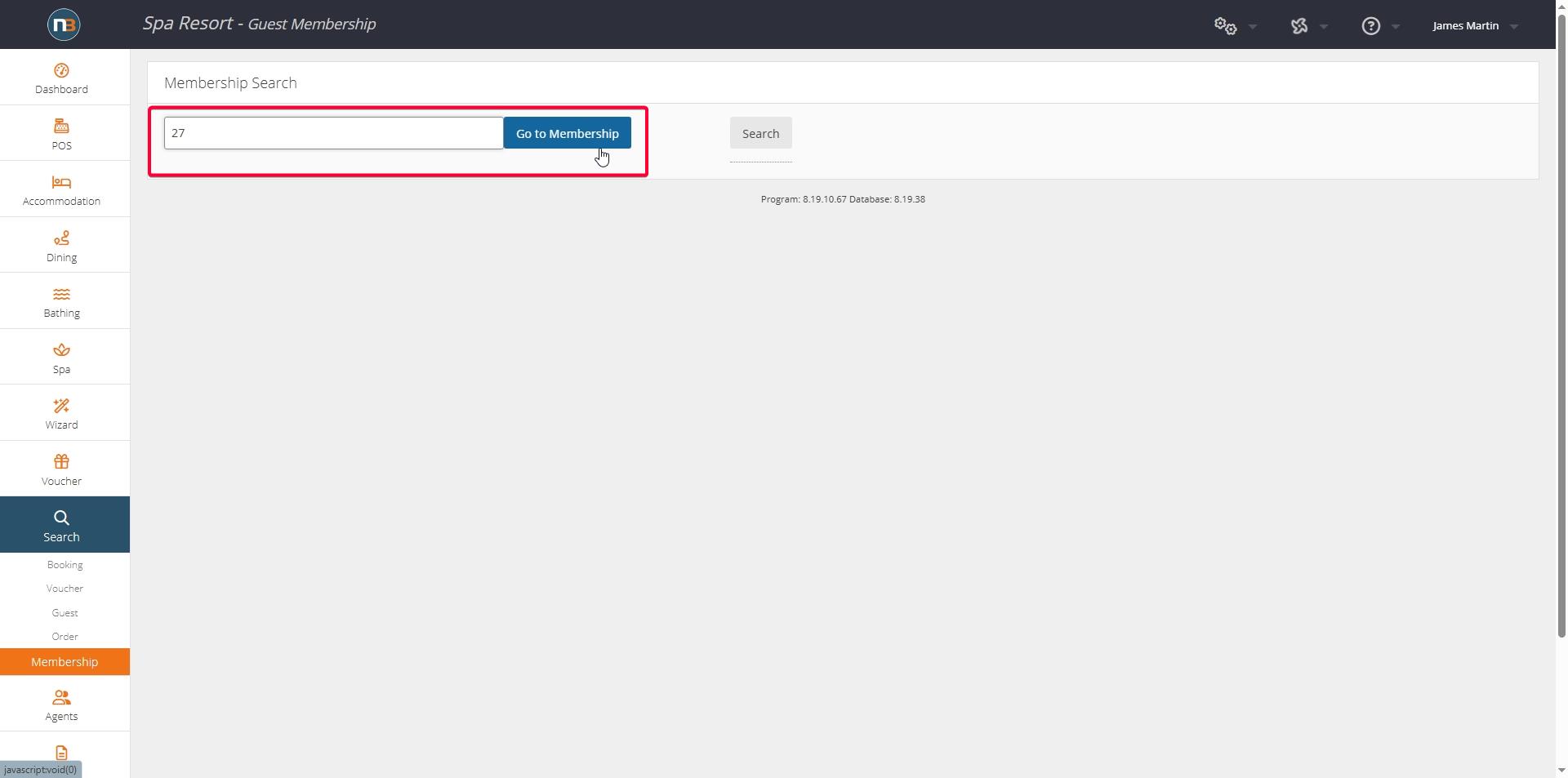
Enter member number if known.
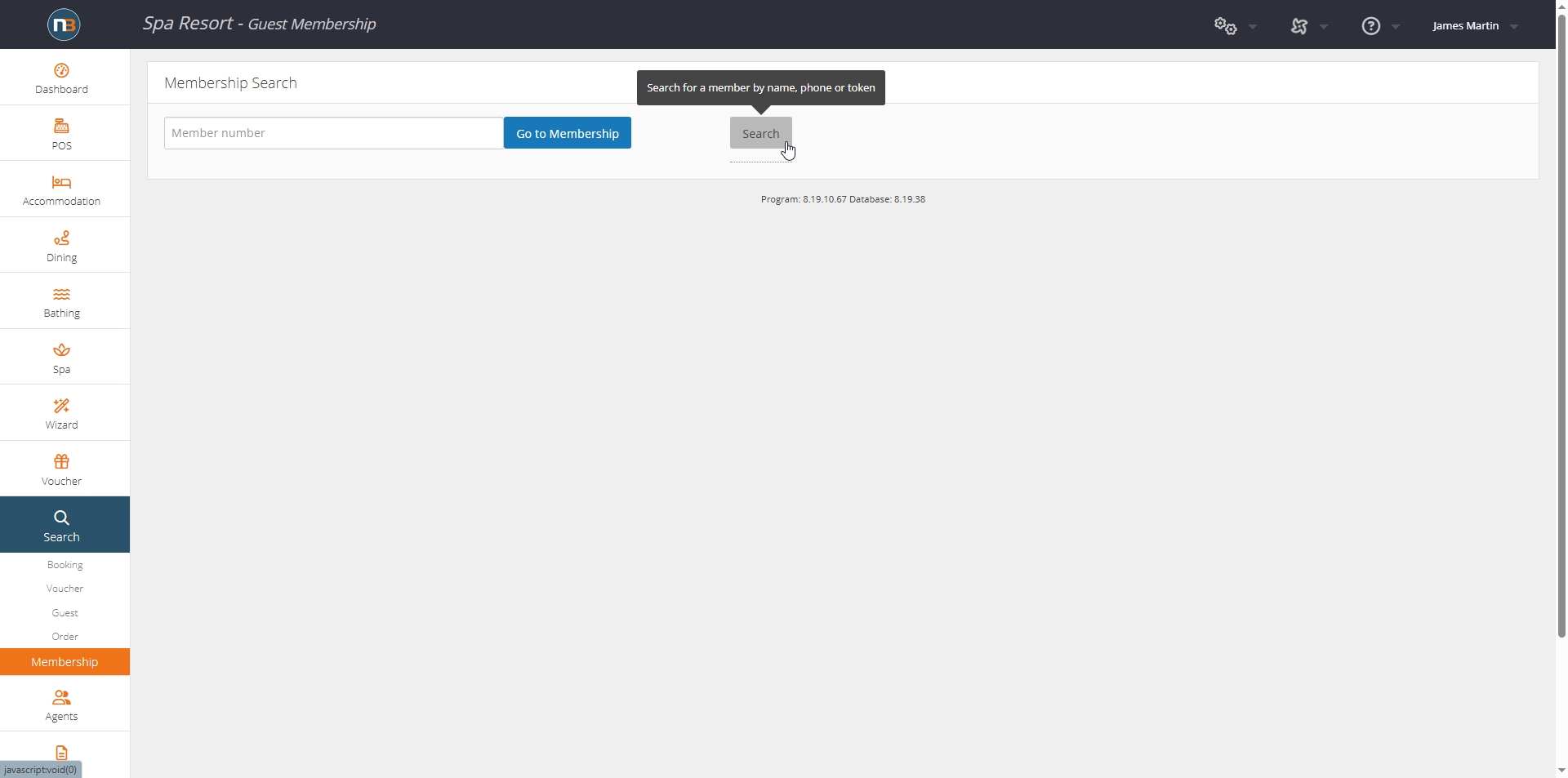
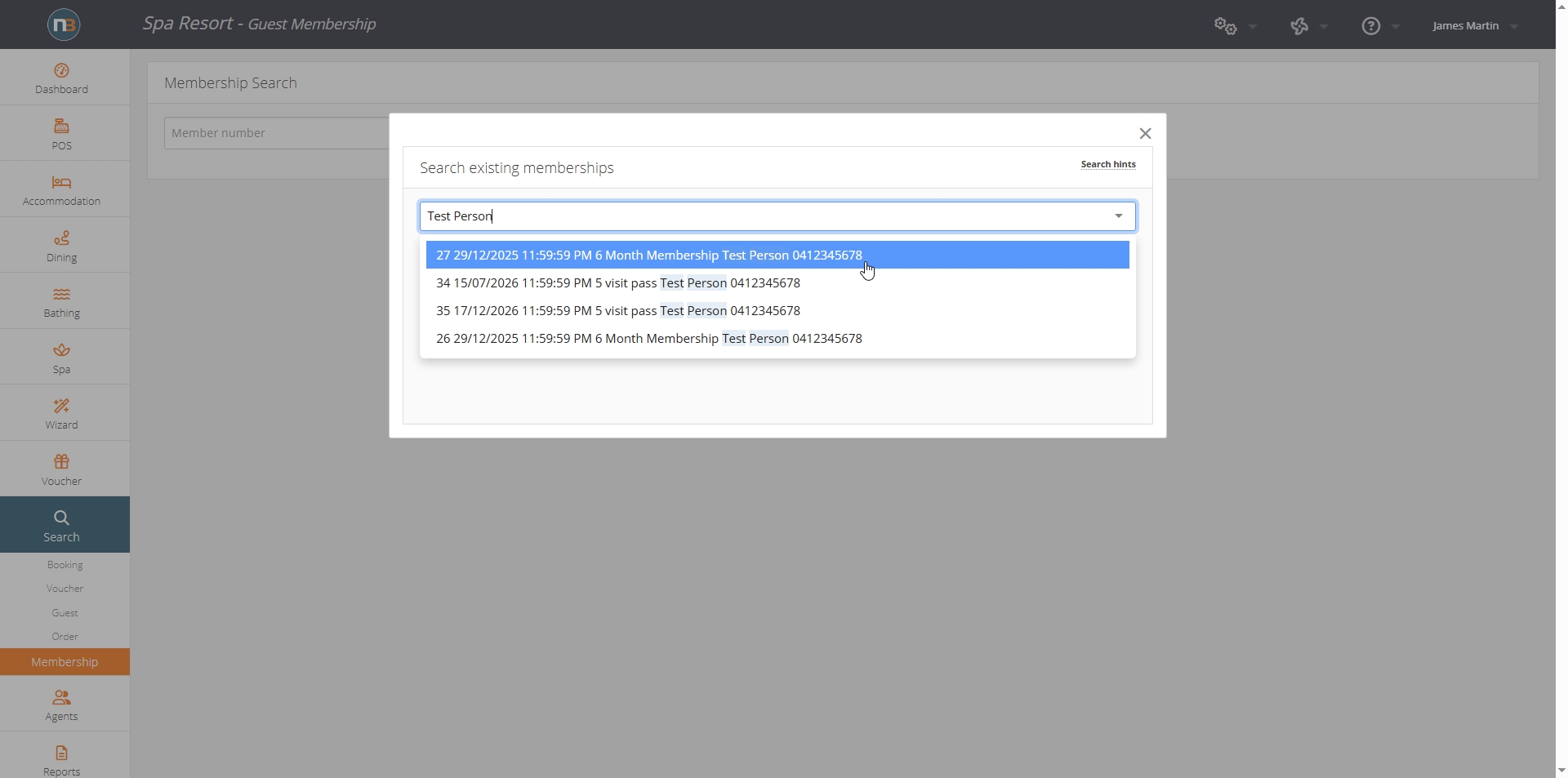
Use Search field if member number unknown. Search name or number.
Pause or Cancel Pause
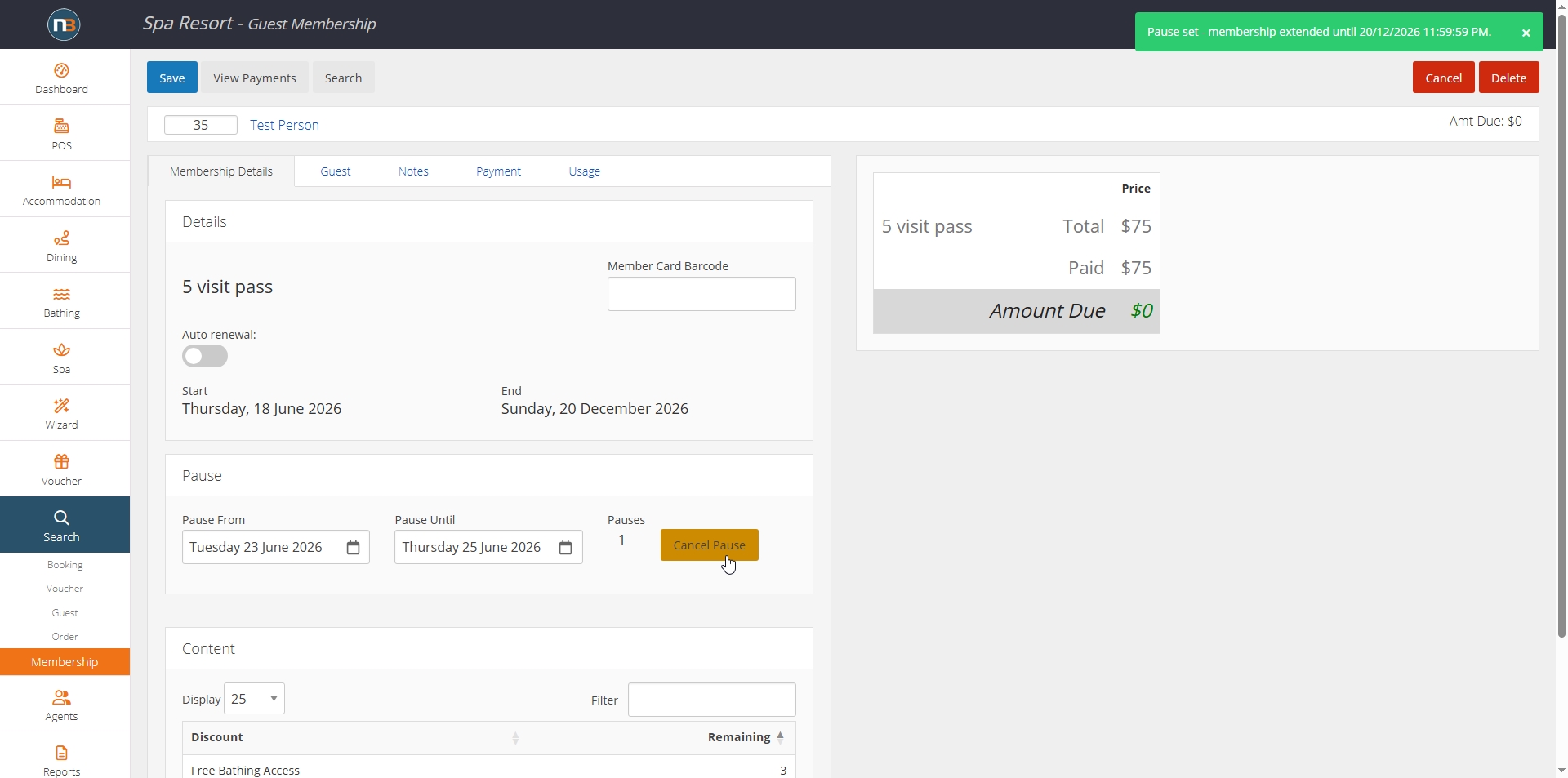
If a number of pauses have been allowed on the membership (see Memberships for more detail), we can select a date range and pause, or cancel a pause on membership.
Auto-Renew
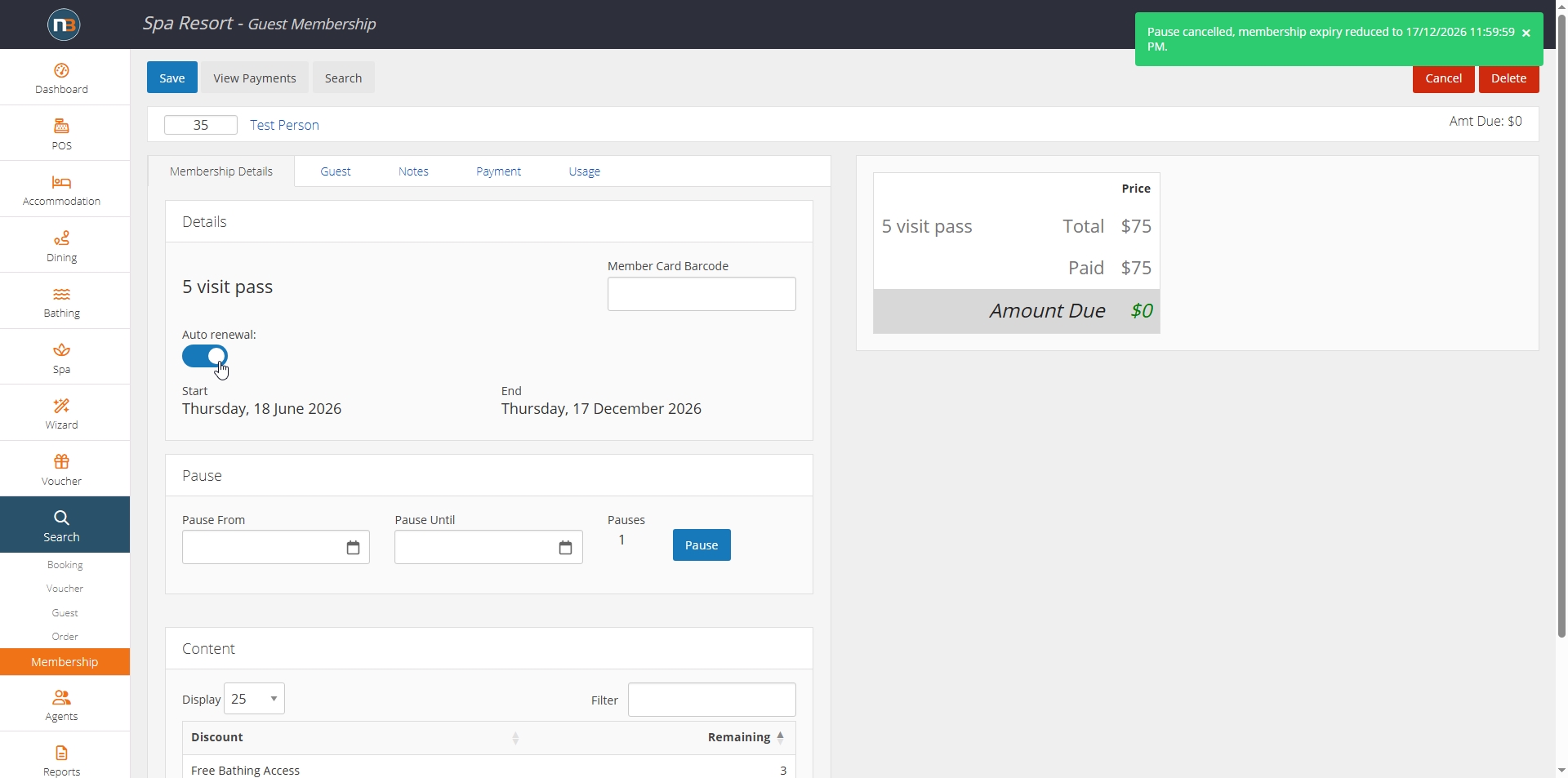
If we want to add auto-renewal to a membership, and we did not set it by default at membership creation, we can enabled afterwards. It will only function if Payment Gateway was used (Stripe, eWay, Square or Paypal) to establish the membership by staff or online. Otherwise Auto-renewal will not work.
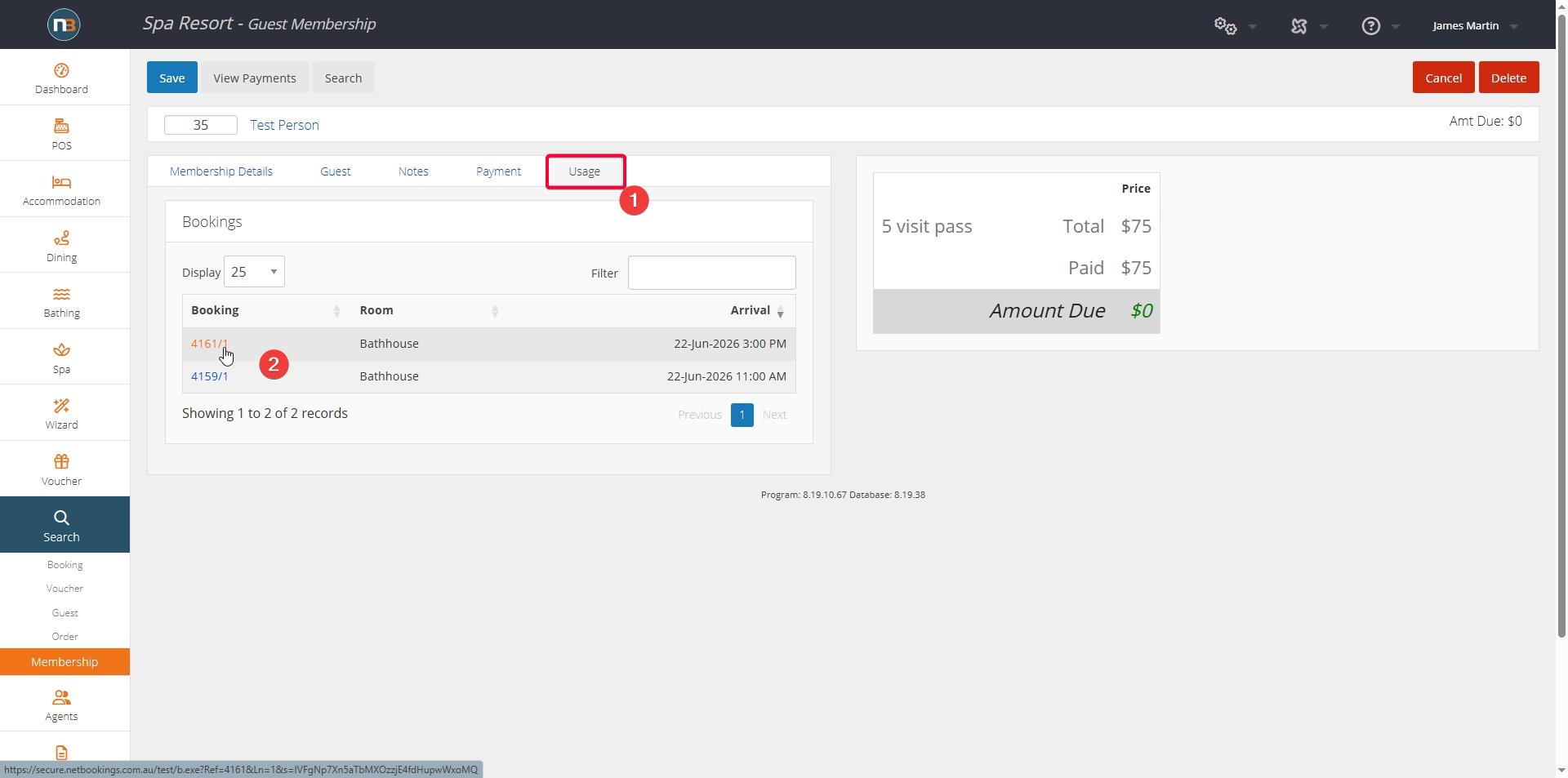
View Usage
Cancel Membership
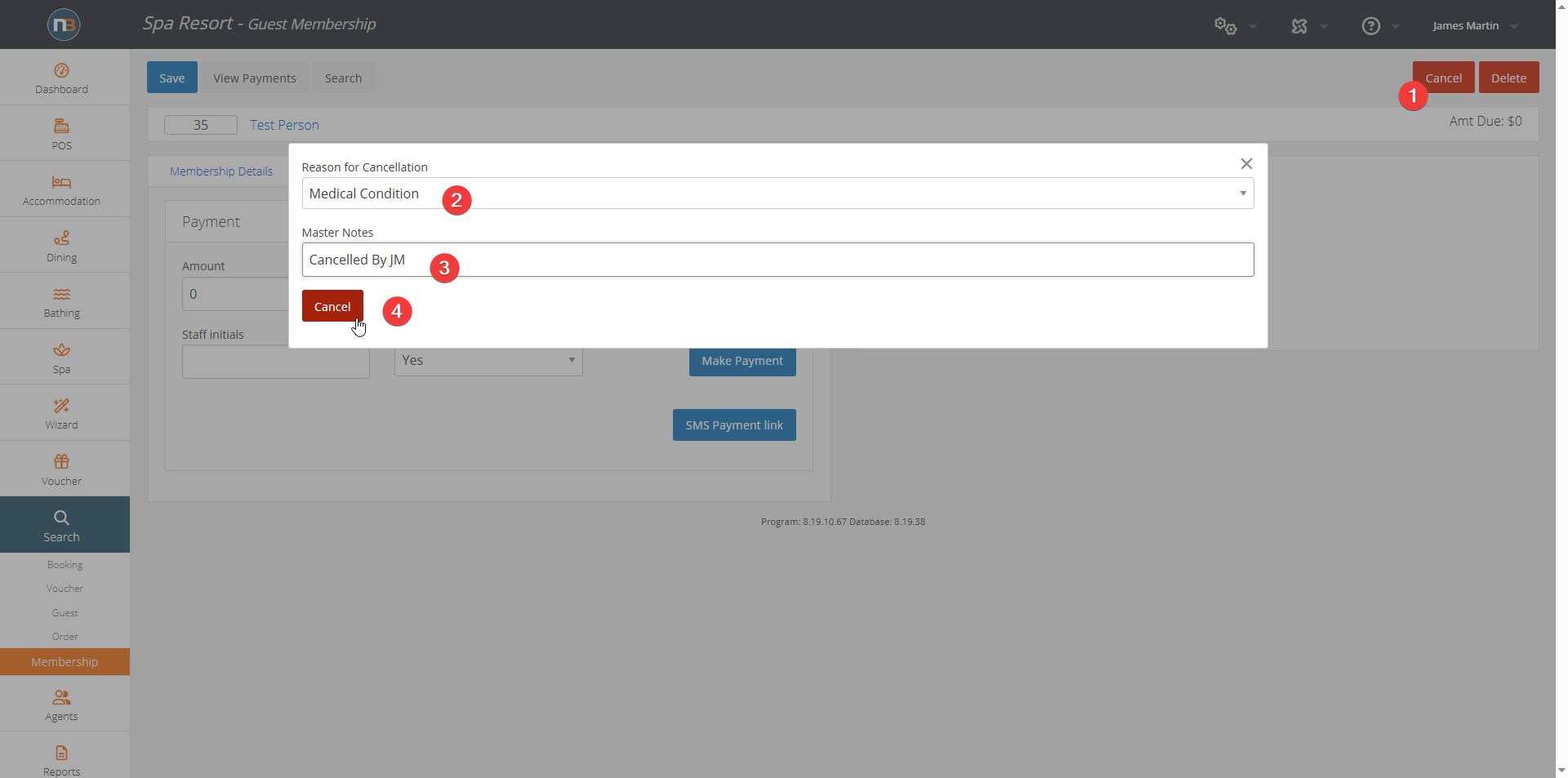
If payment does exist on the membership, then cancellation is best option. Delete membership will not work in this scenario.
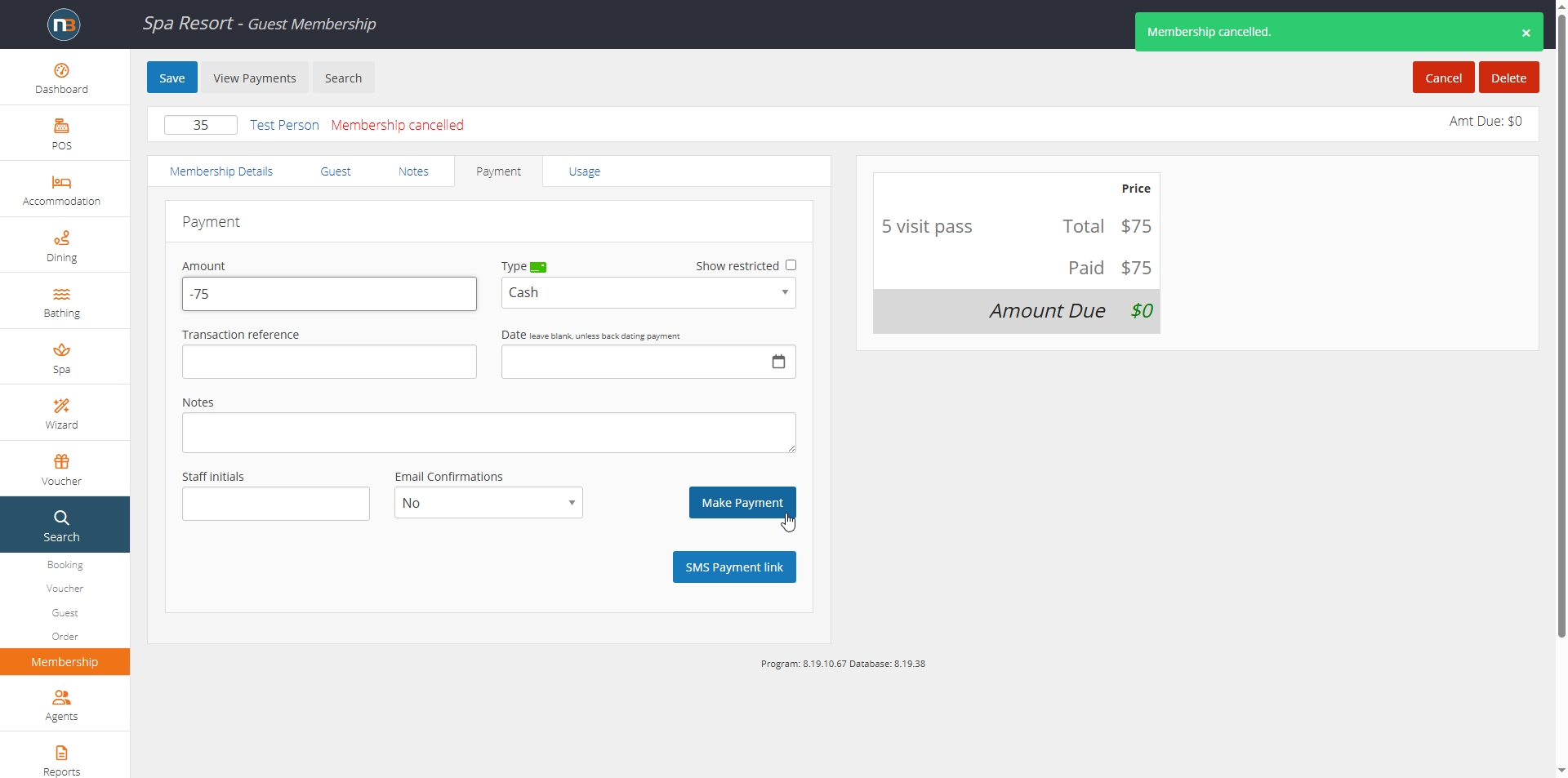
Delete Membership
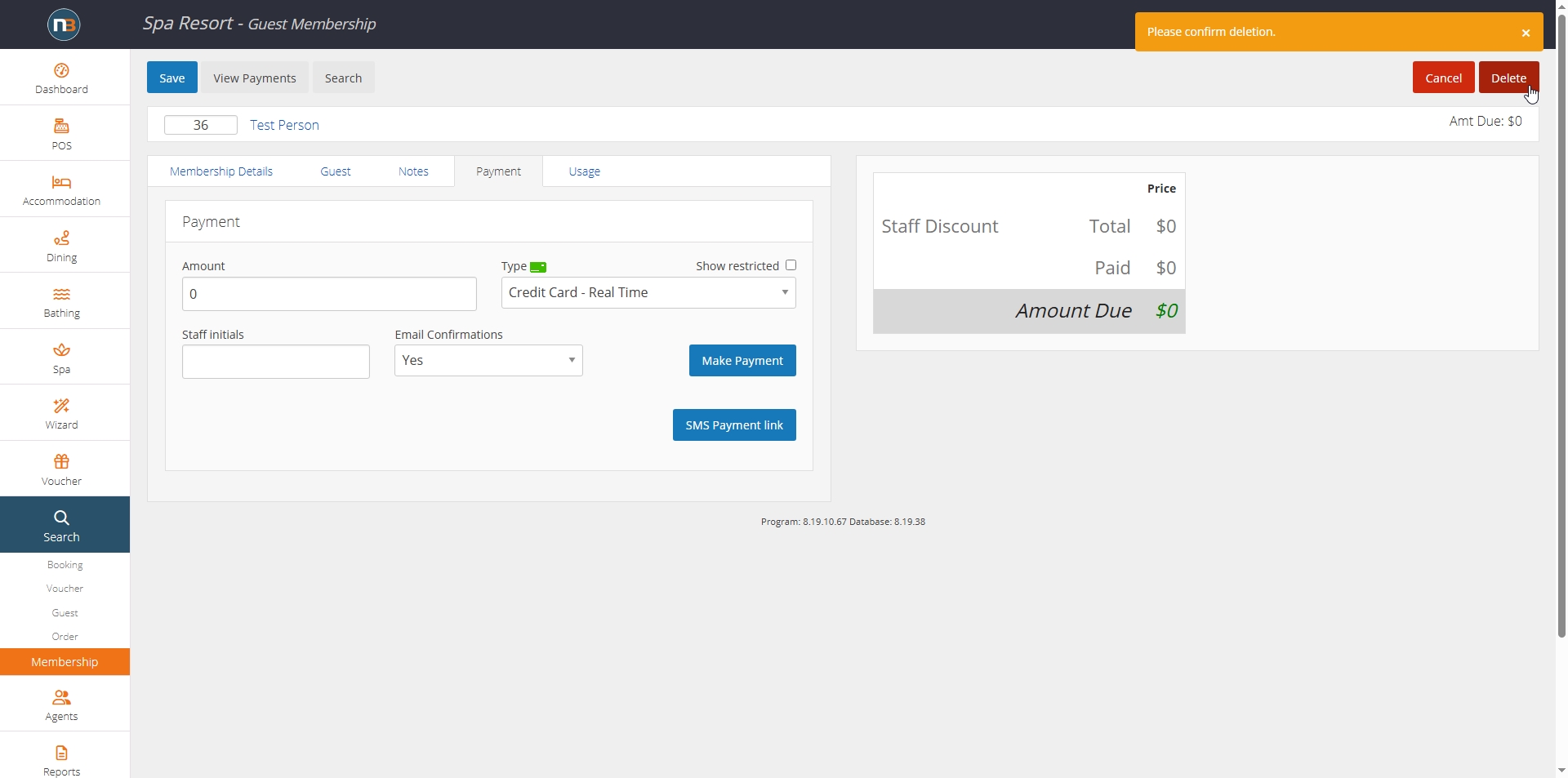
Can work if no payments have yet been made to a membership.
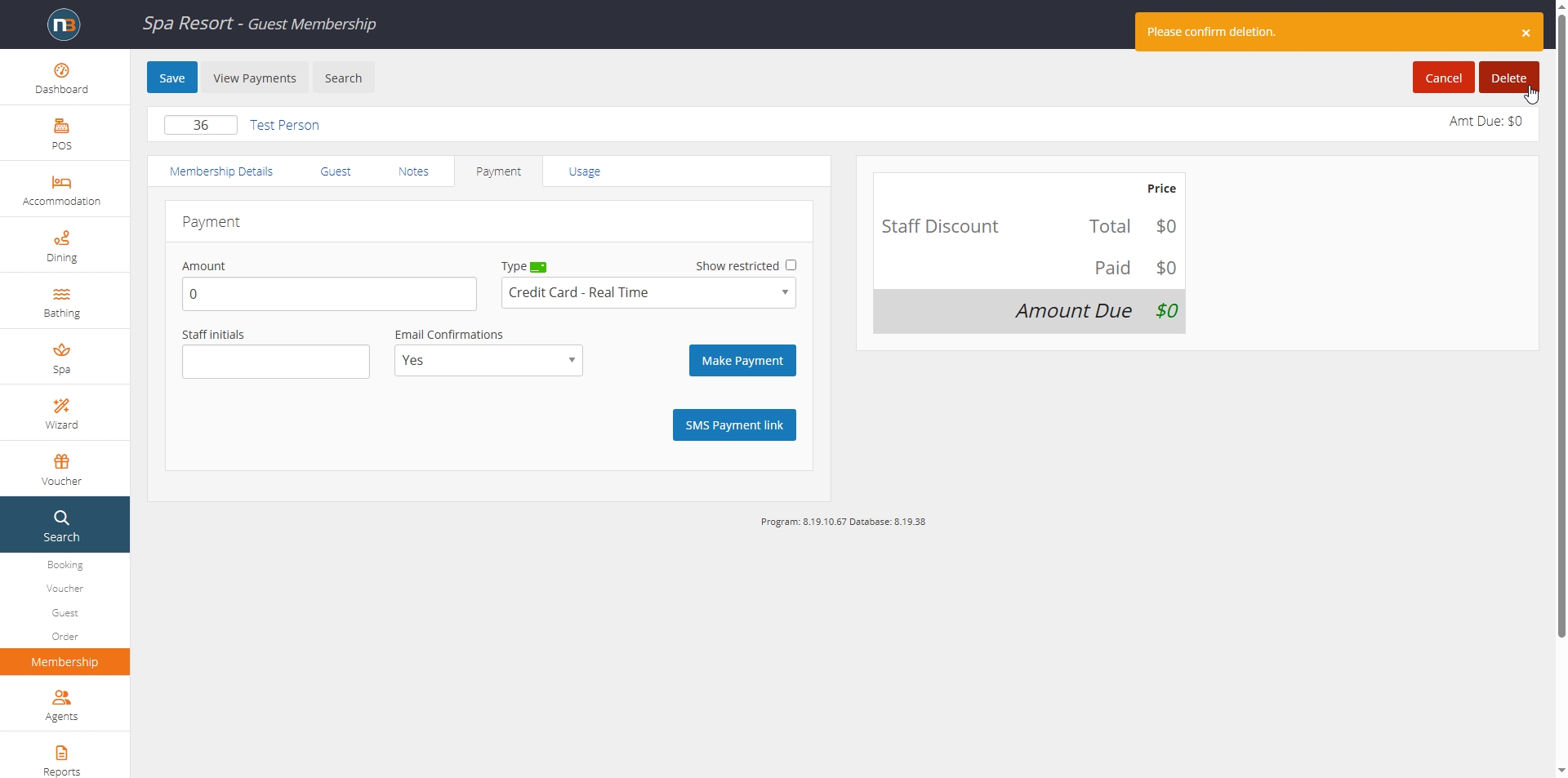
Confirm to delete membership.
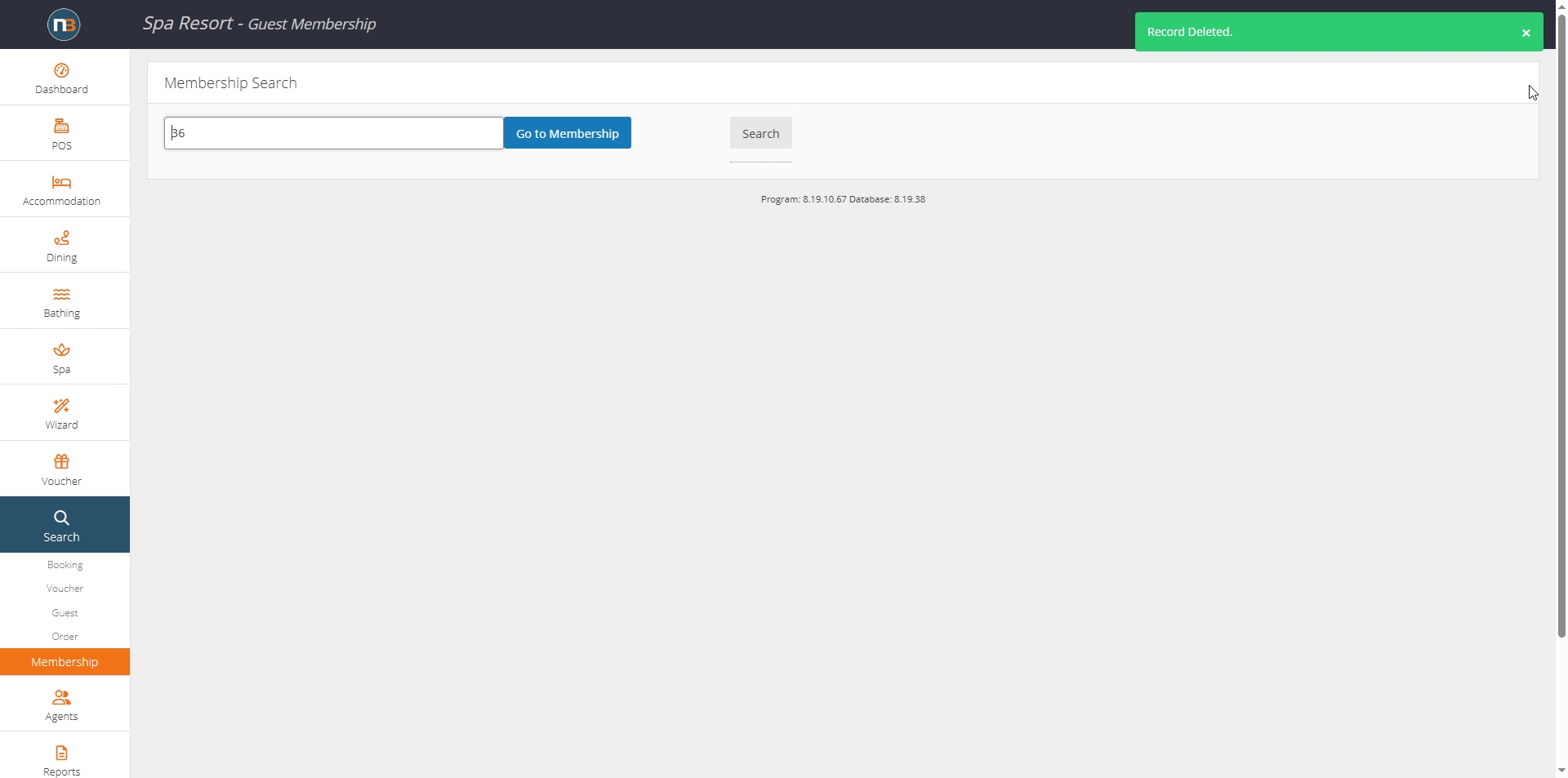
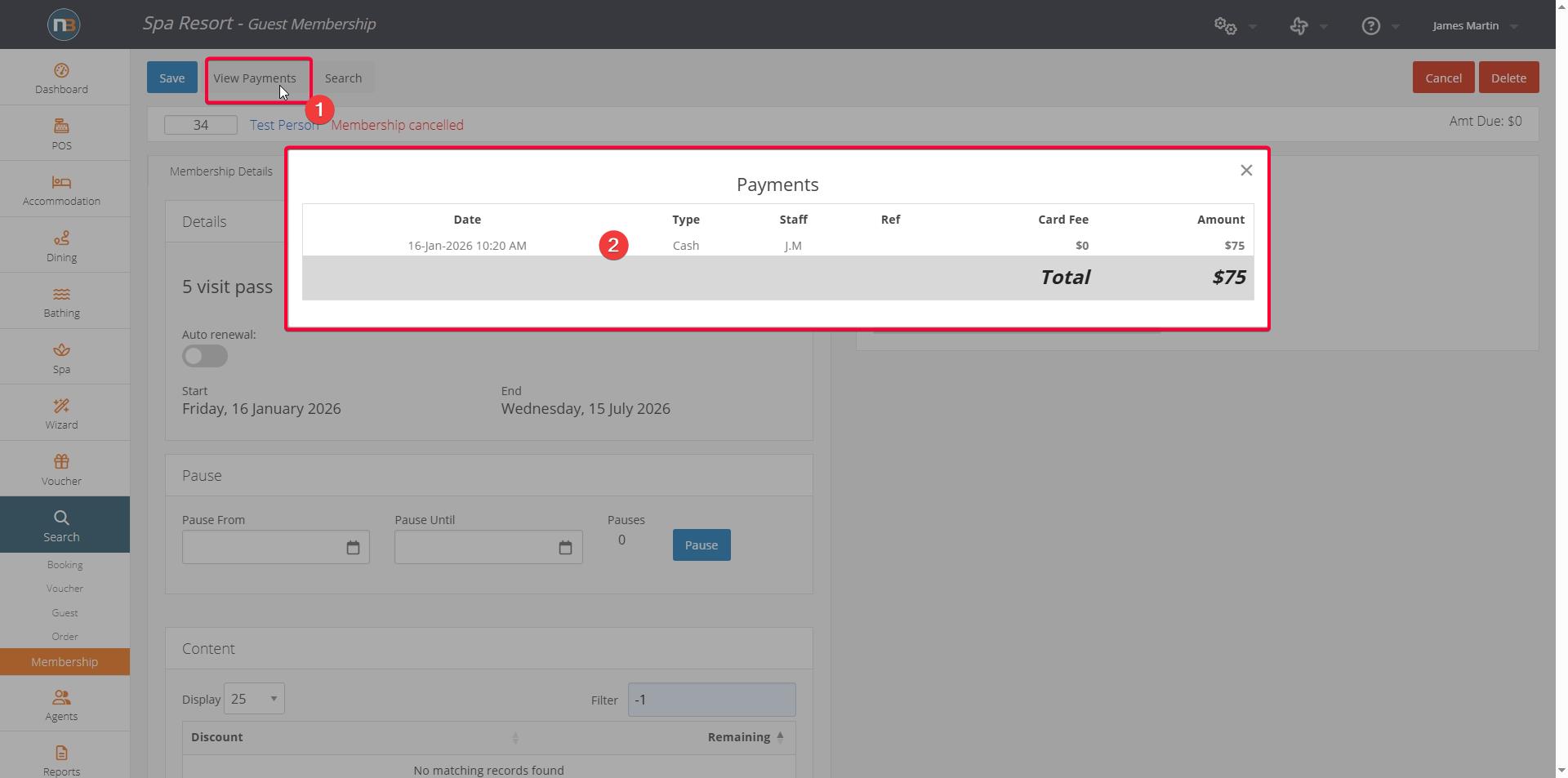
View Payments