
Staff Roles Across Businesses
Where several businesses are managed as a group, one staff record covers all of them, with a separate role at each business. The same person can be a supervisor at one venue, ordinary staff at another and a master user across the group, using a single login.
Setting a role for each business
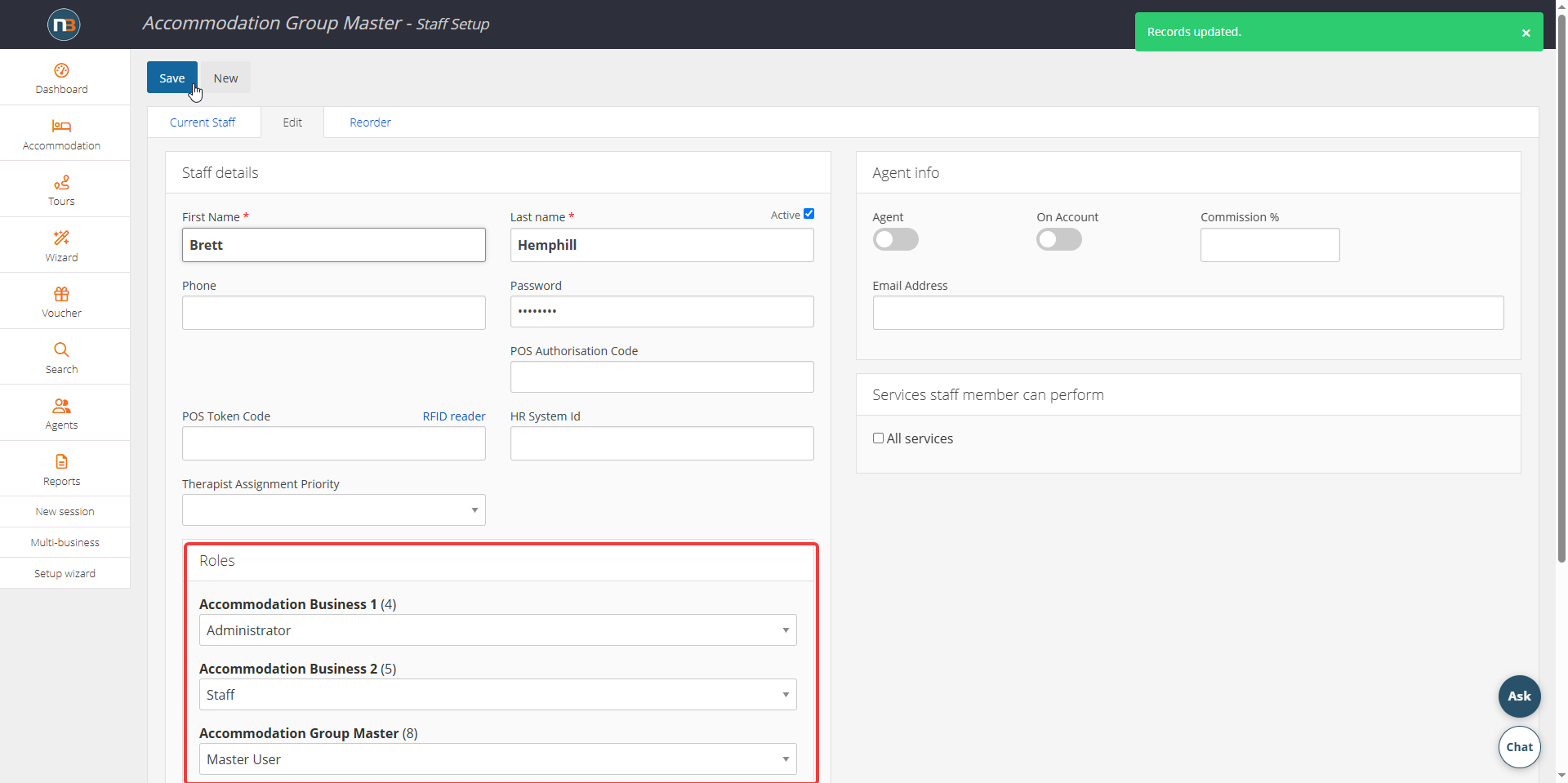
Go to System>Staff and Agents > Staff/Agents Setup, then select a staff member from the Current Staff tab, or press New.
- Find the Roles panel on the Edit tab.
- Notice that every business in the group is listed with its own dropdown.
- Select the role that person holds at that business.
- Press Save.
Staff details used elsewhere in Netbookings
- HR System Id is the identifier your own HR or payroll system uses. The roster import matches on it, so staff arriving from an Excel or Humanforce roster are recognised without renaming anything.
- Therapist Assignment Priority decides who is offered the work first when Netbookings assigns a therapist automatically.
- POS Token Code can be filled from an RFID reader, so staff sign in at the till with a wristband rather than typing a code.
- Active retires a staff member without deleting them, so their past bookings and sales keep their history.
Services the staff member can perform
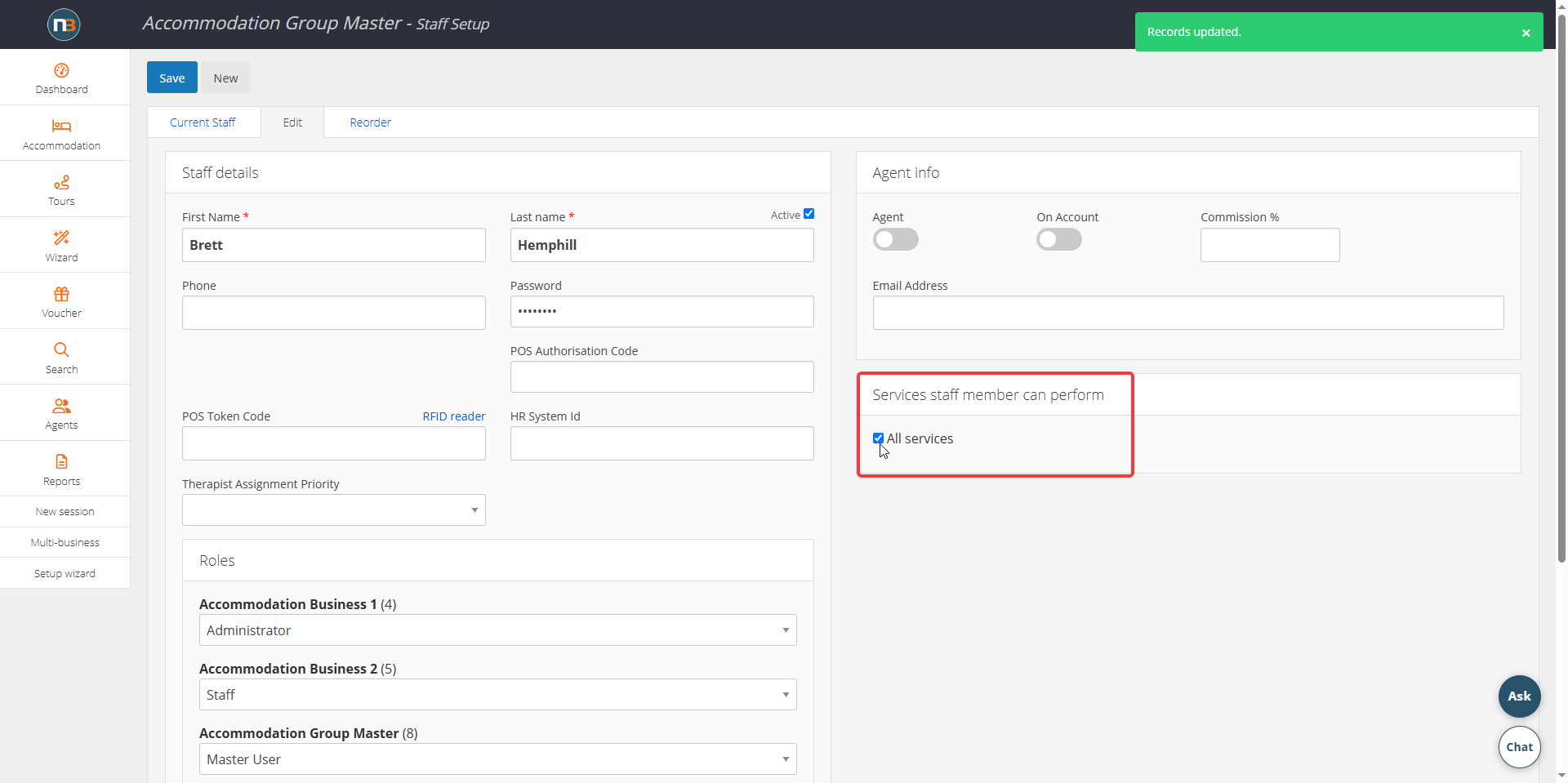
The Services staff member can perform panel is the qualification list, and Netbookings uses it when deciding whether a treatment can be offered at a given time.
- Tick All services where a staff member can perform everything.
- Otherwise select the service groups they are trained in.
A treatment is only offered, online or at the desk, when a staff member qualified for that service is rostered on and free. See Therapists for more information.
Agent commission
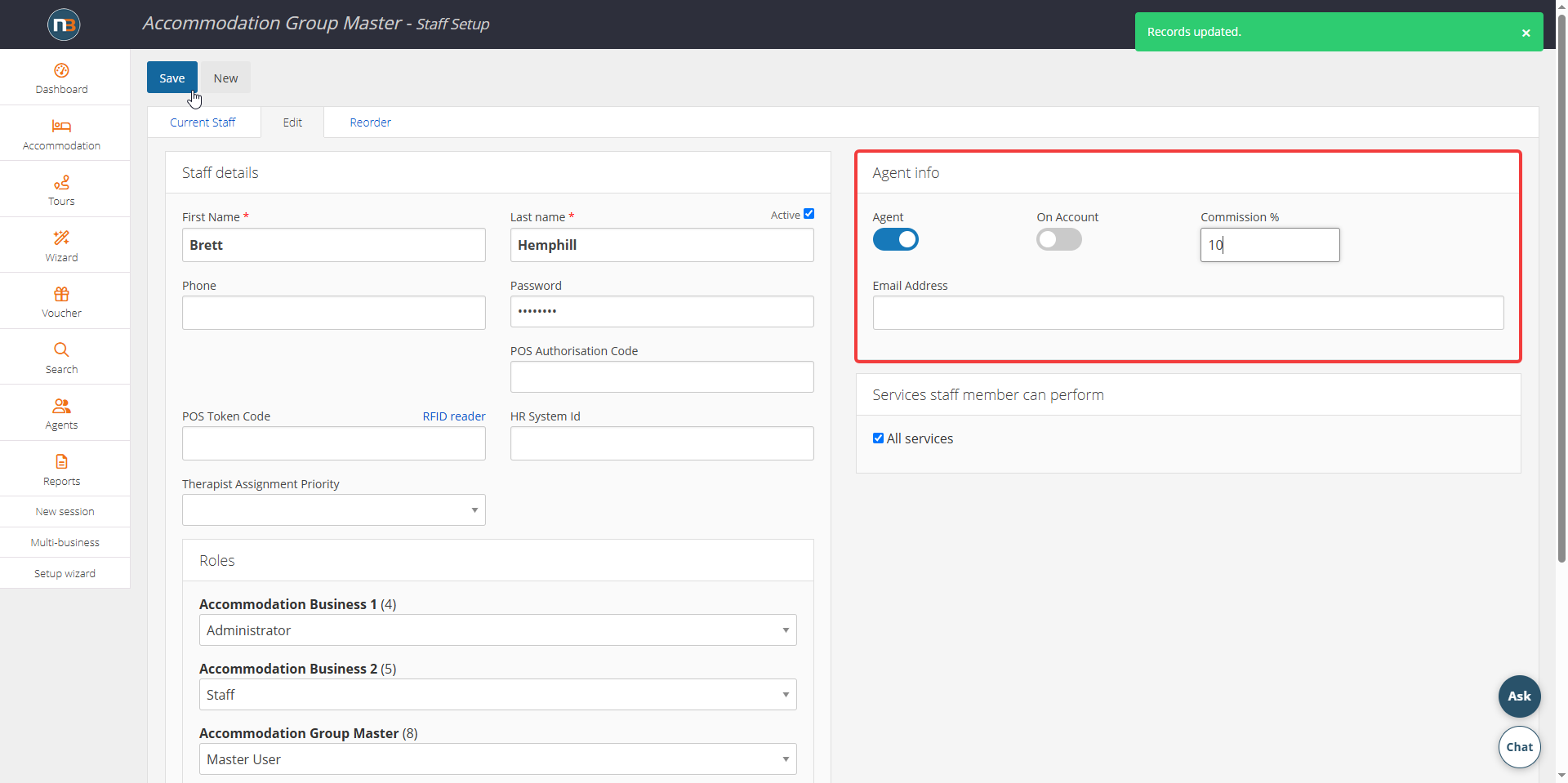
The Agent switch and the Commission % beside it apply to booking agents. This commission is for agents only and does not calculate therapist or staff commission. See Agents Setup for more information.